Hi! Unfortunately, there is NO curve text function at the moment. That request was written down by @BellethehowtoGuru and other members. You can check the ongoing list for IdeaStudio software below for your reference only:
1 Like
Thank you so much you have been the greatest help.
2 Likes
You’re so welcome!  I’m really glad I could help. Don’t hesitate to reach out again—happy to troubleshoot, brainstorm, or just cheer you on!
1 Like
Good afternoon,
Hopefully you can help me print this…I want to print the original picture but when I go to standard cut it becomes blurred… when
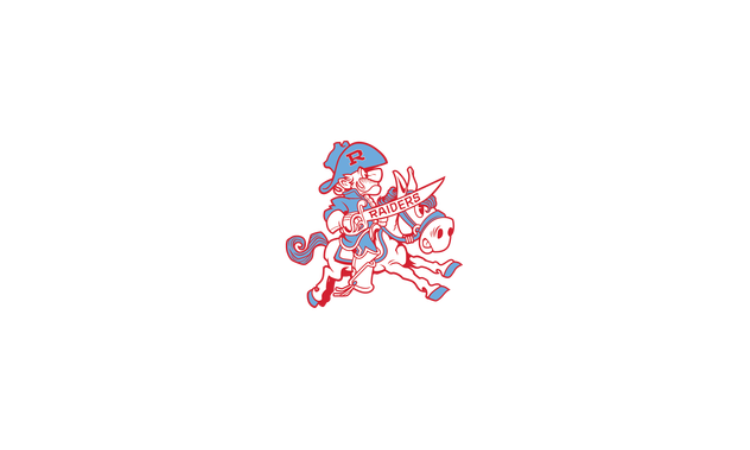
I click the image mat it shows the original and vector…I want to select the original but will not give me the option.
1 Like
Hi! If you just want to print and cut the original image, just go click the “print and cut” button as shown below the hit the “make” button as shown below:
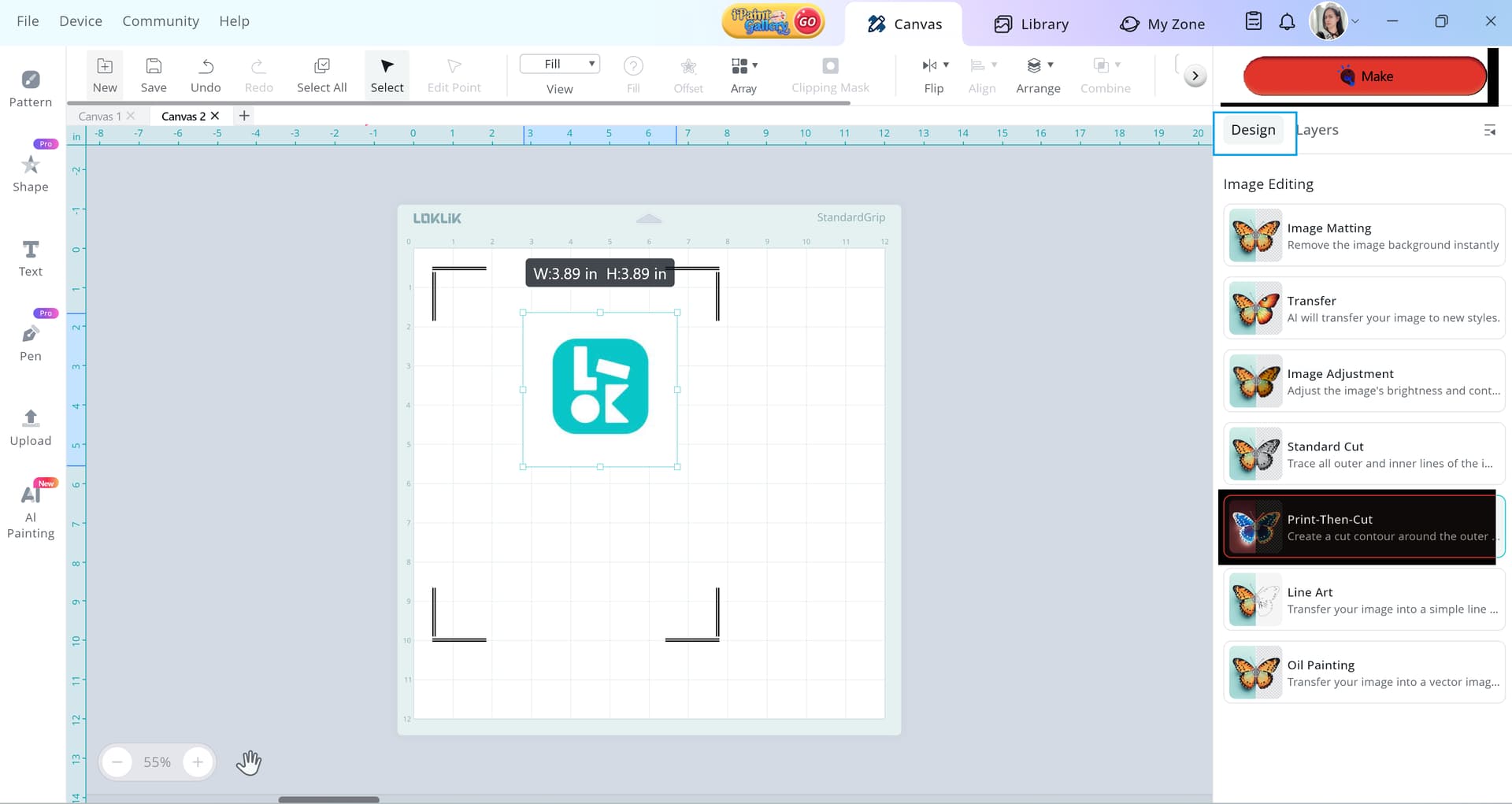
You don’t need to do image matting if your goal is to print the original image. (By the way, are you planning to cut it after printing?) Please share a screenshot of your canvas, including your layers and the design panel found on the right side of your screen so we can help you better.
1 Like
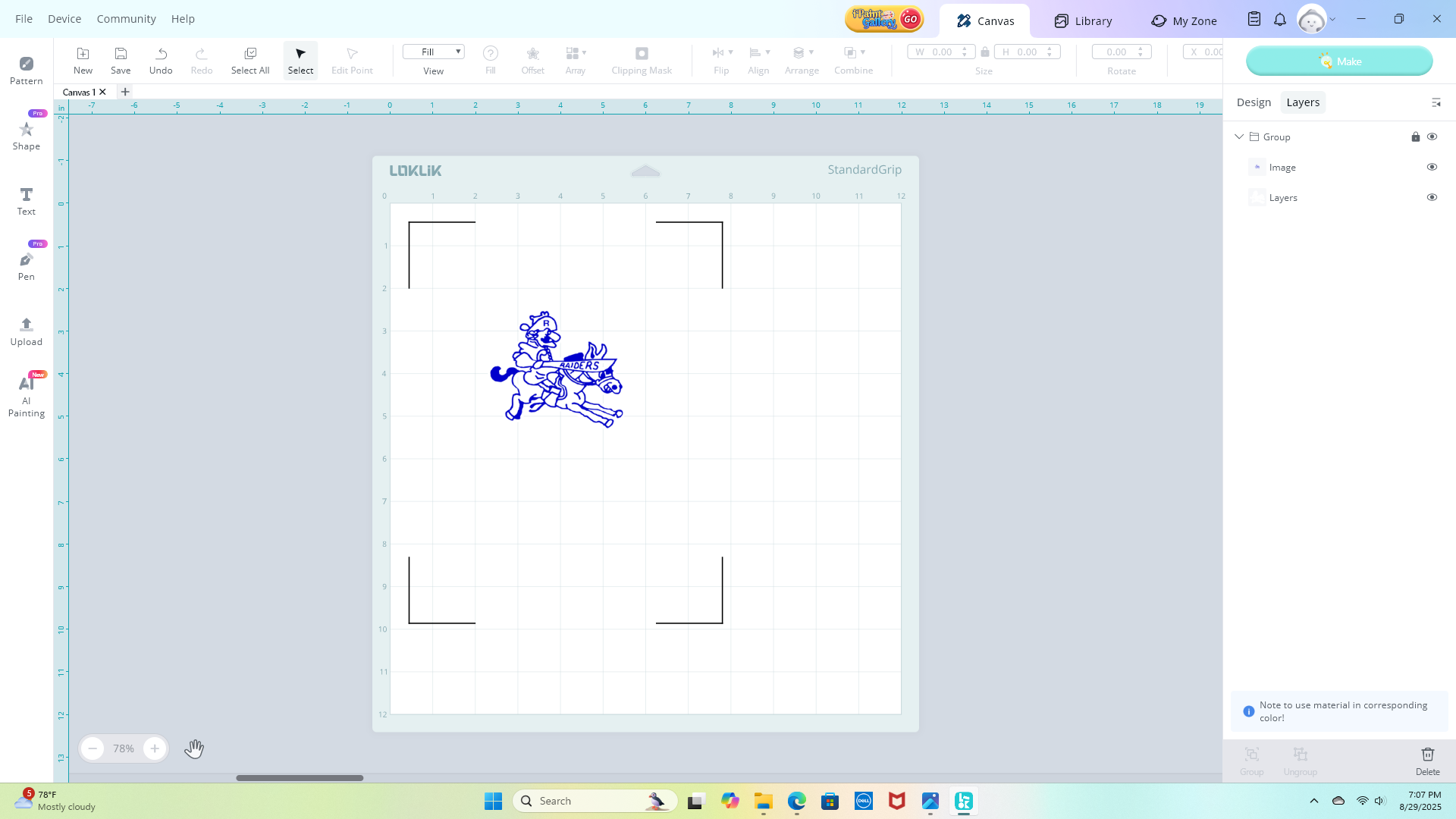
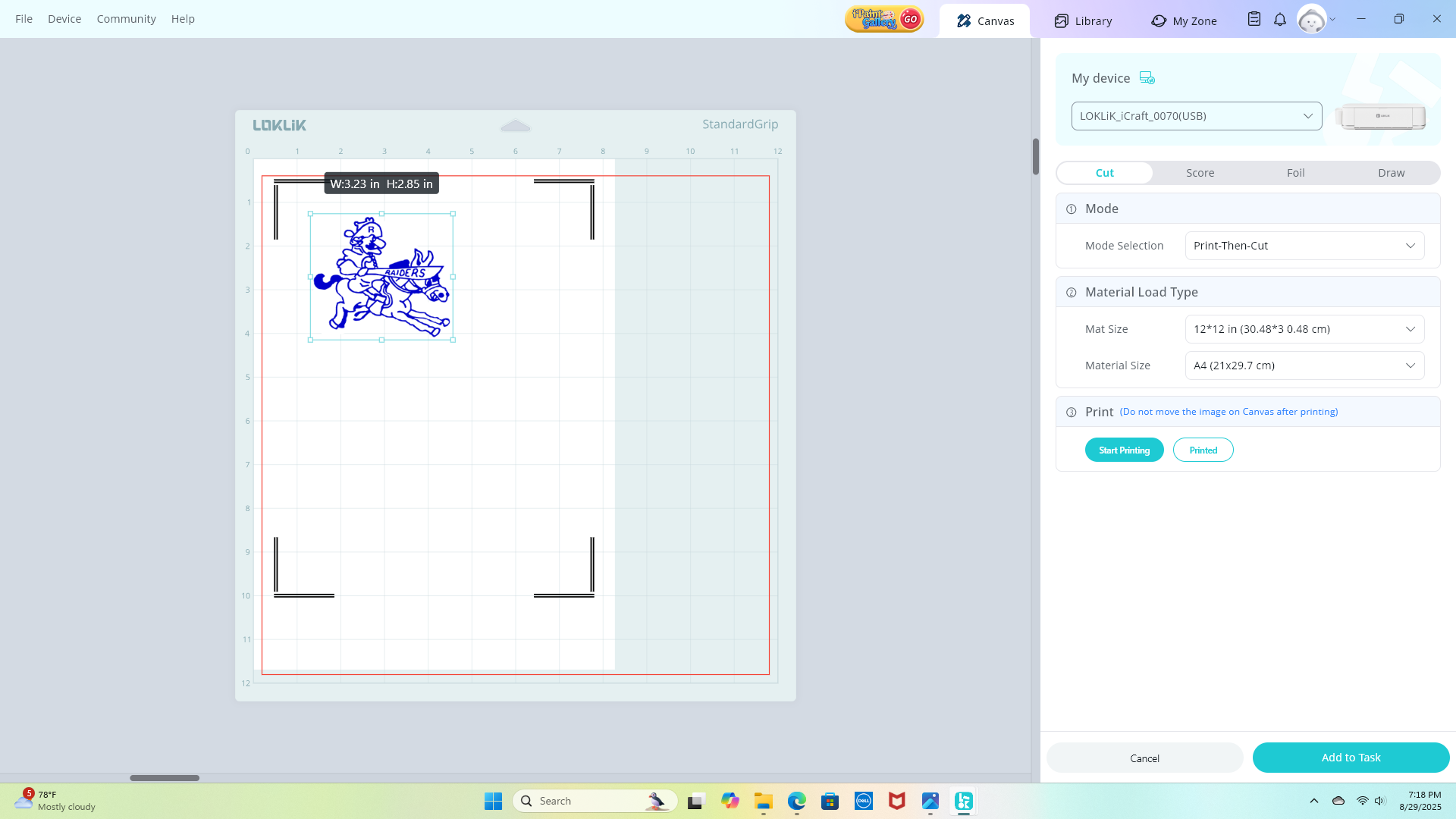
Is that what it should look like before I print on vinyl
1 Like
That doesn’t look quite right to me. Is your original image a JPEG or PNG file? Did it have a transparent background before you uploaded it to IdeaStudio?
If so, you should be able to simply click the “Print and Cut” function without any issues.
Can you try opening a fresh canvas and uploading the image with the transparent background again? Then click the “Print and Cut” feature and let me know what shows up on your screen.
1 Like