DIY Project Sharing | Fear those Witches, booooooo! | Halloween Feminist Spell

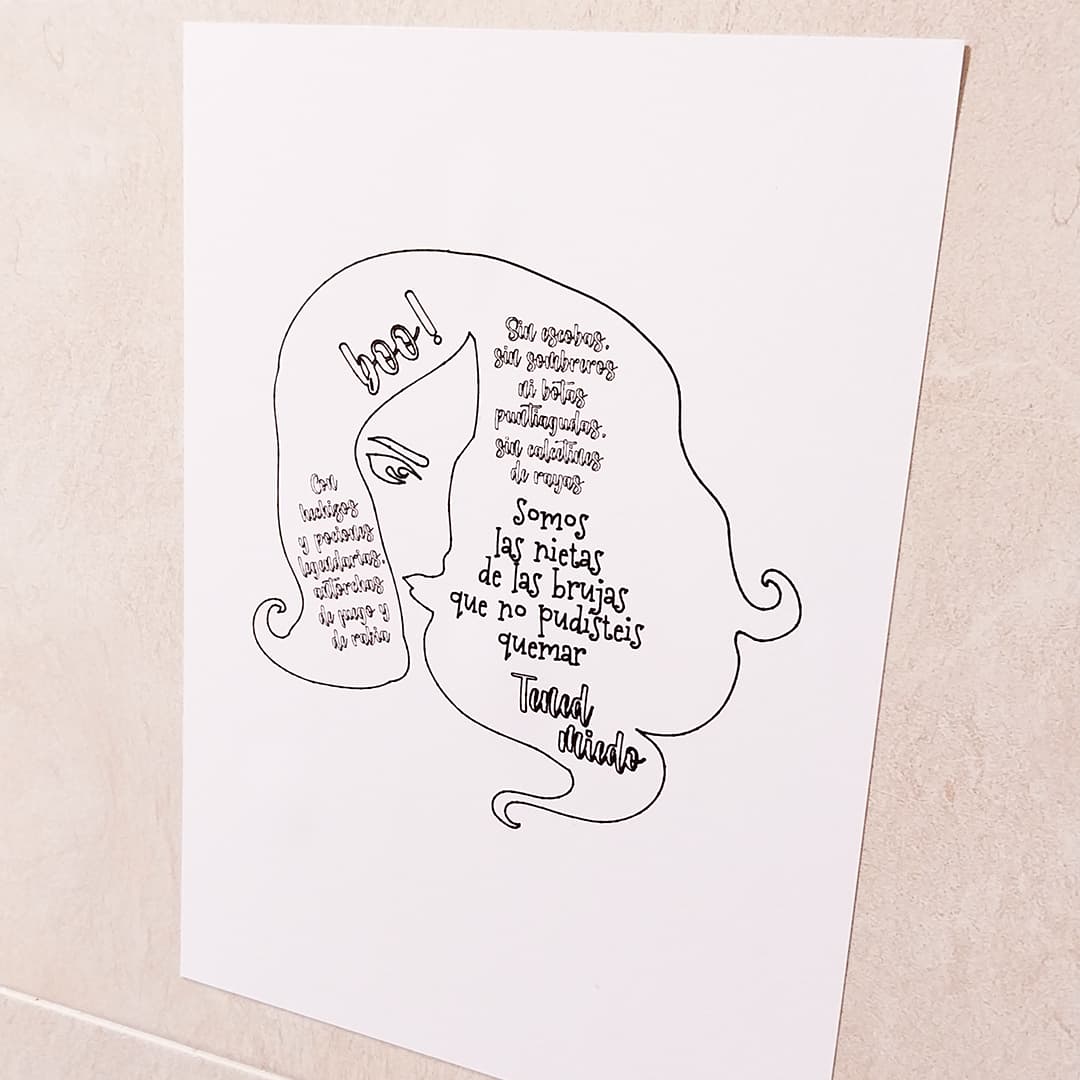
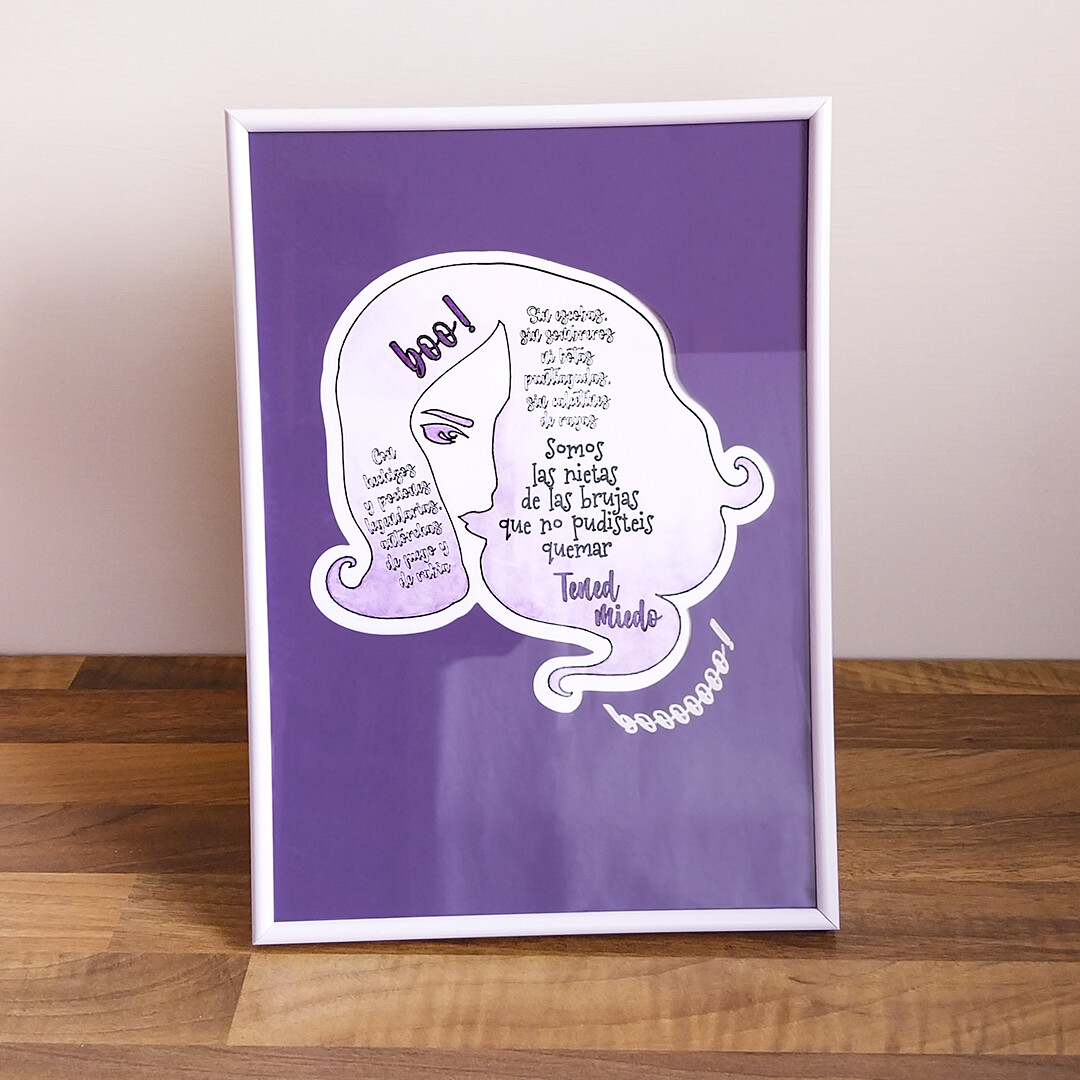
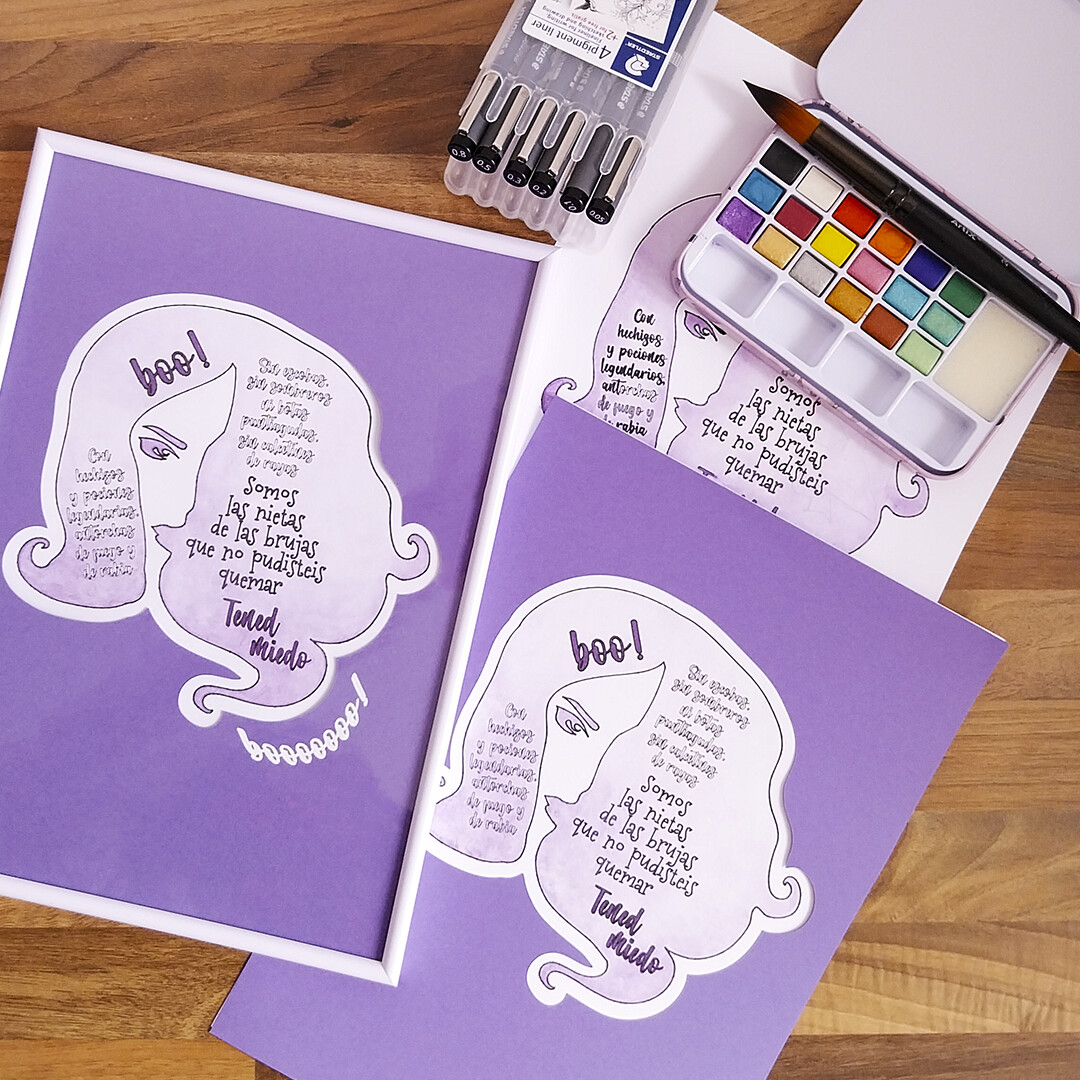
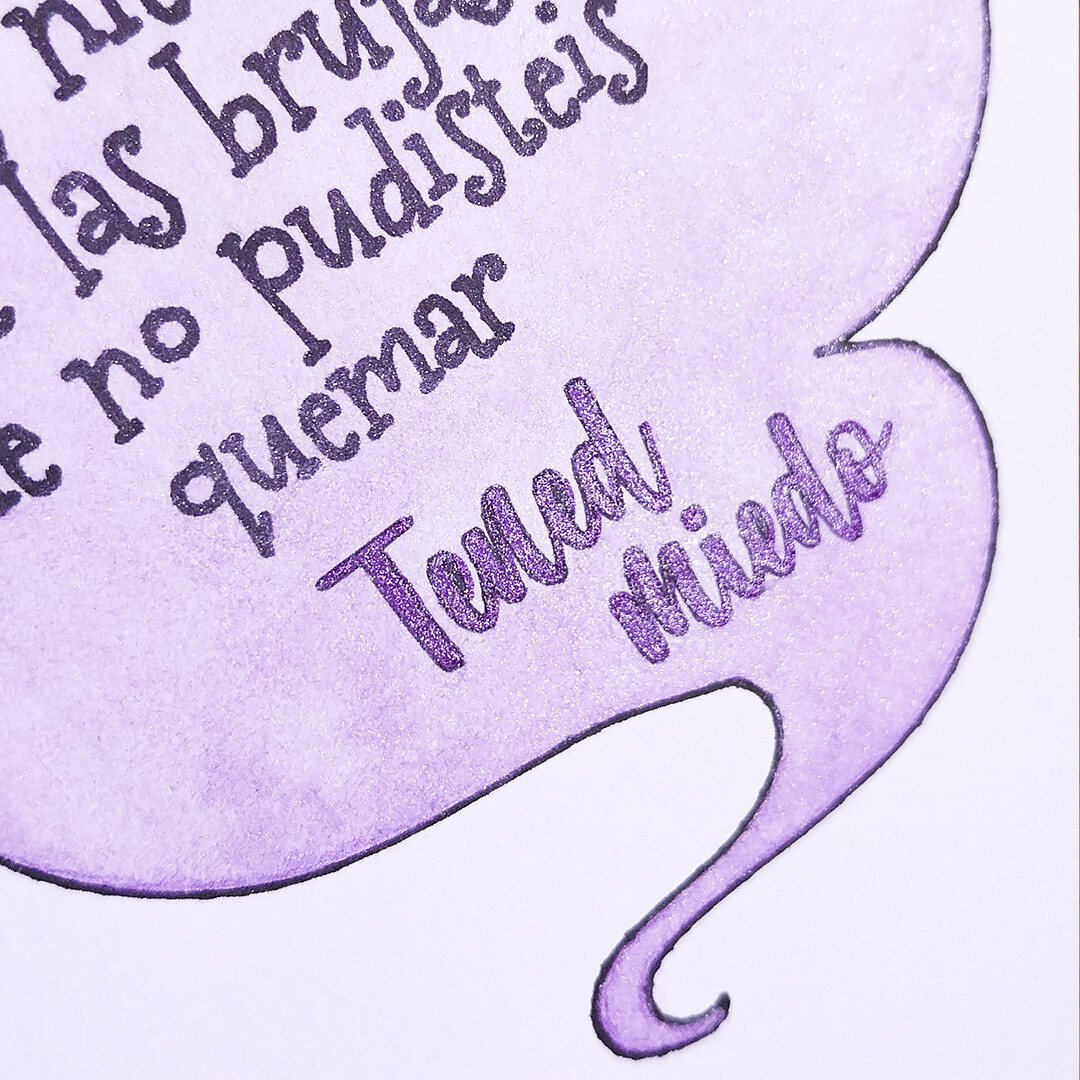
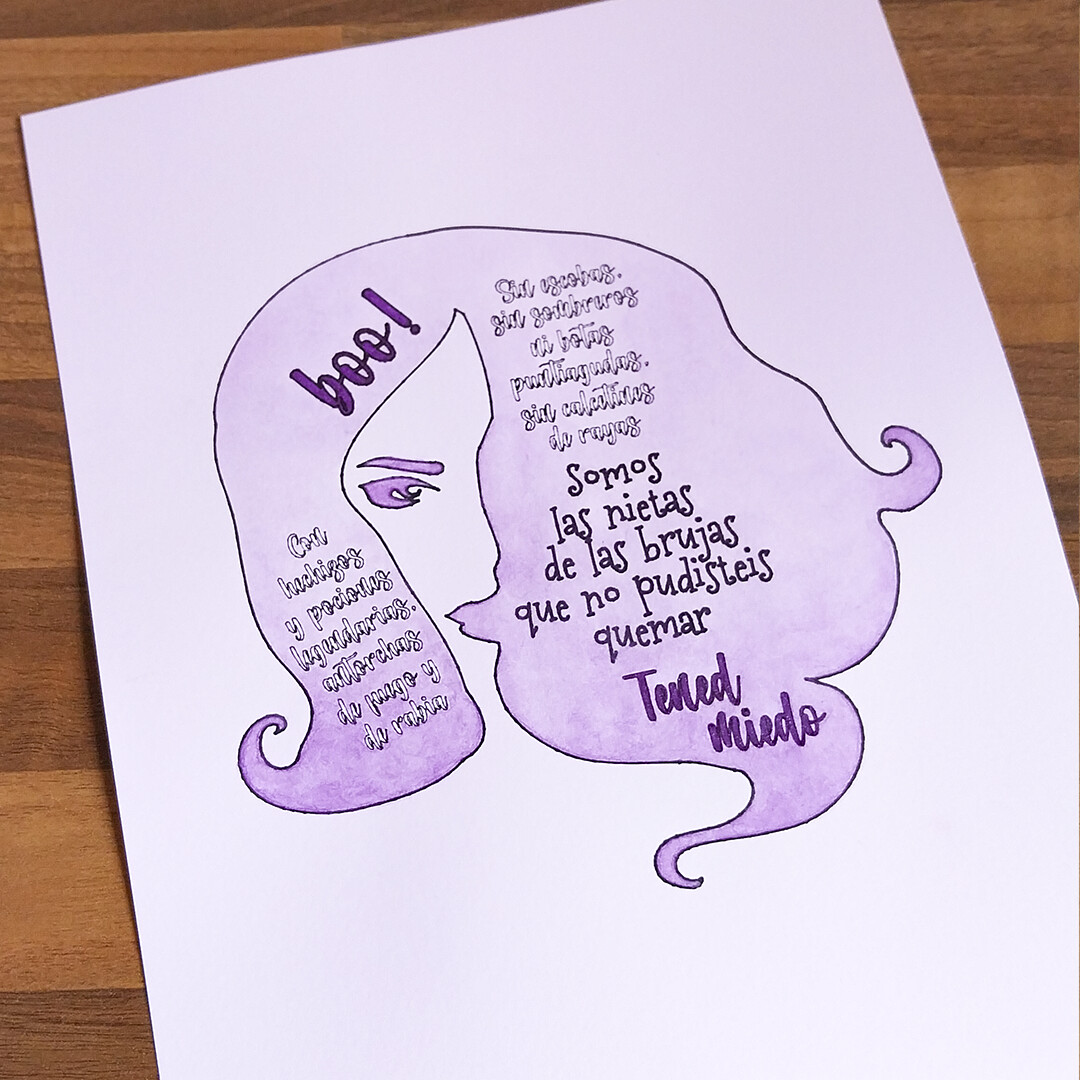
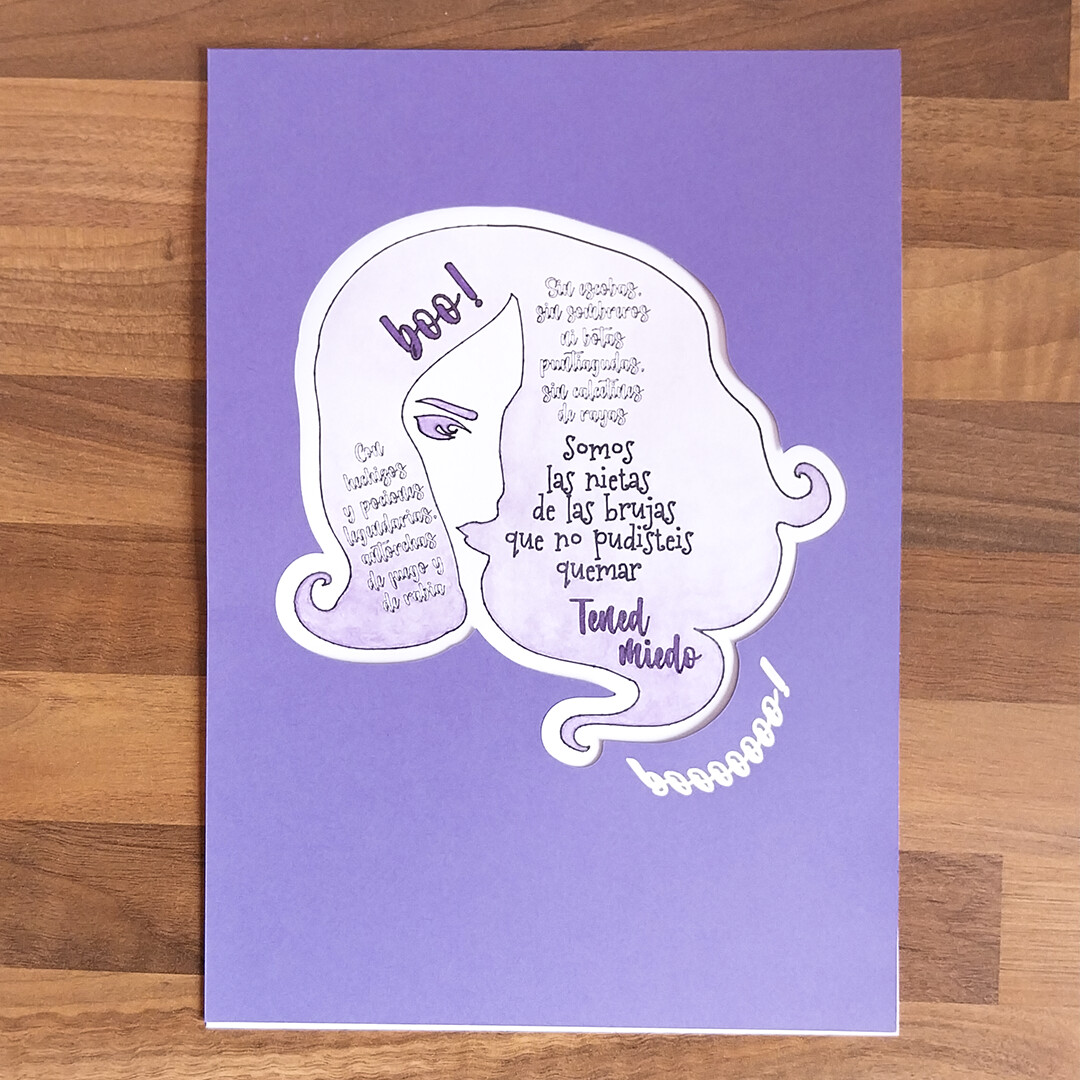
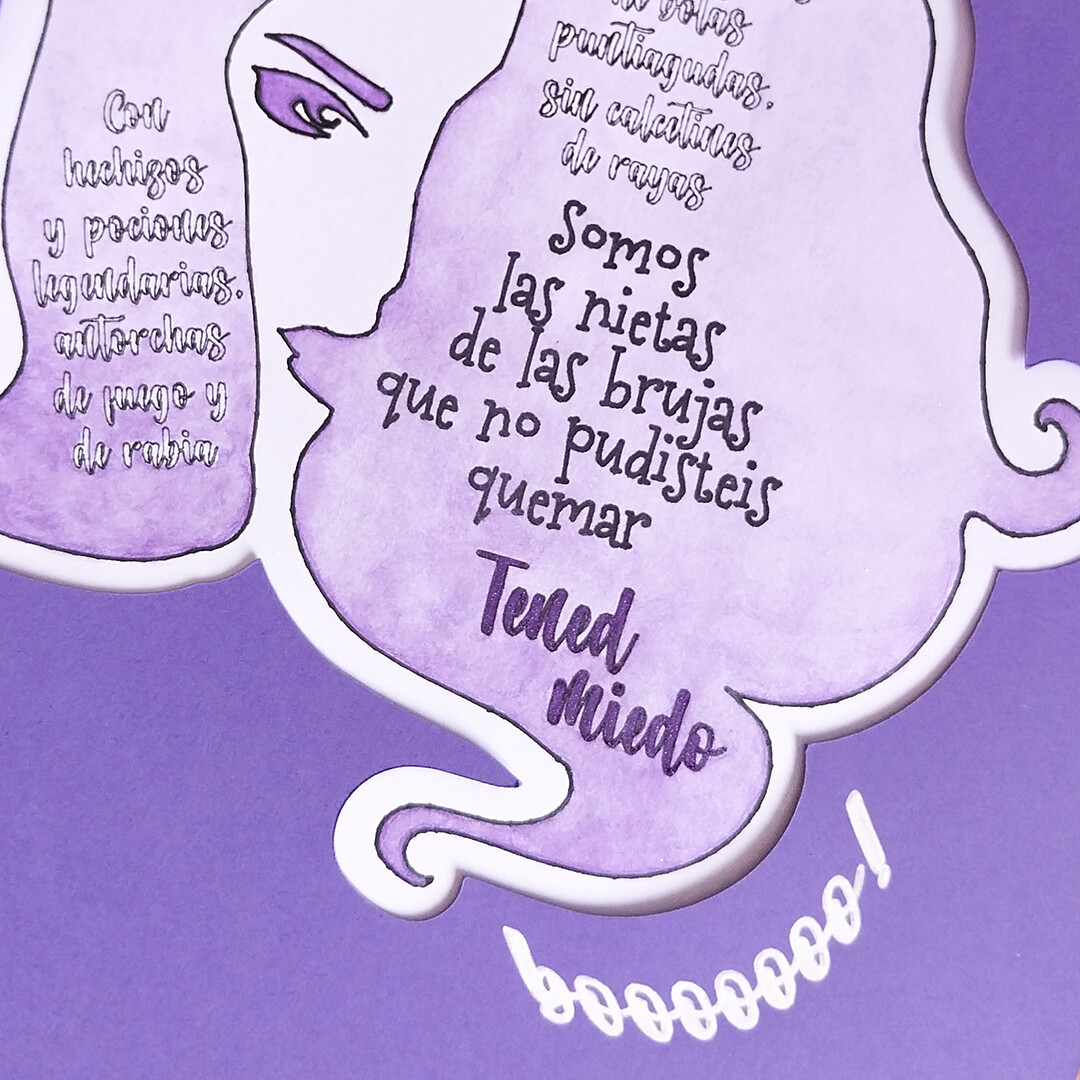
This project is my feminist Halloween tribute: a two-layer artwork fully created in IS. A first layer with the silhouette of a curly-haired woman’s face from the asset library, coloured with a soft glow of metallic watercolor. A second layer with a purple cardstock cut with an offset of the hair shape, serving as a fitting passepartout. Together they form a statement piece for this Halloween, where art, rebellion and sisterhood meet.

The poem reads in Spanish:
“Con hechizos
y pociones
legendarias,
antorchas
de fuego y
rabia

Sin escobas,
sin sombreros
ni botas
puntiagudas,
sin calcetines
de rayas

Somos
las nietas
de las brujas
que no pudisteis
quemar

Tened miedo

Boo!”

An English translation would read:
“With legendary
spells
and potions,
torches
of fire
and rage

Without brooms,
without
pointy hats
nor boots,
without striped socks

We are
the granddaughters
of the witches
you could not
burn

Be afraid

Boo!”

The poem seemed to write itself from my reflections on witches (feminism vs history), and wonders about their symbols. Perfectly joining the “we are the granddaughters of the witches…” universal feminist slogan, and expressing my thoughts on the strength of a witch, and what it is not. The threat of a sage to those who condemn us.

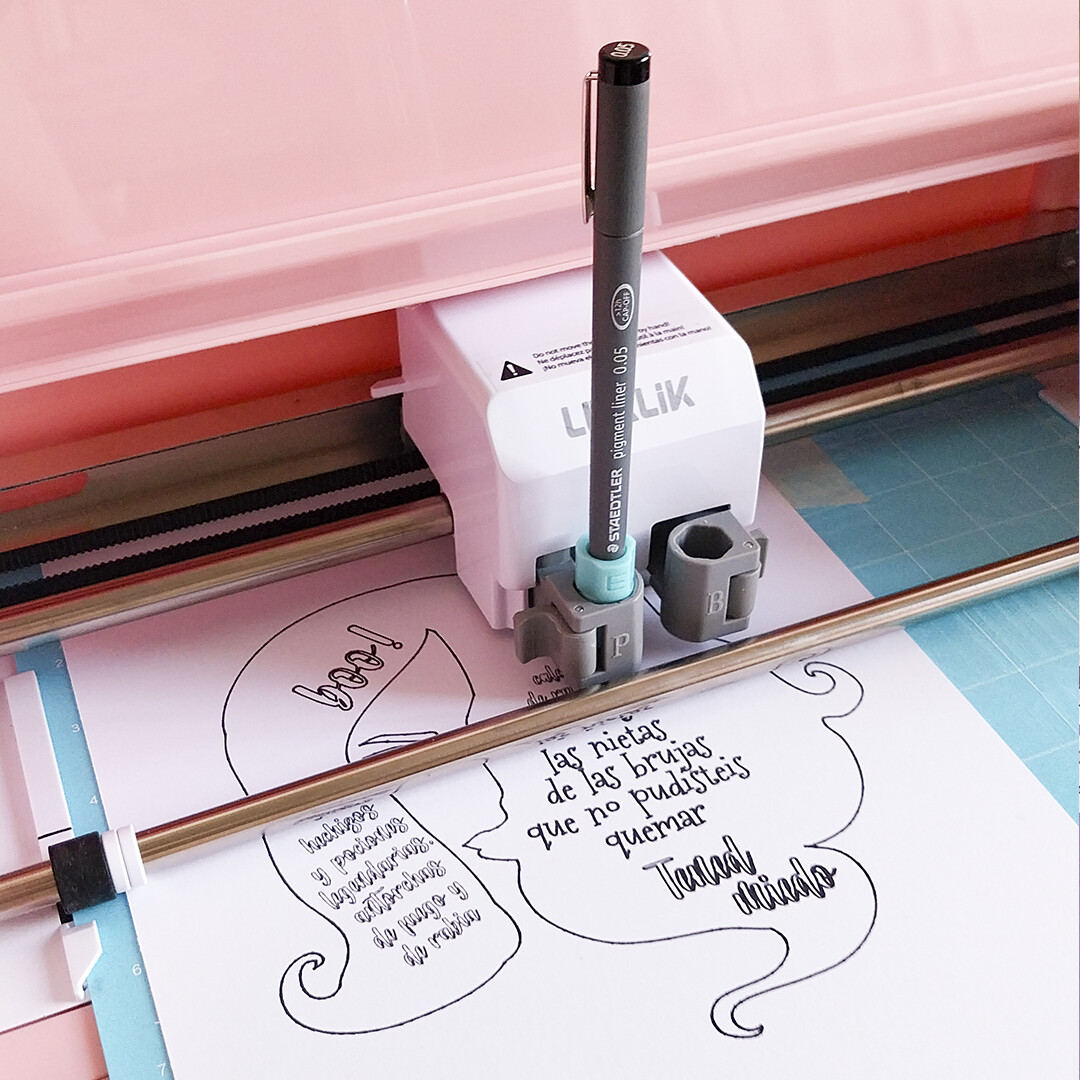
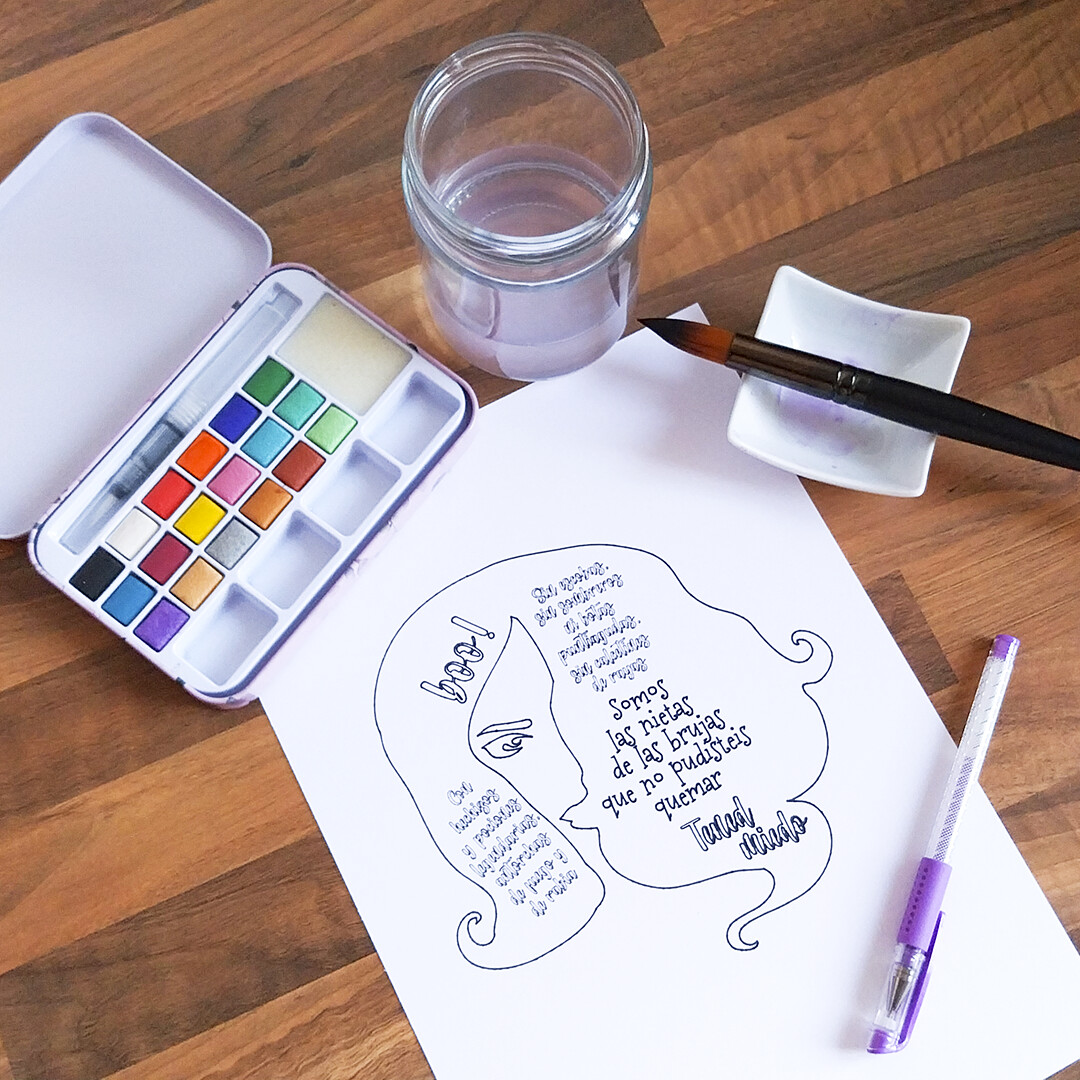
I drew everything with the Crafter’s Pen function using waterproof pigment markers, my adapter set and a cheap set of metallic watercolors I wanted to test. After drying, I pressed the sheet with my Impress Auto 2. The very first time I used it for watercolor pressing, and honestly, I don’t know how I lived without it! It turned what used to be a slow, careful process into a perfect, quick flattening.

Some glitter gel pen details brought the shine back, and I just need to cut the purple layer and add “booooooo!” in white with a Gelly Roll pen, arched thanks to the new curved text feature in the IS desktop version to use the Pen Function again. Now it only needs a frame, and the spell is complete!


11 Likes

Tips on watercolour:

Watercolour is one of the trickier painting technniques. It takes years to master it. It is very fun, but also very stressing, as it is a quick technnique and there’s little room for corrections. Besides, it requieres a proper paper and/or a proper way to handle it to avoid severe wrikling. To avoid it, you have two options:

  1. Use only the water you need, but it requires a high domain of the technnique. Or…
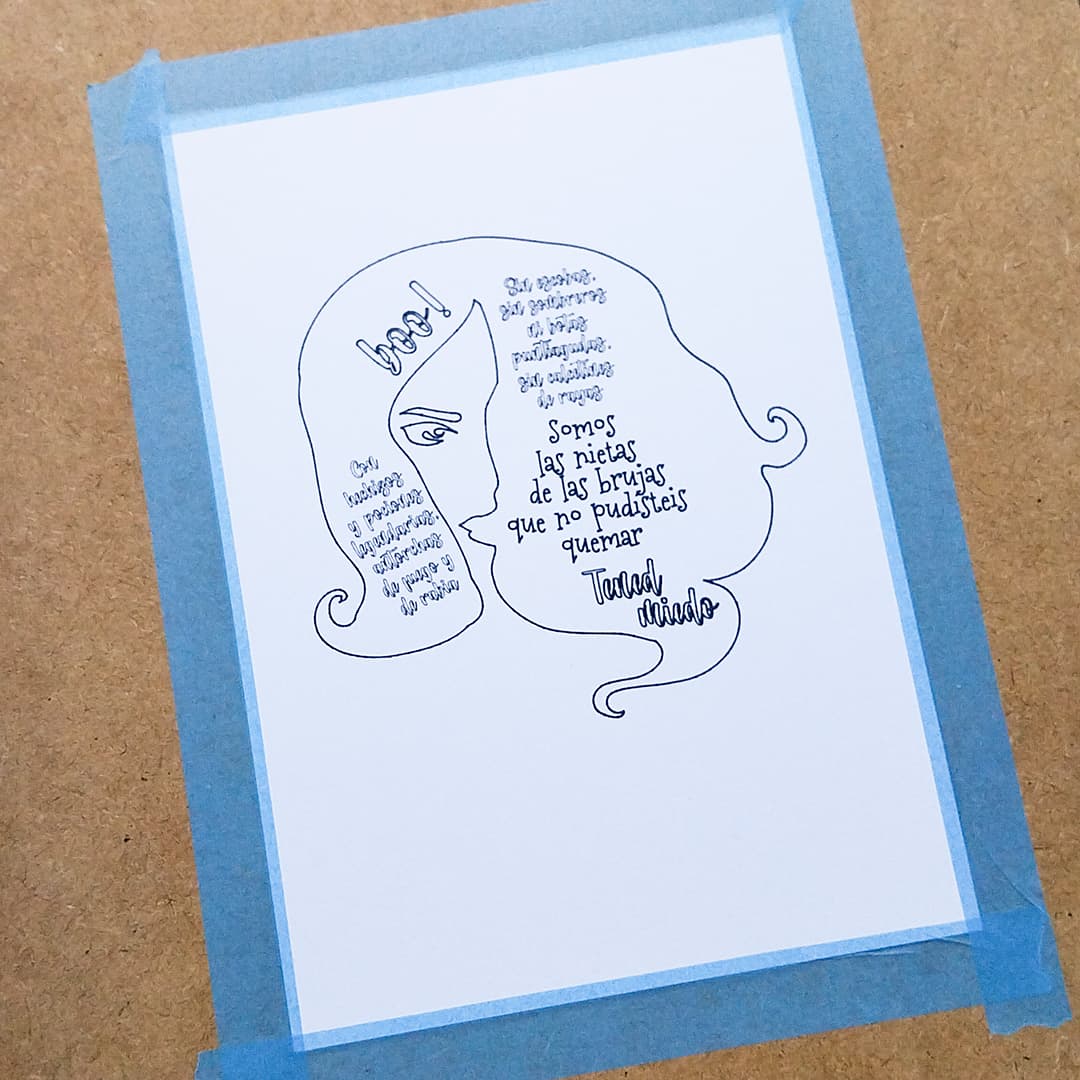
  2. Prepare properly the paper tensioning it as a canvas. Here a quick view on how it is made:

Submerge the entire piece of paper in water for a few minutes.

Let it drain by carefully sticking it to a tiled wall.

After draining, while still wet, stick it on a firm surface with natural glued tape.

When the paper wets, it expands. If you canvas it while wet, it wil shrink as it dries, getting tension. That way, when you wet it with the watercolur, it will keep the tension and will not wrikle.

There’s a way in the middle using soft/delicate tape (not washi, it will not adhere enough). It will wrikle, but not severely. It is a bad result, but it can be somehow fixed after the work is finished, spraying a bit of water on the back and letting it dry overnight with regular weight on it…

But wait! Many of us own a heat press… game changer. As I commented before, I used it this time. I was thinking… if I only I had a way to press it harder, if I only, if only… whaaaat?! :joy: I do, I have a wonderful, easy and quick way! :joy:

7 Likes

So much tips :heart_eyes: the project turned out very lovely indeed :star_struck:

6 Likes

Wow what a beautiful idea and pretty project :two_hearts: thank you for all the tips and explanations :hugs:

3 Likes

Thanks to you dear @timmytation and @Marino, I’m so glad you liked it! :two_hearts:

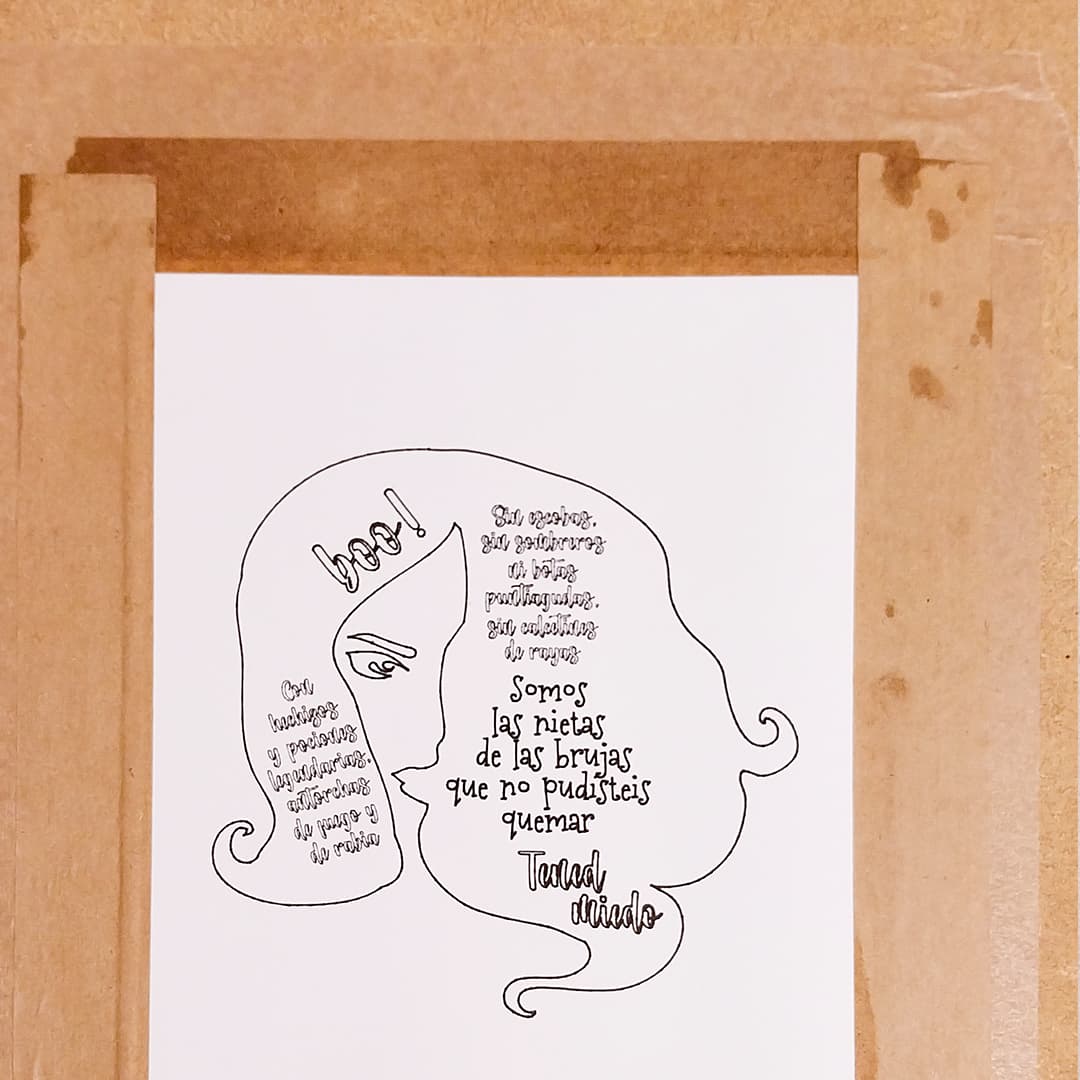
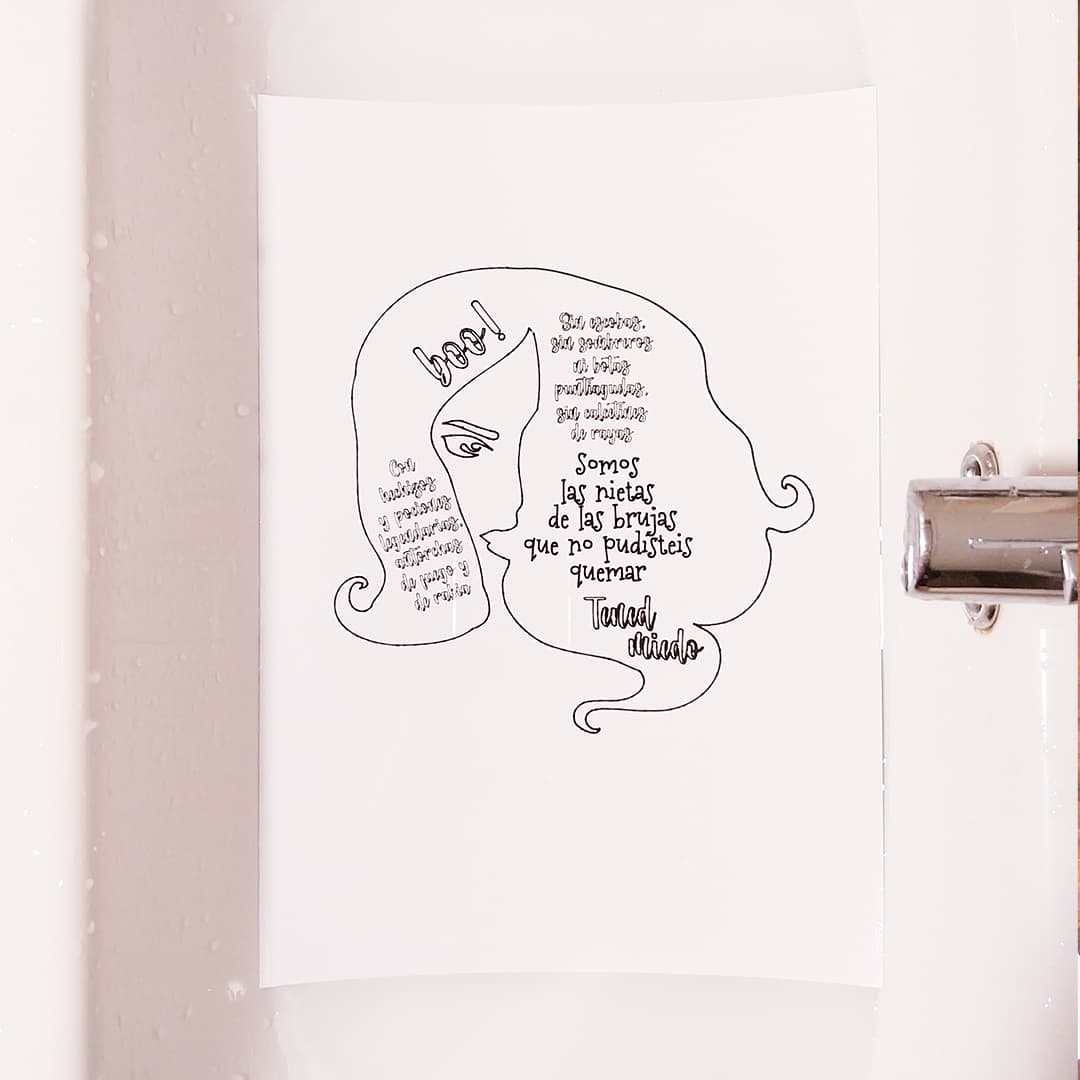
I forgot to mention a problem I had. In the first drawing: my Crafter made this strange superficial cutting you can see on the paper :neutral_face:. I don´t know why. I’ve used the pen tool before leaving the blade in place and never had that behaviour.

I was like… are you telling me to draw a spider net? :joy: Maybe I’ll do that in this copy that I ended up using to make all the testing (I made 2 good versions and this one).

So here we have a new leason and one more tip:
Remove the blade tool while using the pen function…

6 Likes

Awesome creation! :heart: You do have me wondering… Where do you get the pen adapter? I I’ve been trying to figure out how to use other pens in my Crafter since I got it. I’ve found no replacement pens, either. So, once the pen runs out of ink, what are we supposed to do? Buy a new machine? :joy: I saw some adapters on Amazon, but wasn’t sure if they’d work with the Loklik Crafter, since they were for Cricut.

4 Likes

I’ve had mine do the same thing when drawing, so I take my blade out, just in case. Also, sometimes, if I choose 2 passes on a cut, it will go to the other side of the mat and start cutting another one. I’ll just hear it scraping the mat, and I freak out, thinking my machine is breaking. :joy: I think it may be possessed…

4 Likes

I think the adapters are the set for the Explore/Maker. I’m sure I read it on a Q&A on Amazon a while back.
I’m sure @redhada can confirm.

4 Likes

Beautiful project, very well done. :clap:

Bit weird about the cut lines though. I think I’ll remove the blade whenever I use pens in future, just in case!

3 Likes

Yeah, I want to make sure that it will work, before I spend money. That’s why I asked her, because the one she’s using obviously works lol. I’ll definitely go buy whichever one she uses.

4 Likes

I want a set too, so I’ll be checking them out when you get a reply.

4 Likes

Thank you Samantha!

I bought a set of generic adapters for the other brand on Amazon Spain, and they work perfectly. They are a bunch of adapters with rainbow colours and letters for different kind of pens. There was a adapter - pens table in the box, but I tried many pens and made my own table. I can use almost any pen within a wide diameter range.

You can get Loklik’s pen replacement in the online shop, and there’s also a set with around 10 colours. They’re not expensive. They’re also in Amazon and maybe in other shops. I’d like to have the colours box.

But even then, we need an universal adapter or a set, as we use different kind of pens. Even if Loklik sold different kinds of pens, it is not a pen brand, and can’t cover them all. Not even pen brands do. There are also other brands that we love and use. So I think the adapters are neccesary if you want to work with pens.

It would be wonderful having an official pen adapter or a set… but meanwhile…

I couldn’t make this project without them, as I needed water resistant pigment pens, and I use a set of 6 sizes for details (I run 6 different tasks…)

I will look for other topics on that and put them here for you xd

3 Likes

Thank you Dave! True, right?! Was the Crafter feeling creative? :joy:

3 Likes

Here a couple of topics on the adapters:

And this one reminded me that the adapters can give our Crafters the folding and embossing functions, at least it does the job (I do it)…

4 Likes

You’re welcome. I think your Crafter’s haunted - it is Halloween after all!
:ghost:

4 Likes

Ok, cool. I’ll try those adapters. I can find them on Amazon, but I still don’t see any pens for the Loklik on Amazon or in the HTVRONT|Loklik store. The only pens they have in the store here are for the paint by numbers machine. Maybe, they’re just not available in the US store? I know about a year ago, I searched for the Loklik pens on Amazon, and there was a listing for a set of colored pens that were branded Loklik, but the listing said Unavailable. I thought I read that they would be available in like 6 months, after that day I saw them, but I haven’t seen that listing again in over a year. I even went straight to the Loklik store to see if they had them there, but they weren’t there, either. I check, periodically, to see if they have pens, on Amazon and in the HTVRONT|LOKLiK store, but nothing. I do know there is a box of pens that was recommended by a YouTuber for the Loklik, but they’re kind of expensive. Not sure I want to fork out $45 for pens lol. But thank you for the information. I’ll for sure try the adapters for the other brand, as they’re not too expensive. I saw you had a pigment liner in there, I have tons of those lol. I also have a huge set of dual-ended colored brush pens that are the same style and size as the pen that came with the Crafter, but they don’t click in like the Loklik pen does.

4 Likes

Yes, the EU Loklik’s store have a bigger catalogue than the USA one, as there it also sells on HTVRONT’s, which we don’t have.

Here they are:

You can try those from Amazon, you can always get them back if you don’t hit the right one (some fit, some don’t). I was lucky with the first shot. And so use all those wonderful pigment liners and all the pen sets you have. And don’t forget pens are not the only drawing tools that can be used :wink:

Don’t rush to use your brush pens though…

Don’t worry about the click. You don’t need it. The holder is a clamp, you only need they don’t jump out with the preasure.

There’s a full learning curve with that tool itself, it is extense. The preasure range any pen can or cannot work with, how it creates different lines, what height does each one need to work properly, how to avoid the tip damaging or hitting the machine left rail, or printing on it or in the mat or the paper border… I encourage all of you to experiment and share our thoughts and tips.

3 Likes

65 posts were merged into an existing topic: Problems with Print Then Cut with the Crafter

Wow so many good tips you shared! I’m amazed I didn’t know that watercolor had a precise technique but you pros make it look easy! Wonderful art thank you for sharing! :sparkling_heart:

4 Likes

I haven’t used my Crafter in quite a while, mostly due to lack of space and laziness to move things around so I can use it. Maybe I’ll test it out too and see if I will emcounter this “hiccup”

3 Likes