Project Overview:
Valentine’s Day means sweet treats for your loved one. Join me as we create a paper box that can be filled with your loved one favorite treat. The best part is that all of the designs used are FREE in the LOKLiK IdeaStudio library.
Materials:
- Cutting machine: LOKLiK iCraft
- Sticky mat: LOKLiK standard grip
- Cardstock: 65 lb or equivalent for the box and heart tag
- Vellum: a semi-translucent paper available at craft stores
- Templates: from LOKLiK Library
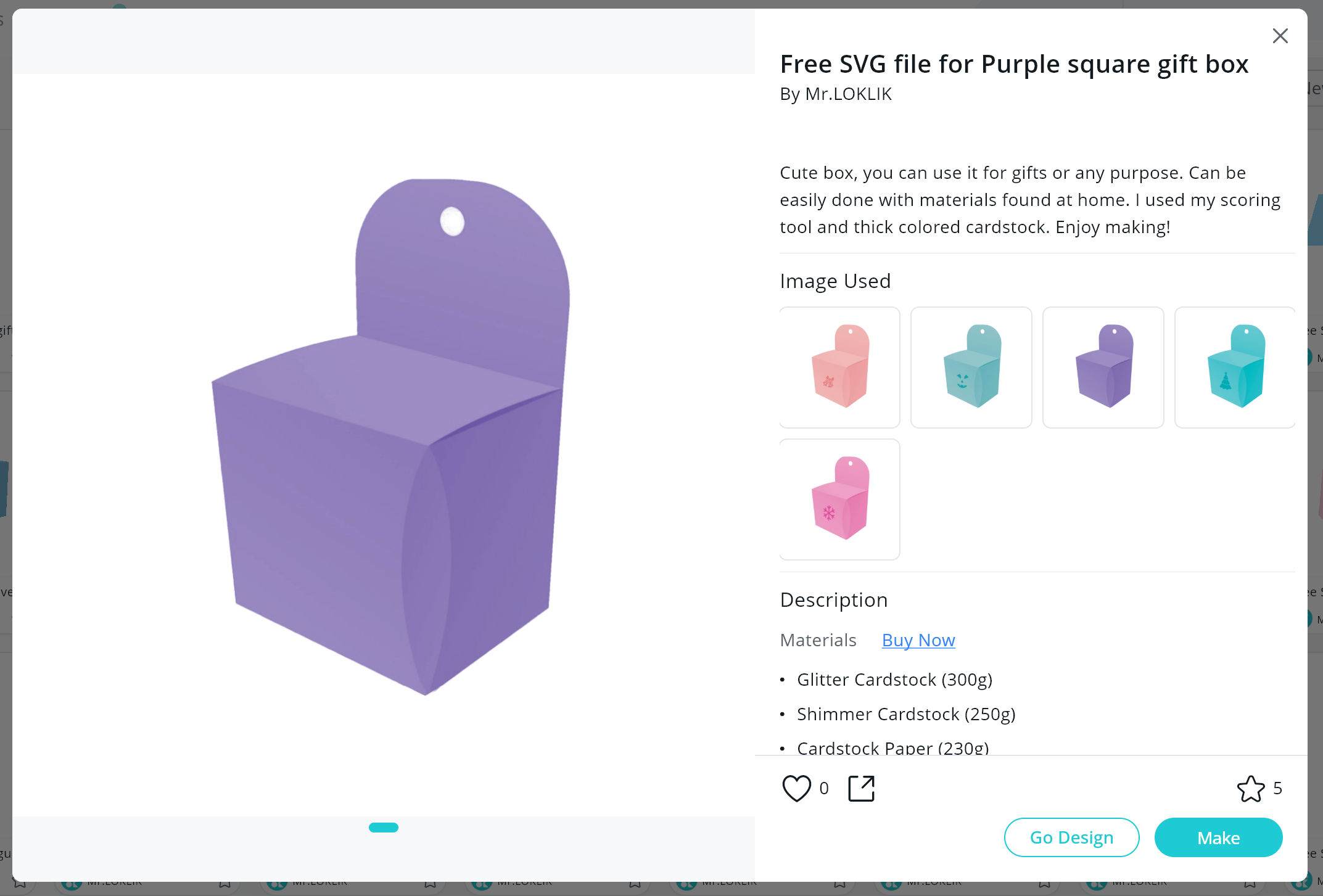
** Free SVG file for Purple square gift box*
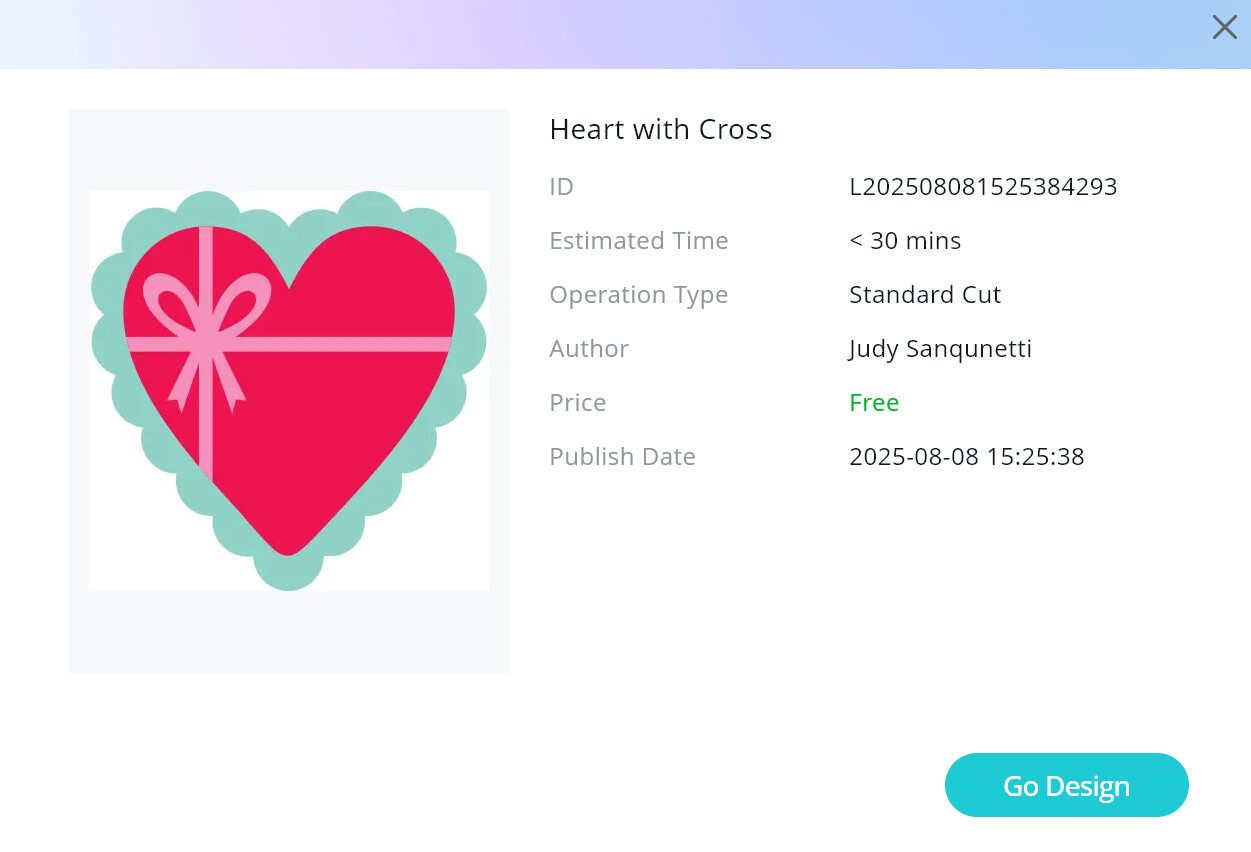
** Heart with Cross* - Craft glue and hot glue
- Coordinating ribbon to close the candy box
Design and Cutting Process:
- Using the LOKLik IdeaStudio Library, search for the templates and select the + to add the template to the canvas.
Now it is time to take these designs and adjust them to meet our needs for this project.
Designing
- I begin by resizing the box template to fit the paper being used. I primarily use 8.5in by 11in cardstock so I made the template smaller to fit inside the cut area.
IMPORTANT NOTE: Ensure that you keep the sizing “locked” and only resize the template from the corners to ensure the dimensions for the box remain proportional.
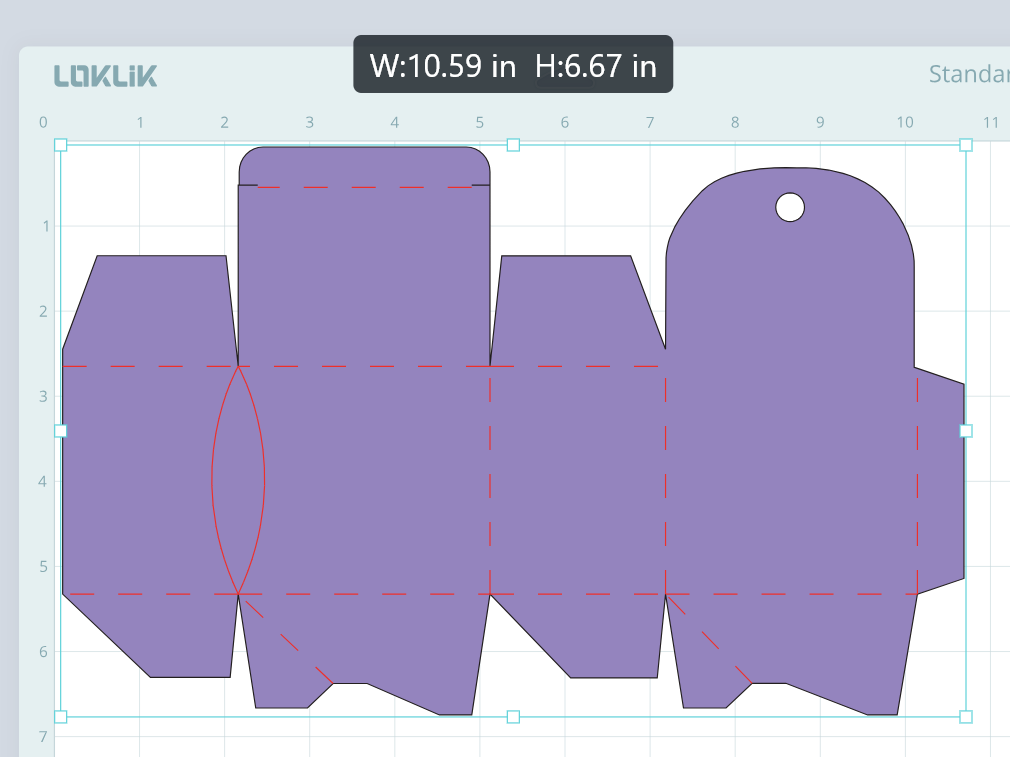
- I then resize the heart template to fit on the tab area of the paper box.
- We will be adding a hole to the heart template which will allow us to add a ribbon bow.
- Using the Shape feature, click on the circle under the basic shapes.
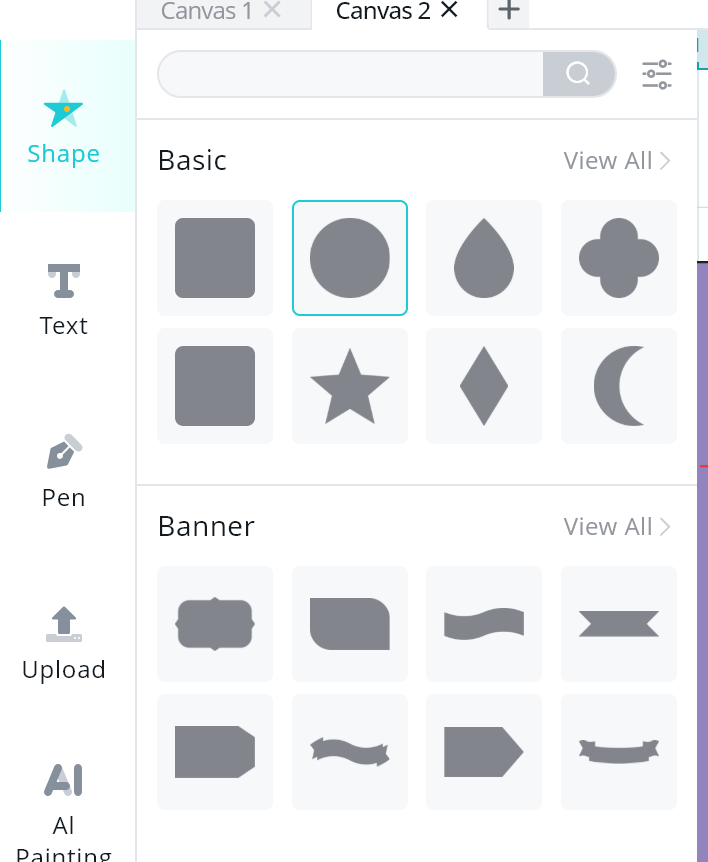
- Resize the circle and place it on the side area (make sure it is not too close to the edge to avoid it tearing).
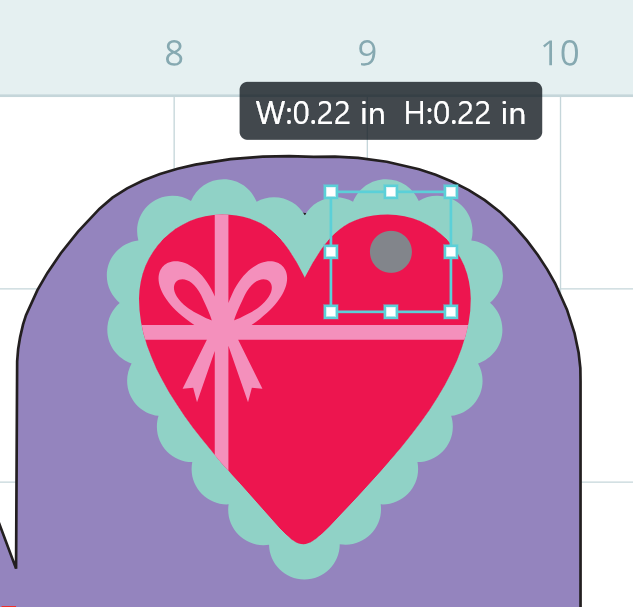
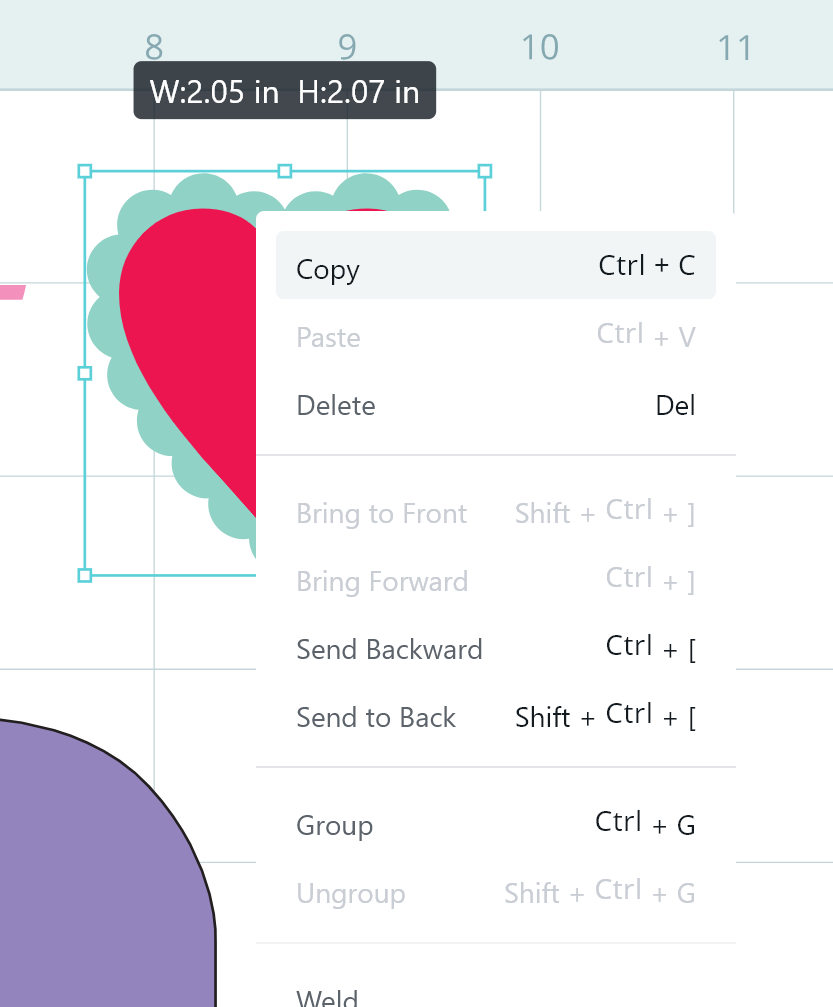
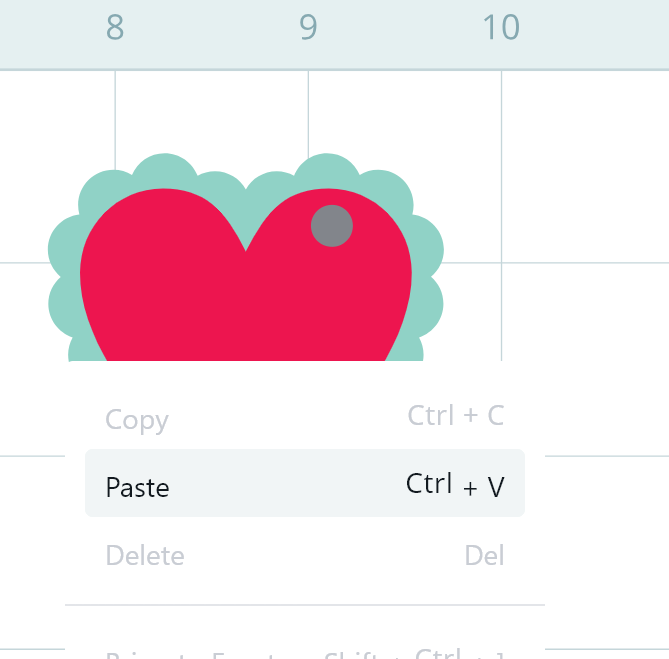
- Ungroup the heart tag and copy/paste the pink heart to be used as an additional layer with the vellum paper.
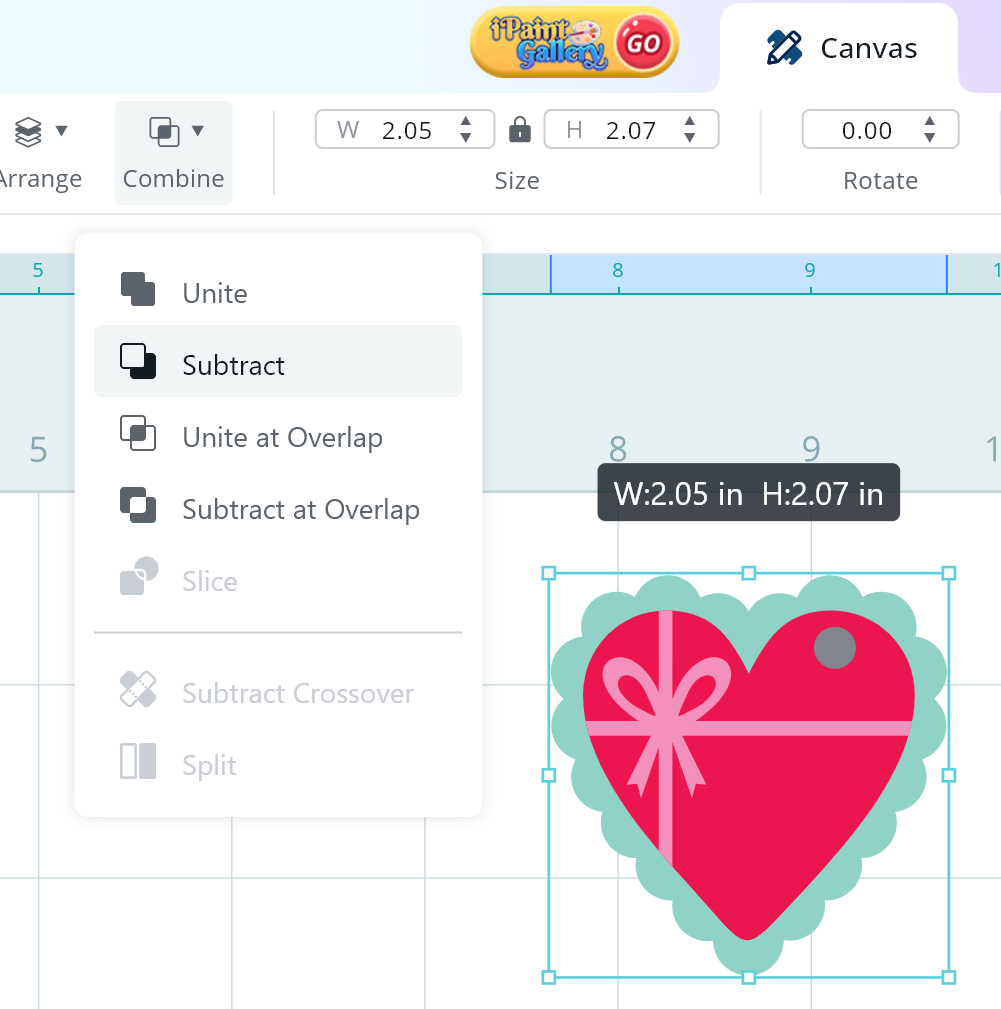
- We will then “subtract” the little circle from the heart tag.
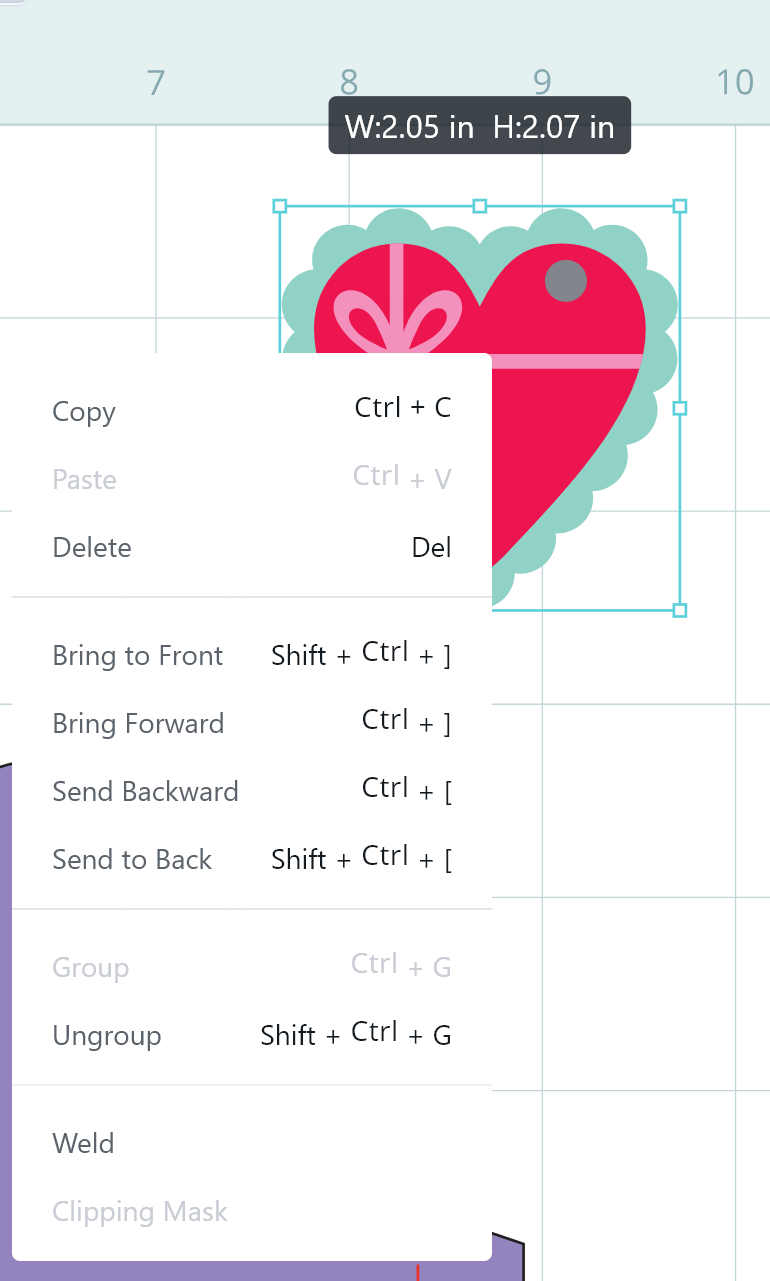
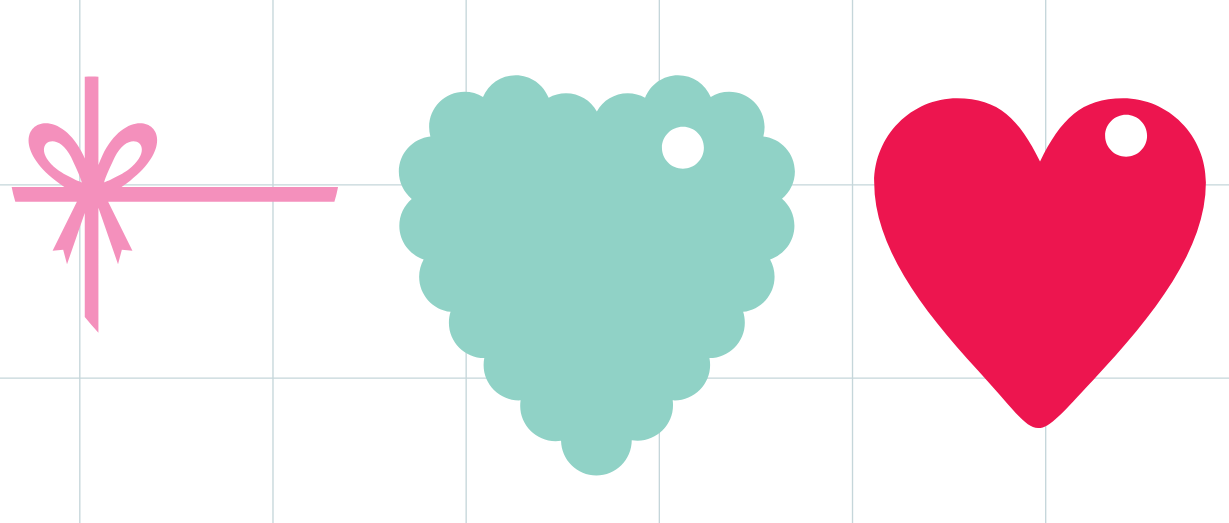
- This is what you will want to have; plus 1 more heart for the vellum cover.
- Now we will use the Drawing feature to add a custom saying to the heart tag.
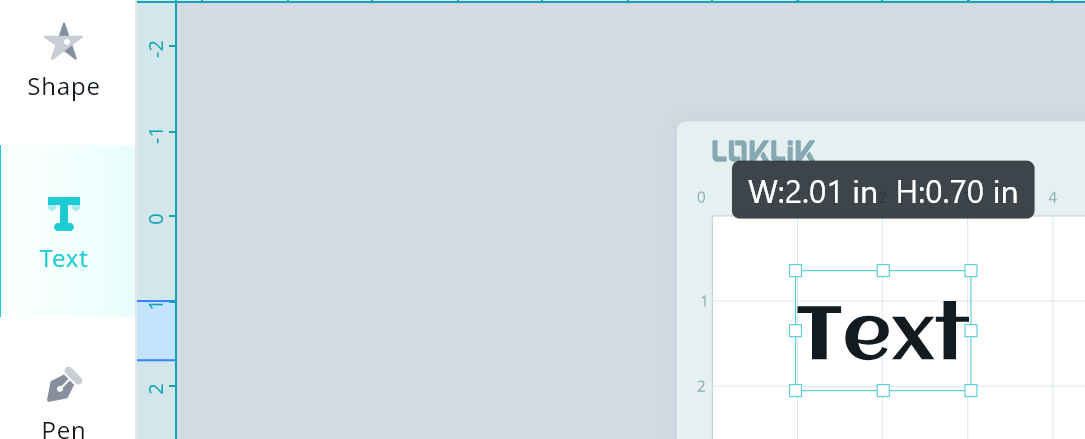
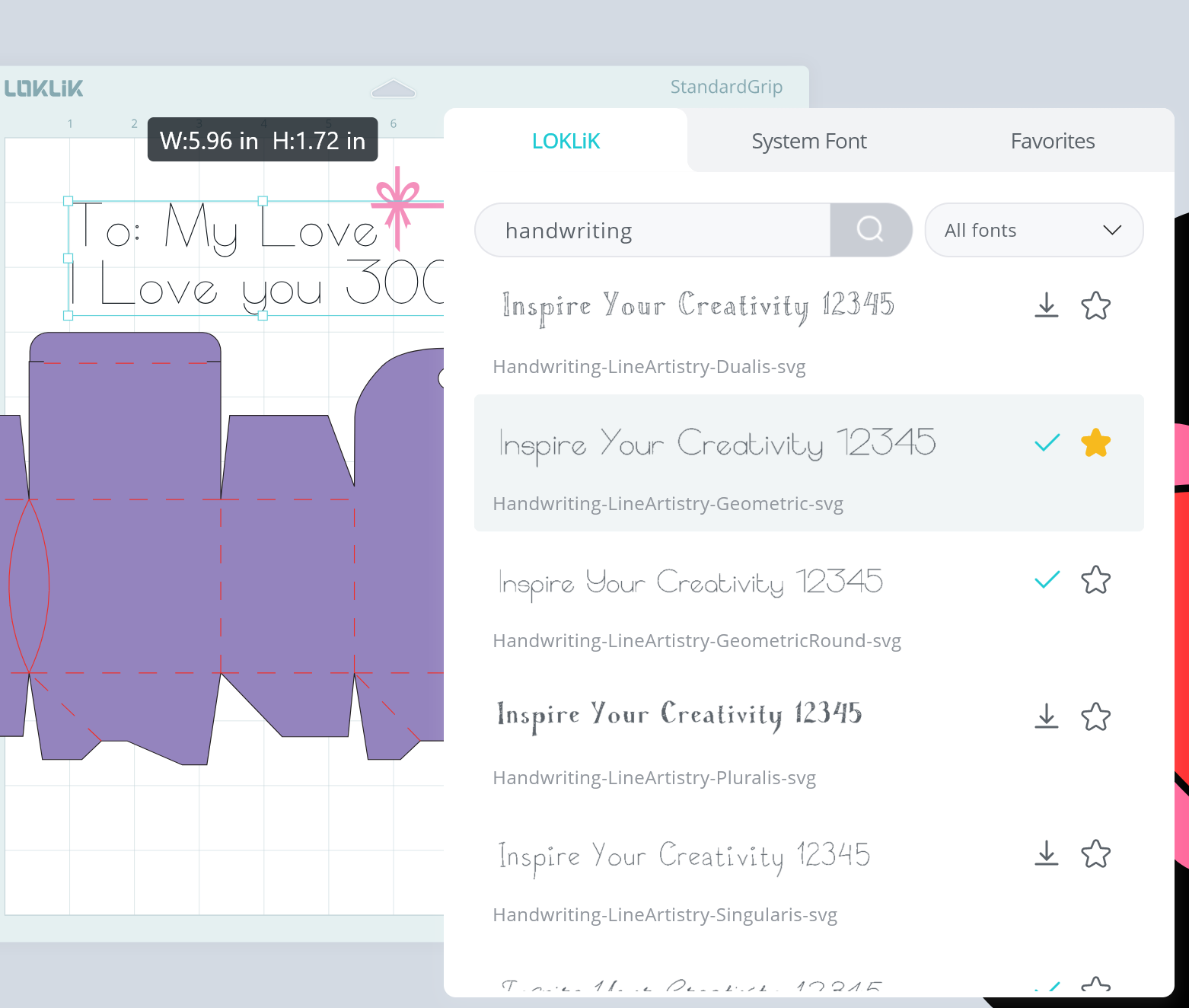
- Using the Text feature, add the desired text and select your preferred font. There are several fonts available on the LOKLiK IdeaStudio that can be used.
CRAFTING TIP: As you will be using a thin marker pen, the hand-written fonts work best.
- For this project, I used the “Handwriting-LineArtistry-GeometricRound-svg” font.
You must click on the underlined downward arrow in order for it to be used
-
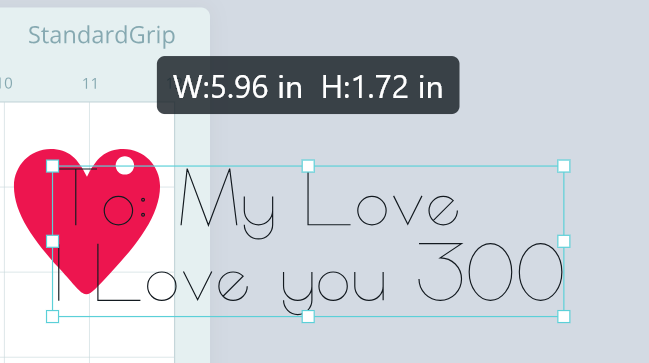
Resize the text to fit inside the red heart.
-
Replace the blade in the iCraft with the LOKLiK marker pen using the adapter provided.
-
Select the red heart and text and send the task to draw as seen below.


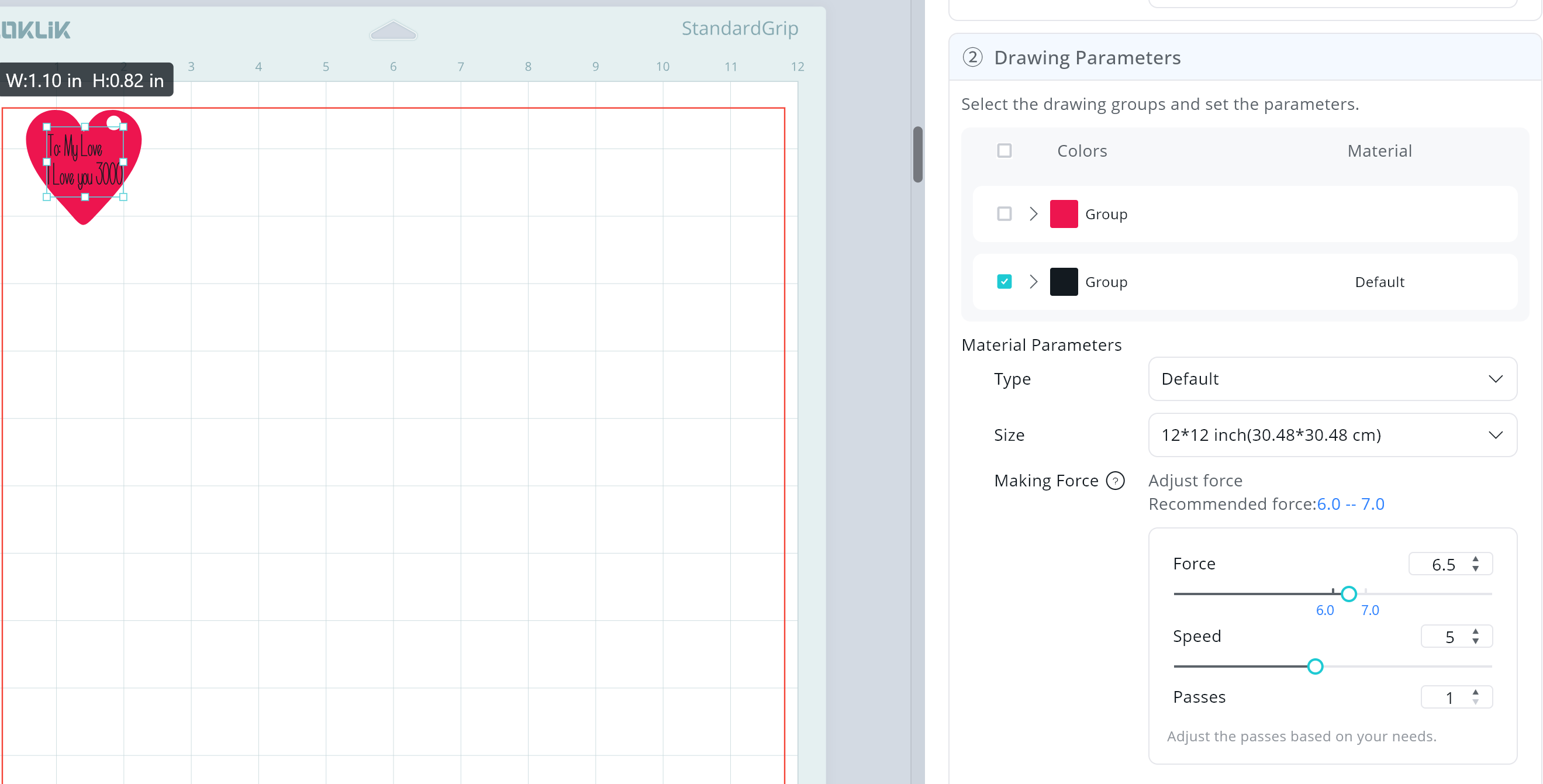
- Without moving the items on the canvas, send the red heart to cut.
- Send the remainder of the project components to cut. Below are the settings that I used for the project.
65lb Cardstock Paper Cut Settings
** Material Type: Cardstock Paper (180g/97lb)
**Force: 7.5
**Speed: 5
**Passes: 2
Draw Settings
** Type: Default
**Force: 6.5
**Speed: 5
**Passes: 1
Assembling the Treat Box
- Begin by assembling the heart tag.
- Using craft glue, glue the red heart to the blue backing. You will want to make sure to glue the hearts so the hole remains available for the ribbon.
- Glue the mini pink bow to the velum heart and set aside for the end.

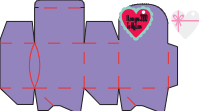
- Now begin to assemble the treat box. Use the scoring marks as a guide.
- Glue along the side flap to close the sides of the treat box.

- Fold in the 2 rectangular bases and glue the corners to the rectangular pieces. As seen in the photos below.
- Place glue on any piece of the base that may be lifting on the treat box.
- Using a pen or crafting tool, push down on the base from the inside to ensure the glue secured properly.
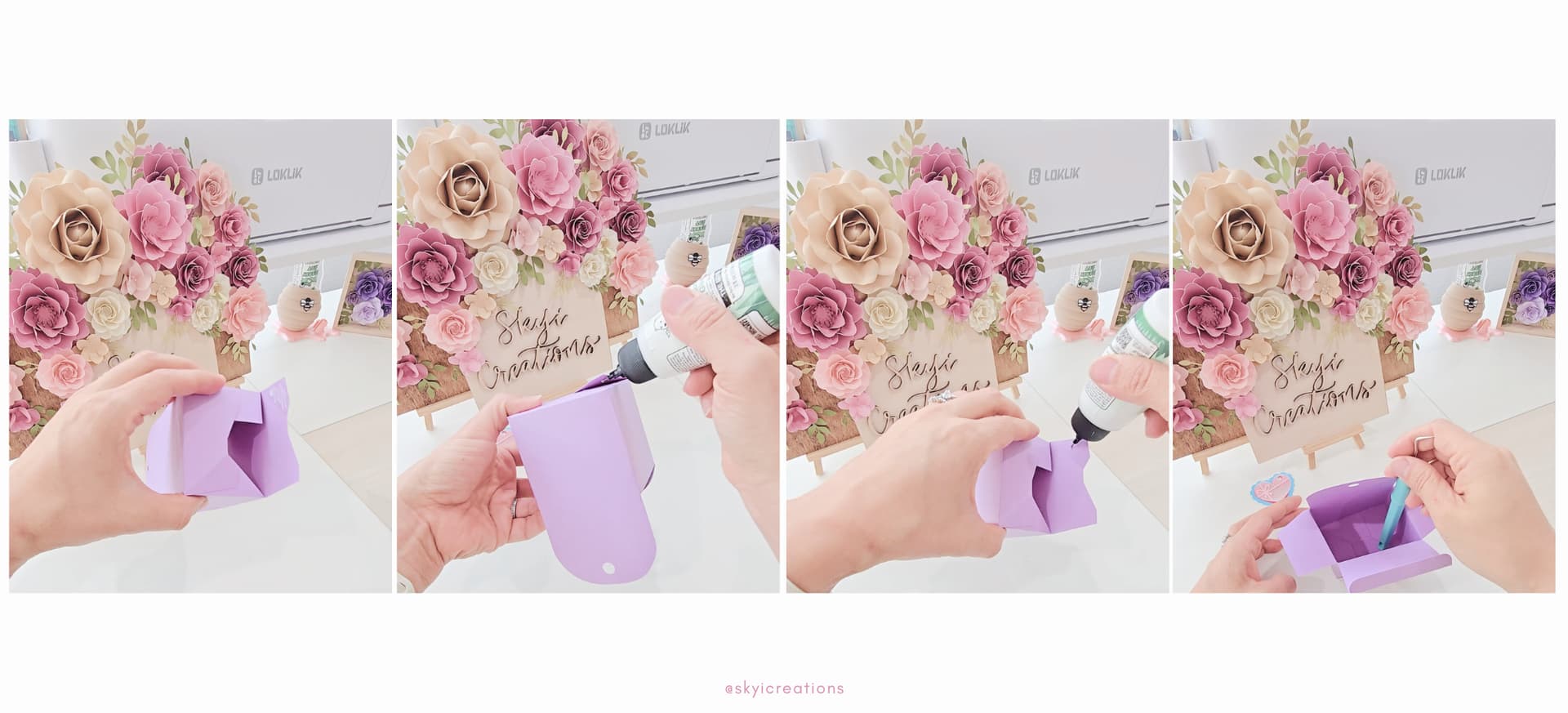
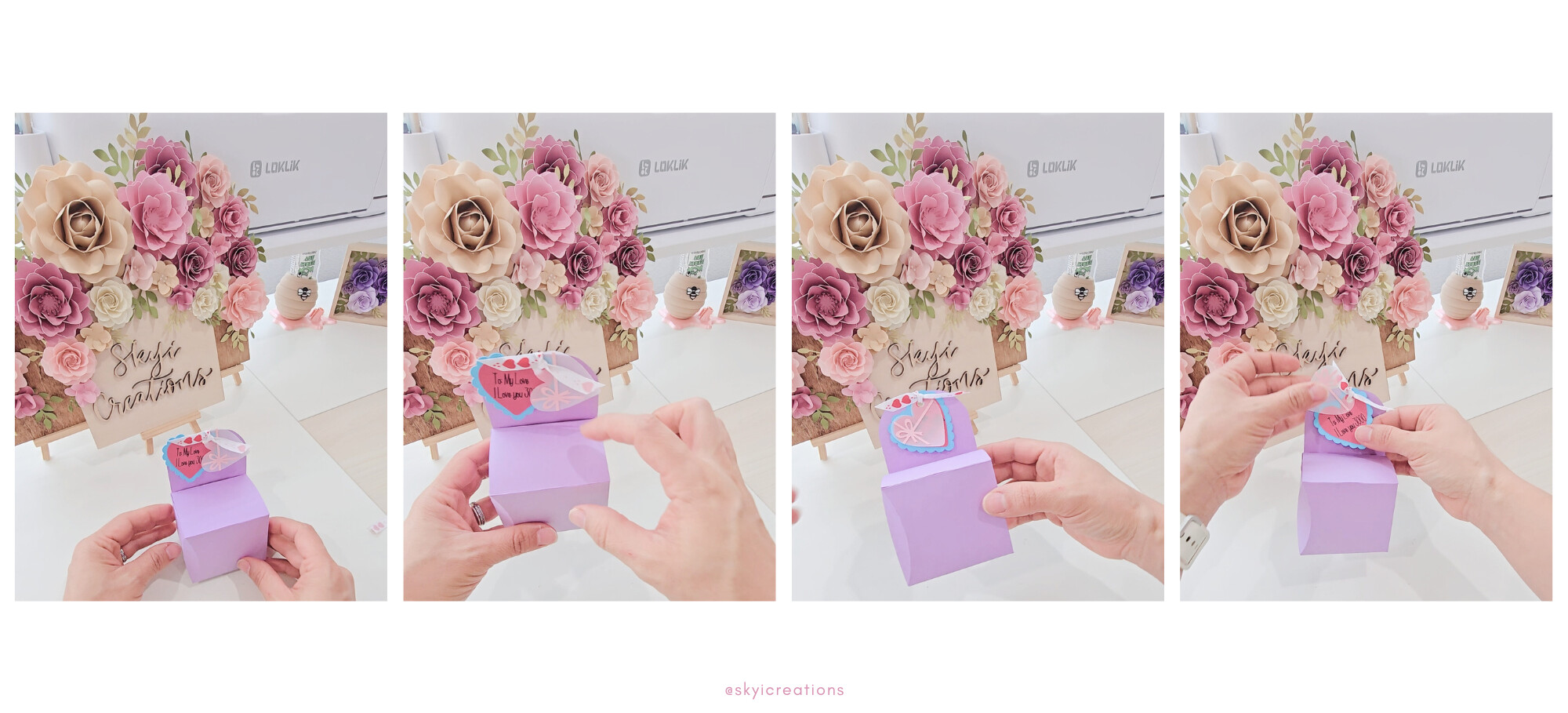
- Using a ribbon, “close” the treat box by placing the ribbon thru the hole on the top of the box and thru the heart tag.
- Tie a bow to secure the box and cut off any excess ribbon.
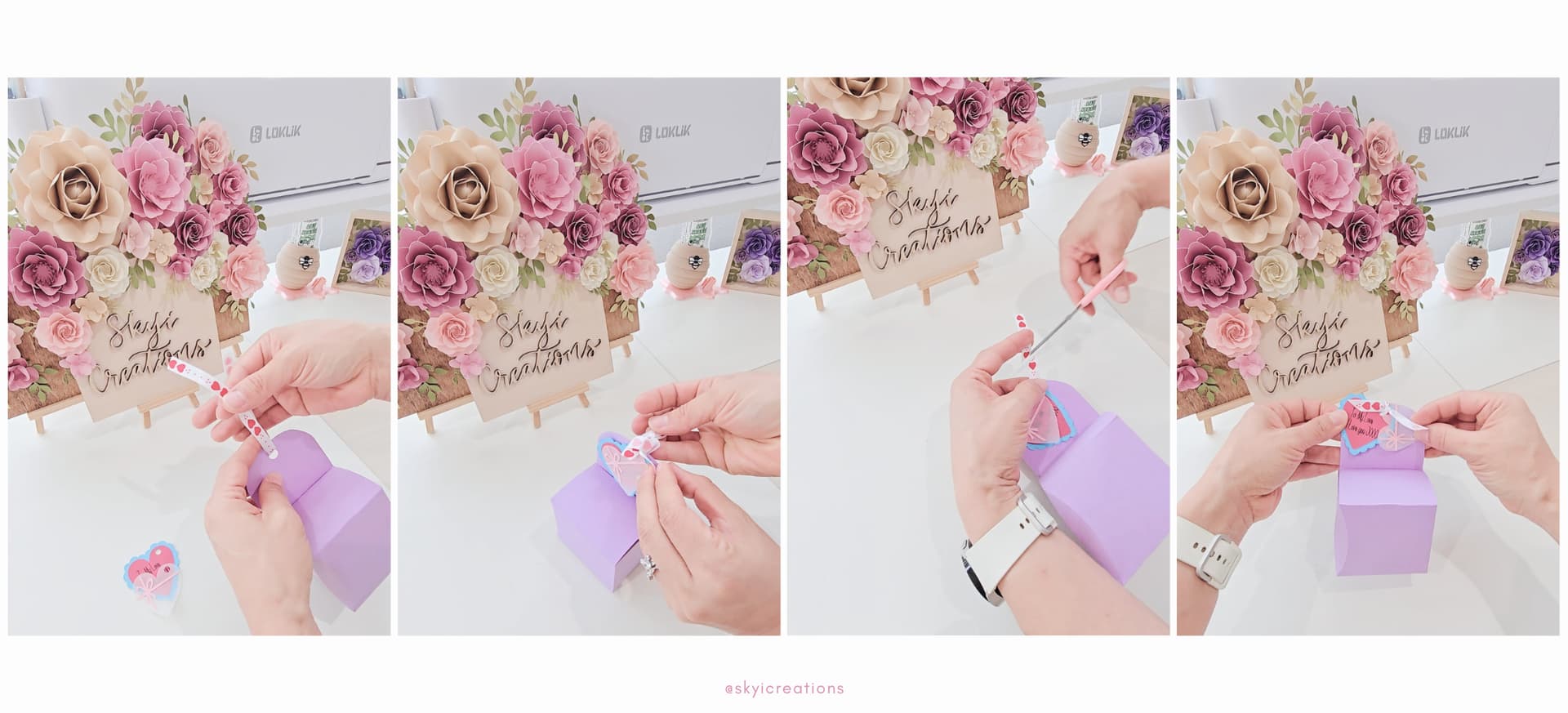
WONDERFUL!!! You have a paper treat box. Now to decide what treats to place inside. Let your creativity continue and add embellishments or layers to the side of the treat box.


 Thanks for sharing.
 this! Well done