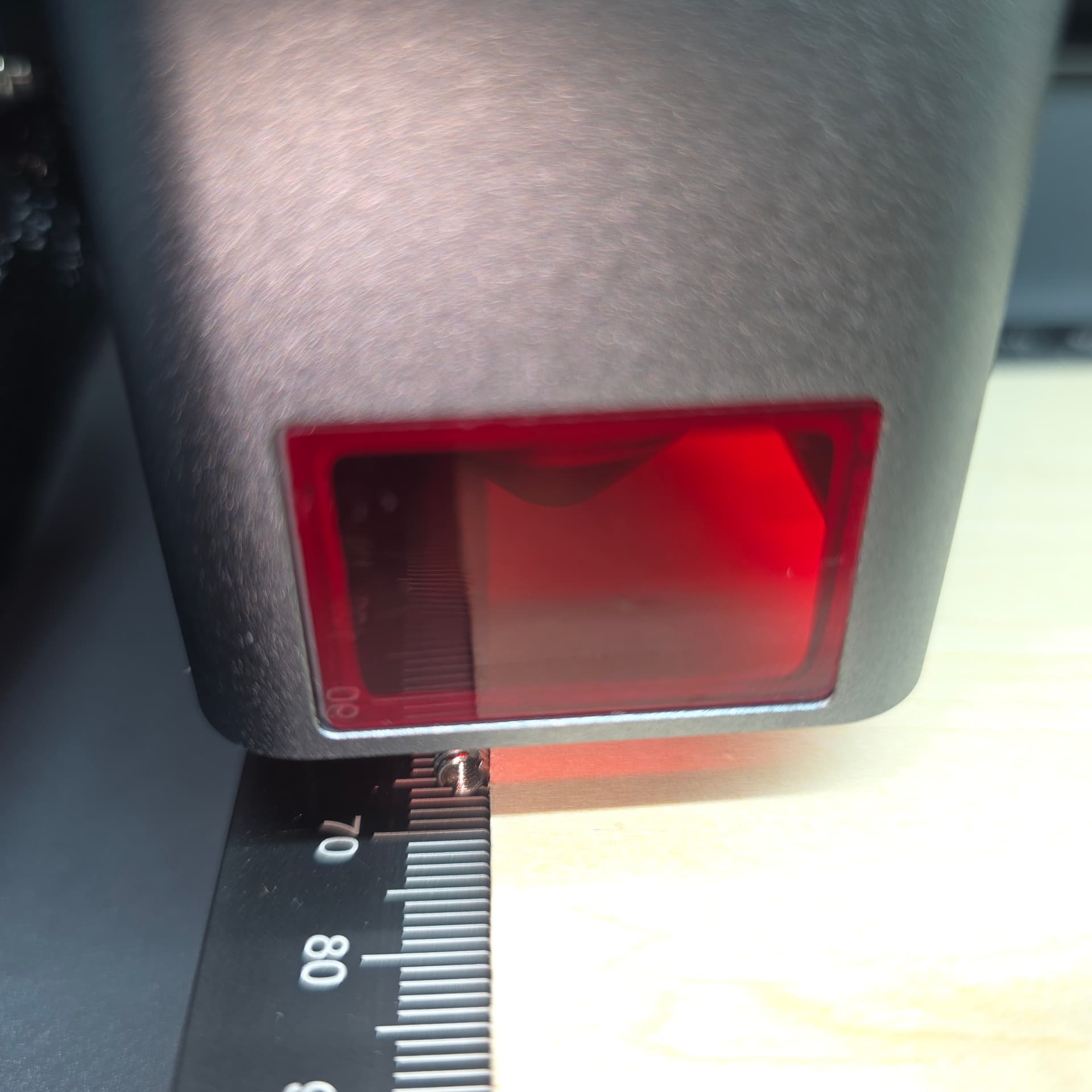
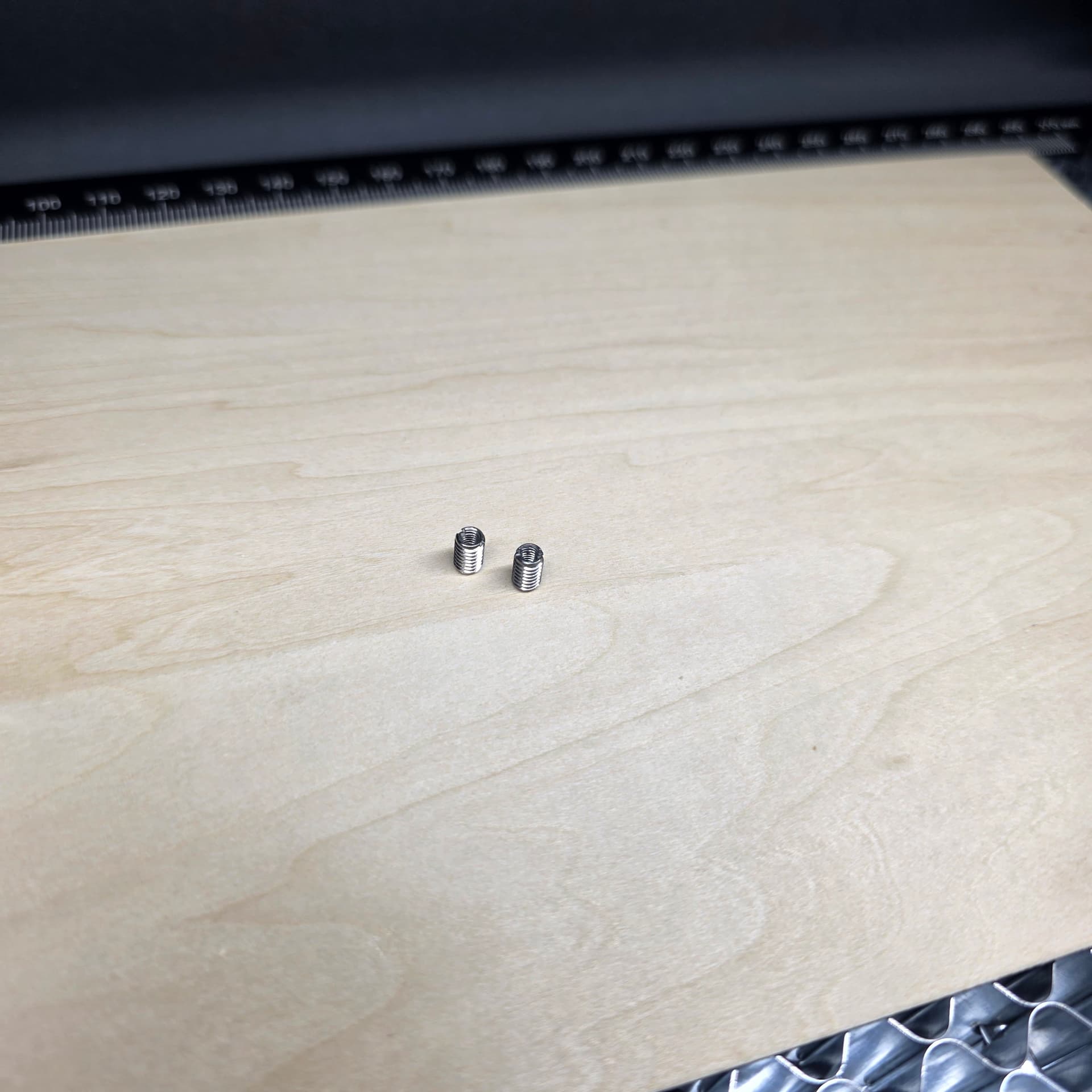
Hi @NiNi! First, I’m really sorry you’re running into these issues.
Second, we’ll do everything we can to help you get this sorted out.
And third—this machine is actually a great choice for beginners, and I genuinely enjoy using mine!
@MCVDFC and @Samantha_Bryant, thank you for stepping in right away.
Okay, I just watched the video, and it does look very similar to what I’ve seen from other iEngrave users here. I could tell right away that the framing was way off, which explains the grinding noise. The good news in your case is that your laser module still returned to its set origin afterward.
Those limit switches on the X and Y axes are permanently installed by the manufacturer, and you generally don’t want to tamper with them. You can check to make sure they’re snug and properly seated, though.
Next, gently move the laser head by hand—left to right, then up and down—to confirm nothing is blocking the rails and no wires are getting caught. When you move it to the top‑left corner, push it firmly until it clicks or stops so it reaches its true home position.
After that, perform a hard reset: press and hold the reset button on the front of the machine for 30 seconds to a minute. Pay attention to what the machine does or sounds like during this process. Then turn the laser off, unplug the power cord, wait about two minutes, plug it back in, and power it on again. Connect as usual and run a simple test.
If none of that resolves the issue, it’s time to update your firmware to the latest version (see my earlier response for instructions.
 I don’t think I’m looking in the right place. I don’t even know if I’m in the general vicinity…
 . I’m actually glad you jumped in when you did. I was asleep when our member needed help, and I only responded later because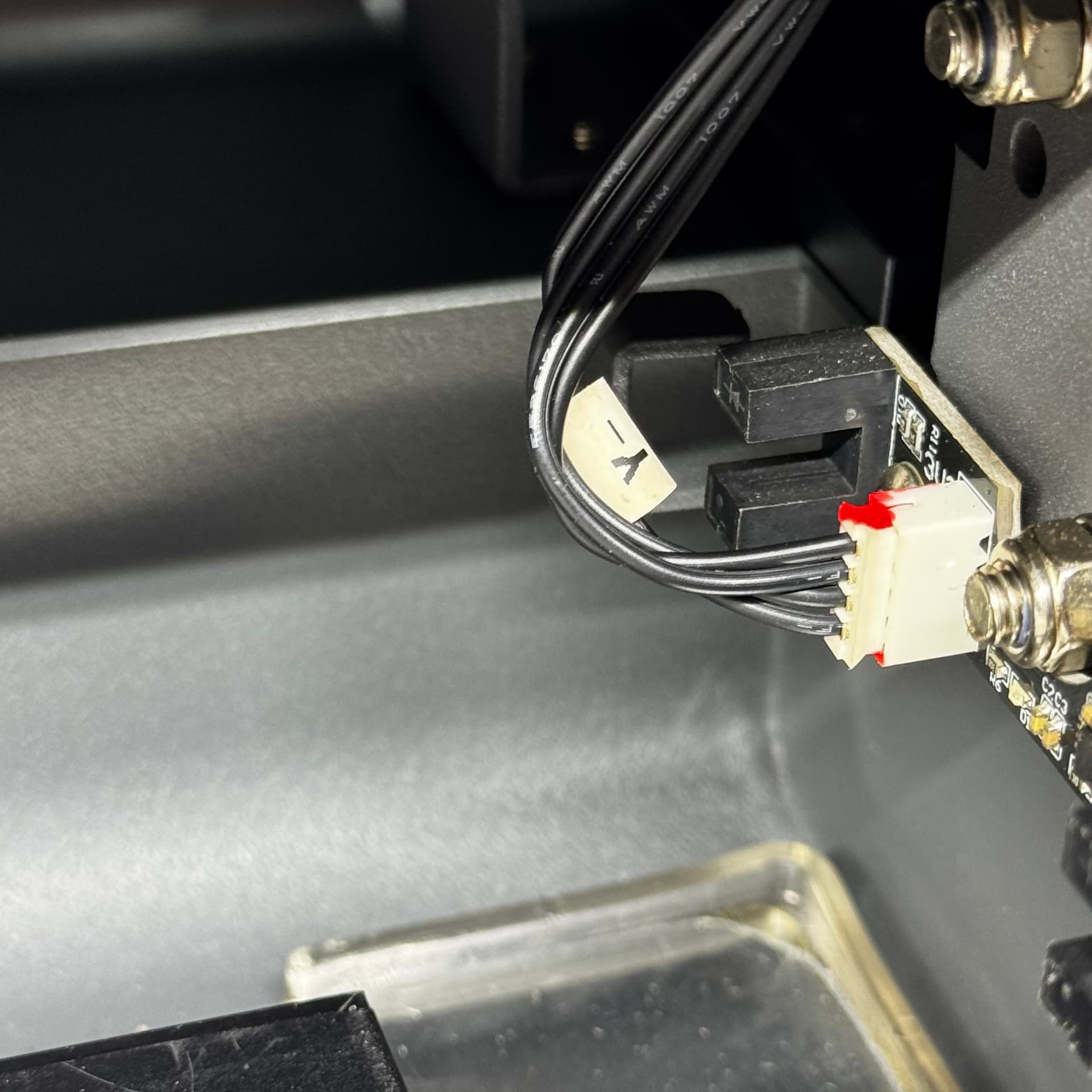
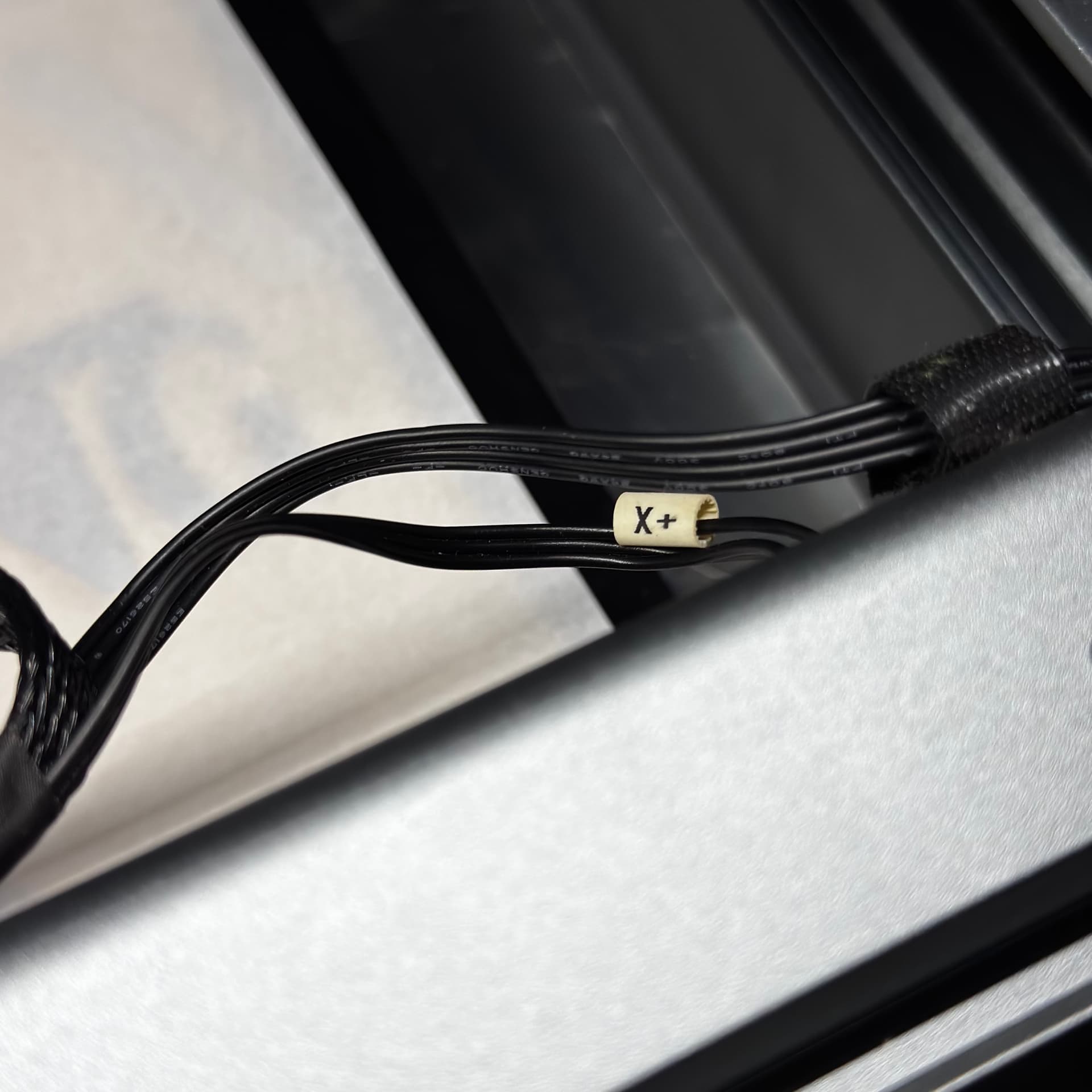
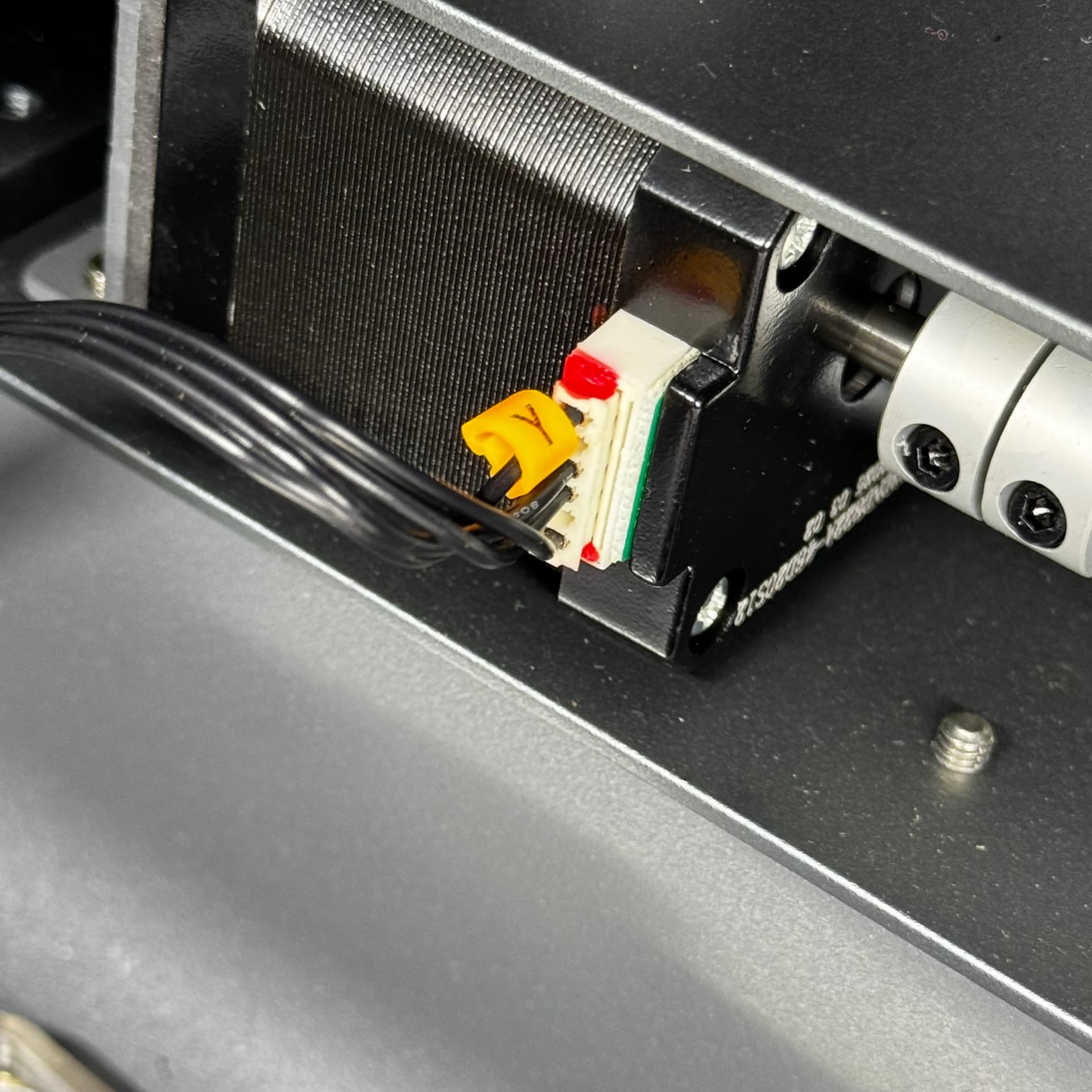
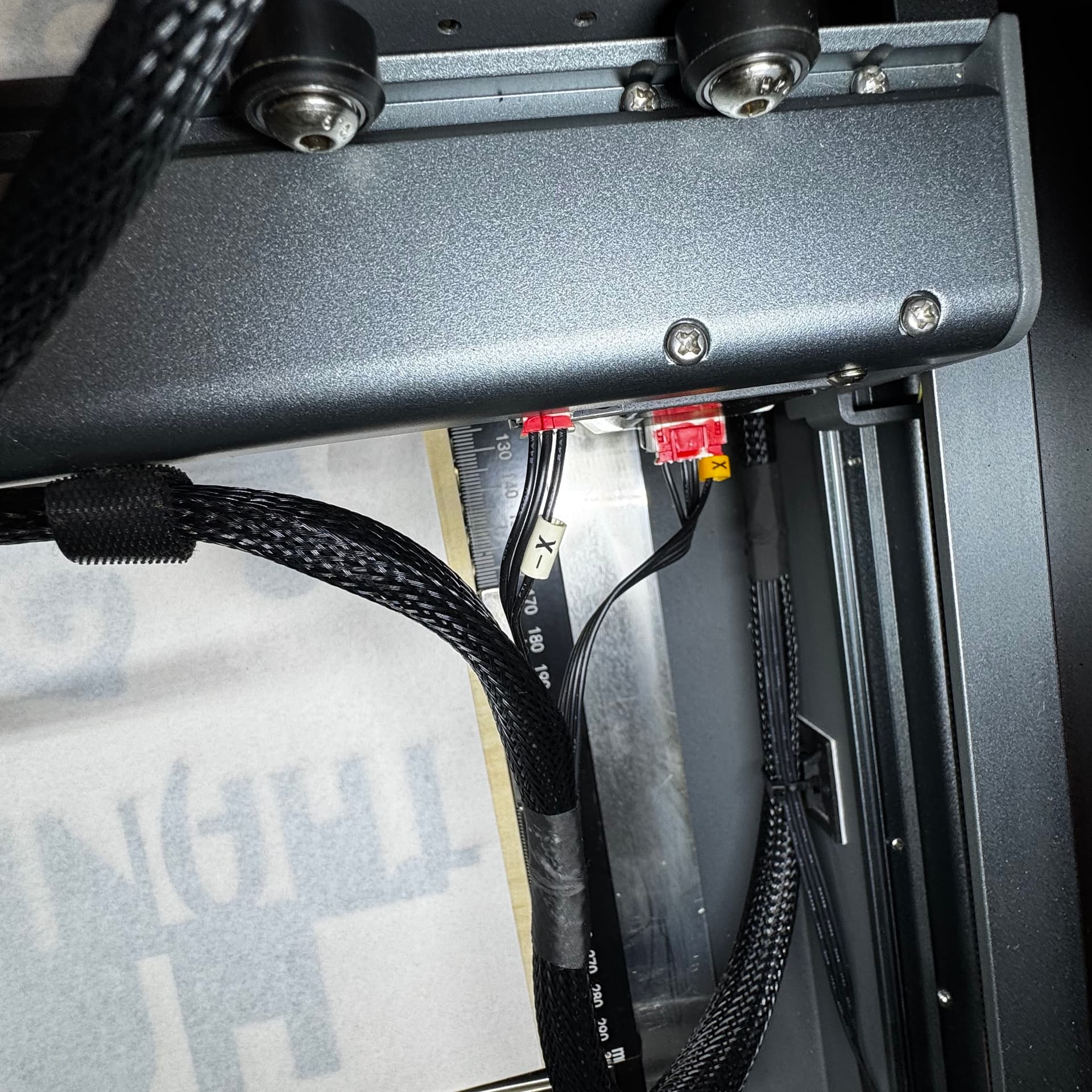

 I might have to take the cover off and put my head in the machine, LOL, but I’mma figure it out!
 Three so far…