I hope someone can help me.
I have just bought the Icraft yesterday.
I have been using the cut without problems.
But when it comes to print then cut i have been lucky a pair of times.
when i starts up with the scan it scans the mark in upper left corner and then goes to start position.
I have calibrated the machine and set the new values.
I have seen video and read a lot about plain material, lightning etc. and tried to follow the rules.
Can it be issues with software or things like that?
i use the studio version 2.6.7 on a Mac with OS 26.01
Hope you can give me some hints before i loose all my hair.
Greetings from Denmark
By the way: are there some “Loklikkers” from Denmark in here?
5 Likes
Hi sorry you are facing issues with the print then cut function on your iCraft. It’s great your software version is up to date. Have you updated your firmware version on your LOKLiK iCraft?
I have a video showing you how to do this here
Also, what problems are you having? Does your machine not read your registration marks? Is your cut not even? Sometimes one calibration isn’t enough, and you may need to do it again to get the cuts even. More than 4 times and I would encourage you to reset the calibration.
4 Likes
I am Danish. Welcome to the community. I have a crafter so I don’t know much about icraft unfortunately. But congratulations on your new machine, hope someone can help you get it working in all respects. With crafter it helps to calibrate it a few times and possibly reset calibration and then try to calibrate again.
4 Likes
English translation
These are helpful tips.
Danish translation
Disse er nyttige tips.
3 Likes
Hello Belle
Thank you for Your help.
I have updated the firmware to the latest version 7
I have fighted a lot with calibration on and on
My byggets issue is that when i read the marks it scans the mark in the upper left and then sometimes scans a little in the upper right and afterwards go to start and no more happens.
I have tried a lot of things
With Booth USB and Bluetooth
Placing the paper
Scraping the paper wery good so it is plain
The thing that helped the most was the Lightning
I have light in the ceiling that i shut Down. It helped me.
So it looks like the more dark in the room the better is it.
Does it sound plausible?
Thank you
Hello Dorthe
Nice to meget you.
Its exciting that there are other like me that wants to try other equipment than Cricut and Silhouette. Its almost these two that dominantes the market.
If you have comments to the Long text i wrote to Belle i would lik to hear your comments.
Jeg ved at nogle har haft god hjælp af at lukke den øverste klap på deres loklik og ja gøre rummet mørkere.
Og ja det er svært at finde andet end de dyre mærker her i landet. men jeg må sige at jeg er super glad for min loklik. I sidste uge fik jeg mulighed for at afprøve en icraft da min bror var på besøg med hans og der prøvede vi også print og cut funktionen med stor succes. Men ellers har jeg kun erfaring med min crafter.
Håber det lykkes for dig og at du bliver glad for din icraft.
translatet
I know that some people have had good help from closing the top flap on their Loklik and yes making the room darker.
And yes it is hard to find anything other than the expensive brands in this country. but I must say that I am super happy with my Loklik. Last week I had the opportunity to try out an icraft when my brother was visiting with his and we also tried the print and cut function with great success. But otherwise I only have experience with my crafter.
Hope it works out for you and that you are happy with your icraft.
1 Like
When you turn the light off does it read the marks and actually start cutting? If not have you tried putting the lid down on the machine while it is reading the marks? Also, have you ever got this machine to print then cut before. Is there any errors that come up on Idea Studio.
If this machine has never done a print, then cut job successfully I would definitely reach out and email LOKLiK support to raise the issue.
2 Likes
Hi again
I have experimented more with print then cut today.
Now it seems that the light is not so crucial after all.
It seems that sometimes it helps to turn the machine on and off before doing a new job.
Regarding calibration, it is probably correct to assume that you normally only calibrate the machine once.
If you have to calibrate again after that, it is probably only if there is a mismatch…
Today I have contacted the place where I bought the machine in Denmark.
I have also contacted Loklik support.
I will write here when there is new news in the matter.
1 Like
Hope you find the right solution.
1 Like
@timmytation maybe you can help
3 Likes
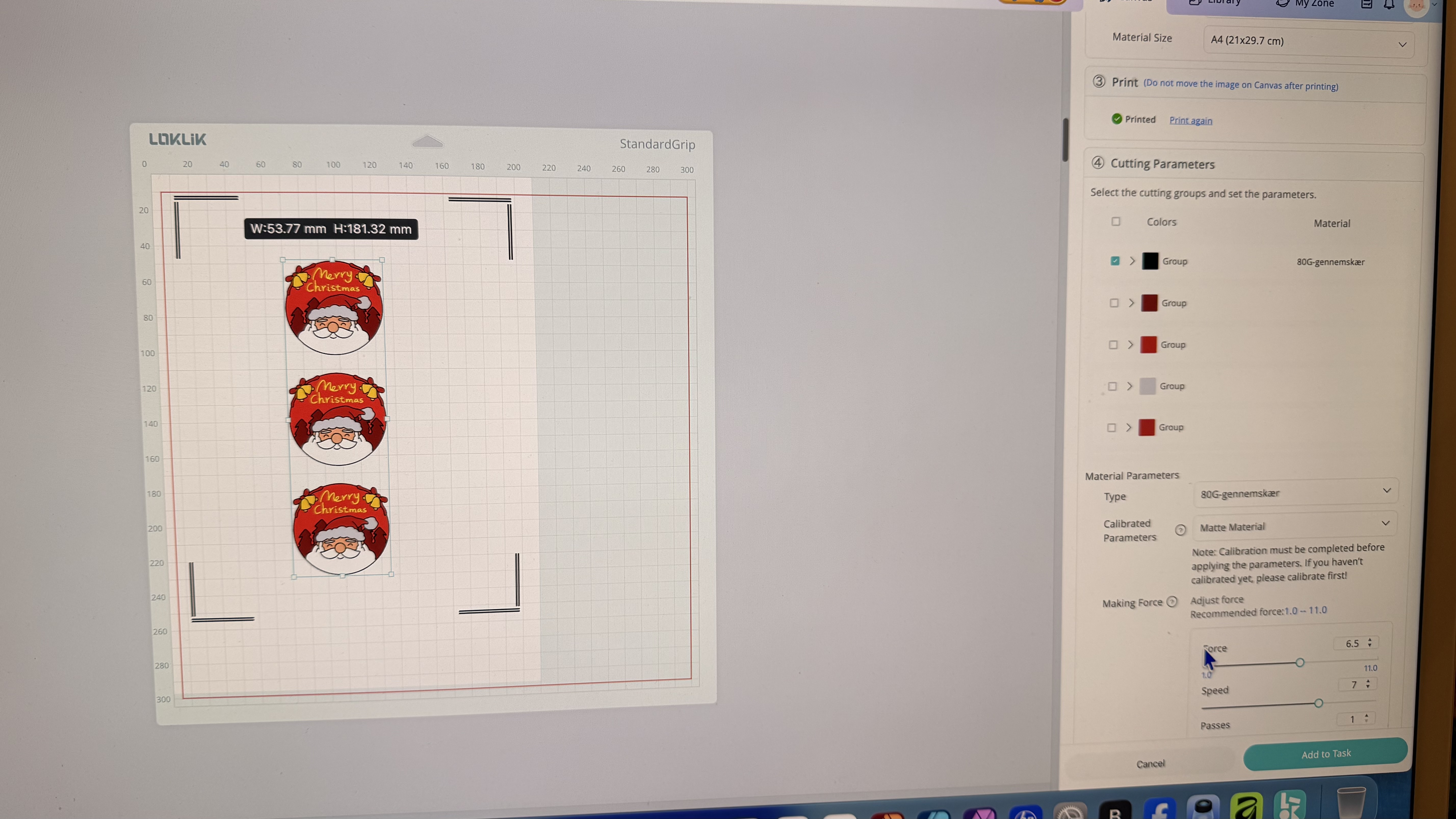
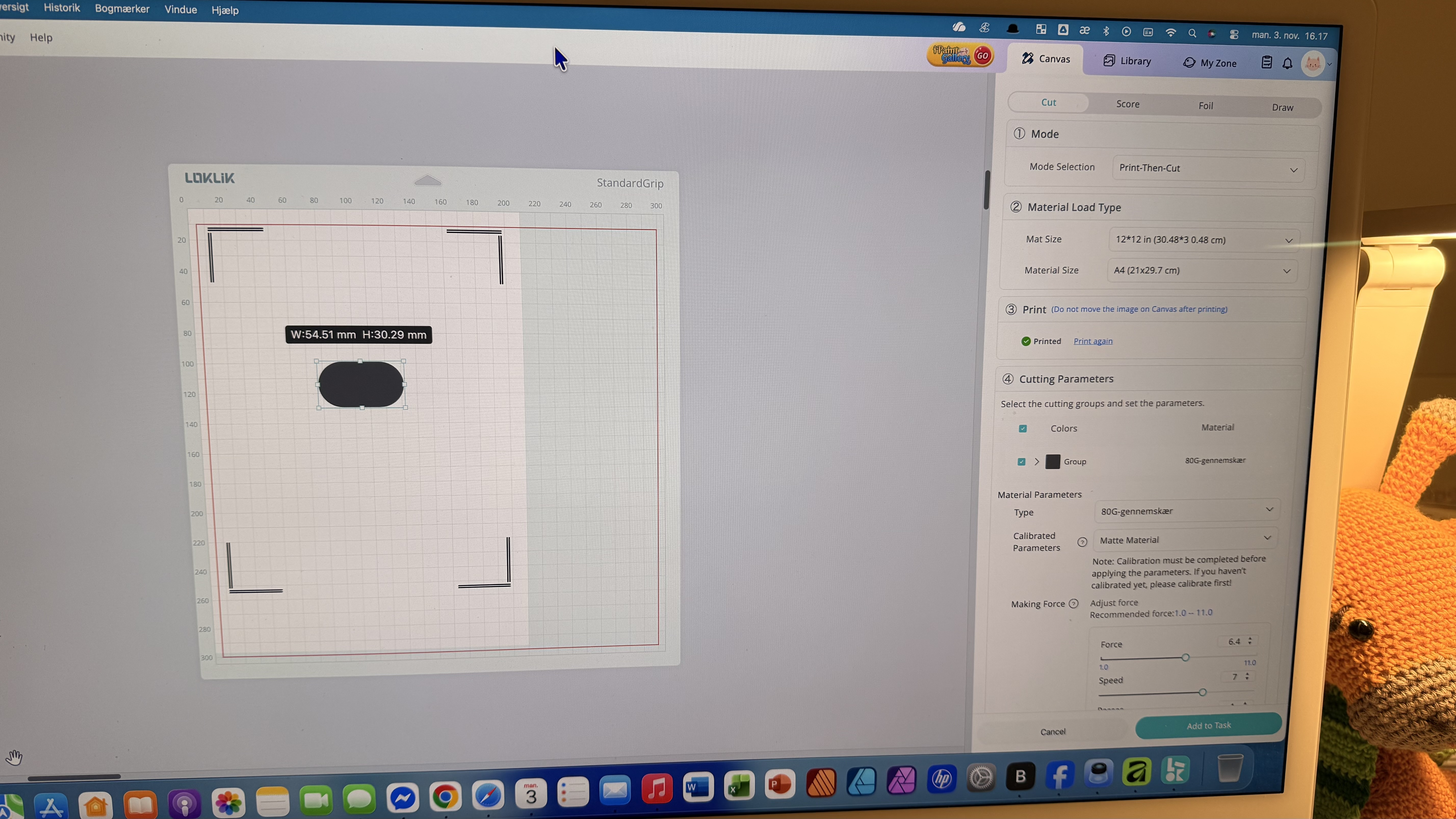
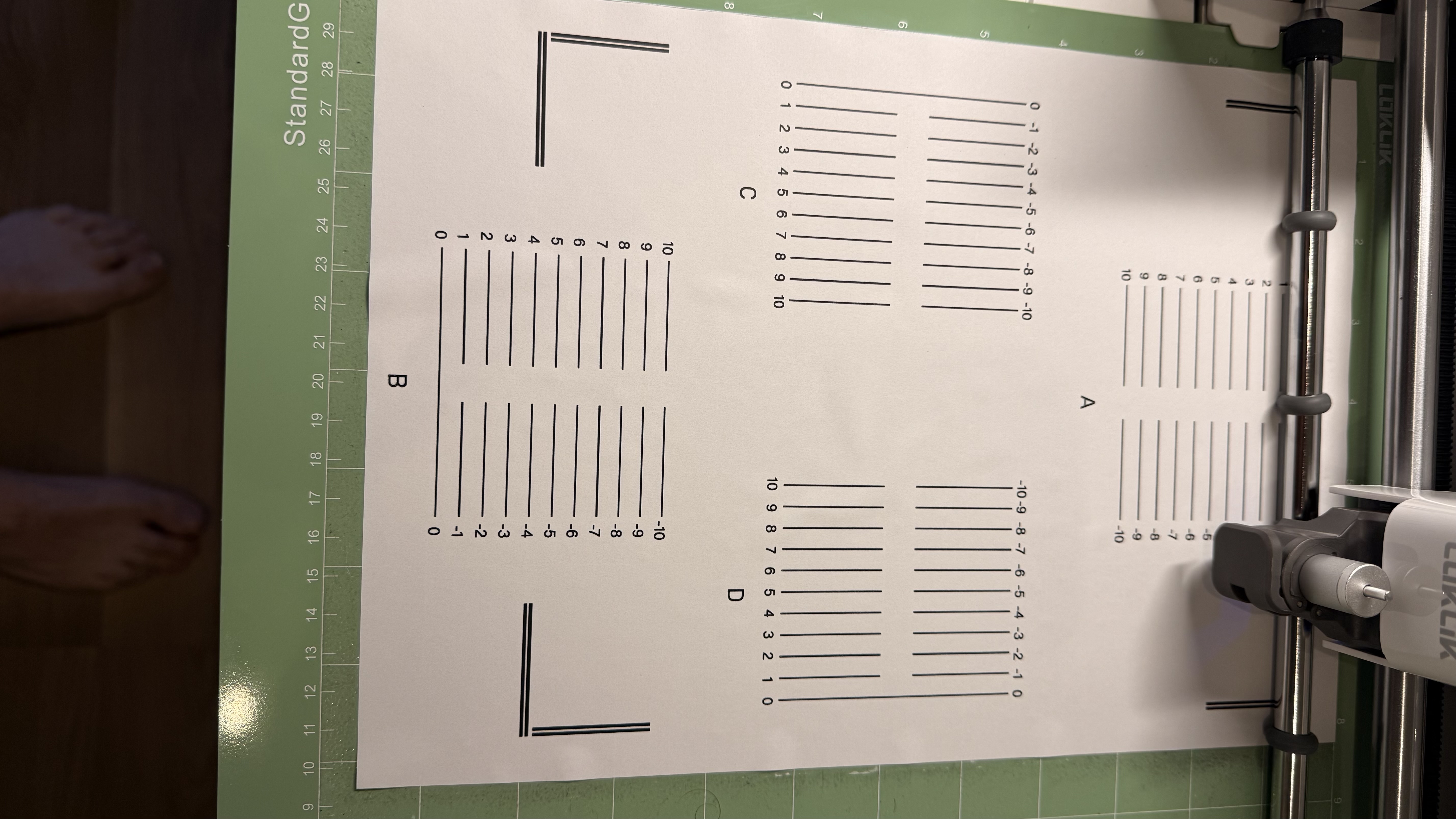
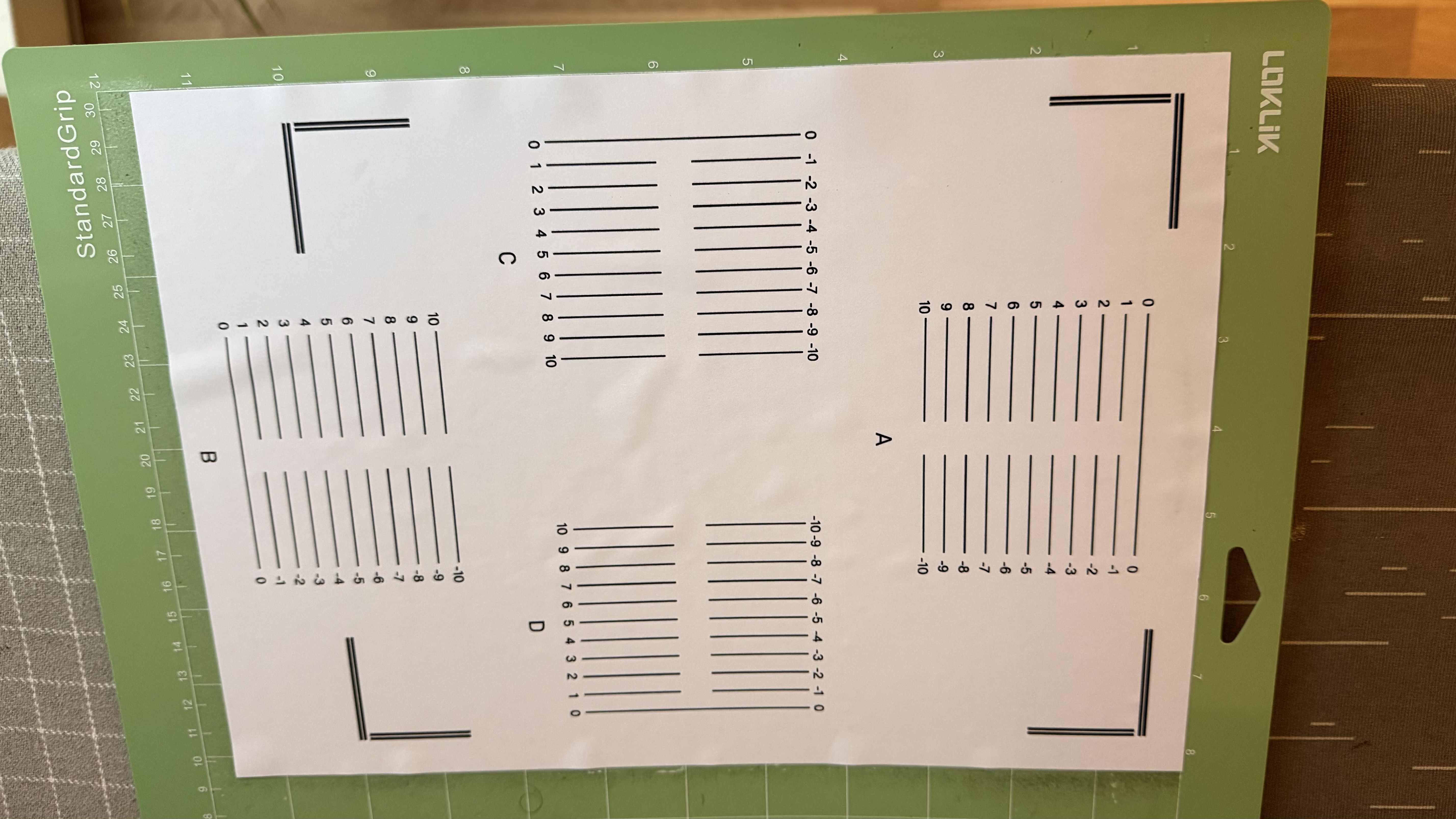
Is this just recently? i think there’s going to be a firmware update for v07. Not sure if it has rolled out already but Firmware update also sometimes factors in when reading registration marks
2 Likes
Hi
The Loklik idea says my system is updated to the latest version 7
2 Likes
Have you tried the tips in this article?
2 Likes
So after you started the cut, did idea studio give you a message as to why it didn’t cut?
2 Likes
Hello
I have tried evrything in the guide.
One thing in the video that s new for me is the positioning of the Grey rubber bands.
They are positioned to the left regmark, the right regmark and the middle of the sheet.
It sounds plausible, so i have to try that.
I love this Community
Jan
**[quote=“timmytation, post:15, topic:44153, full:true”]
Have you tried the tips in this article?
[/quote]
**
1 Like
Hello
It says it is unable to read regmarks.
When it happens it scans a little in left corner and then goes to parking.
Or it scans a little left and a little right and then goes parking.
Later today i have to try the advice in the video from timmytation about positioning of the Grey rubber bands. Exciting if that Can be a solution.
I love this helpful community.
1 Like
Have also tried in both v06 & v07 firmware? What is your material size? Are you printing 100%? These are the usual issues with print and cut. Plus sometimes the lighting.
2 Likes
I only have tried v7 software.
Material is A4 in 100%
Experienced a lot with Lightning.
3 Likes