Can you see what print settings you used in the app and use those same ones for the pc? Just comparing those might help eliminate that possibility.
2 Likes
I have even less print options on the mobile app. It can read the lines, but the alignment is off, and it doesn’t cut all the way through the paper, even at a force of 7.
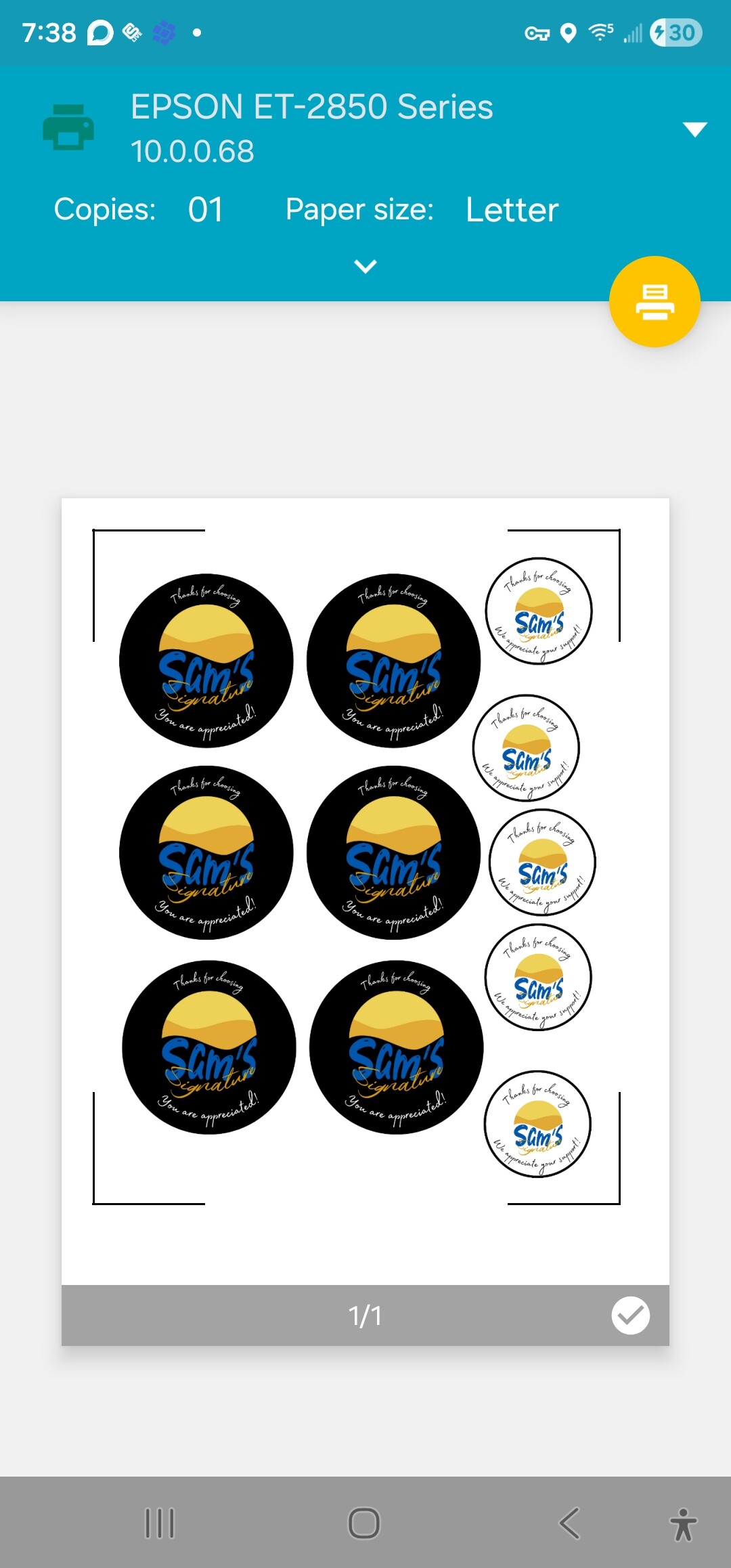
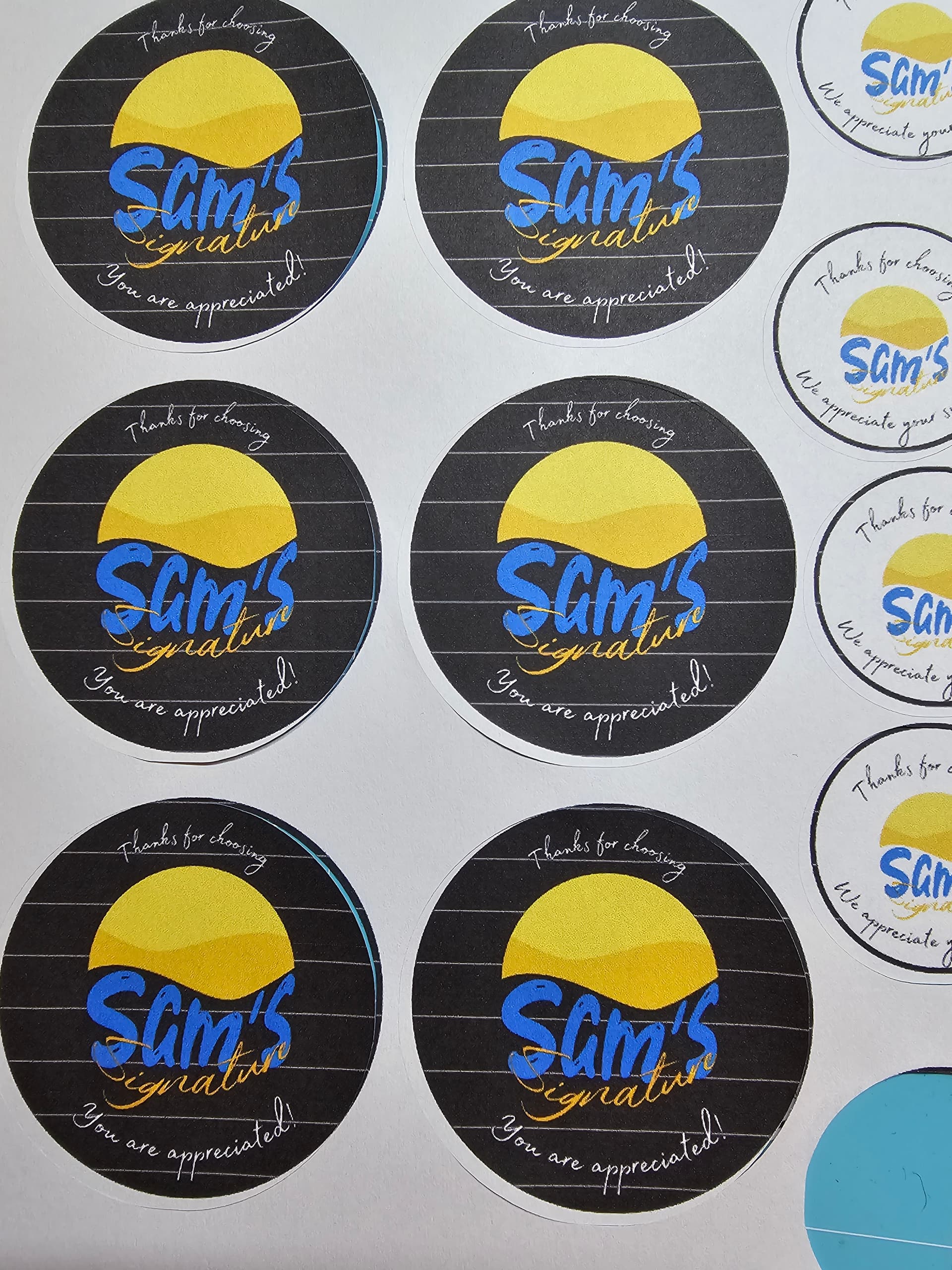
1 Like
I can’t believe an Epson ET 2850 can have only those options.
Are you using a generic driver instead of Epson driver?
Don’t you have something like this?


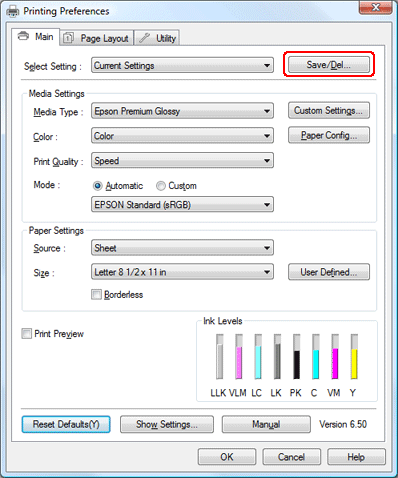
https://support.epson-europe.com/onlineguides/en/spr2880/html/app_2.htm
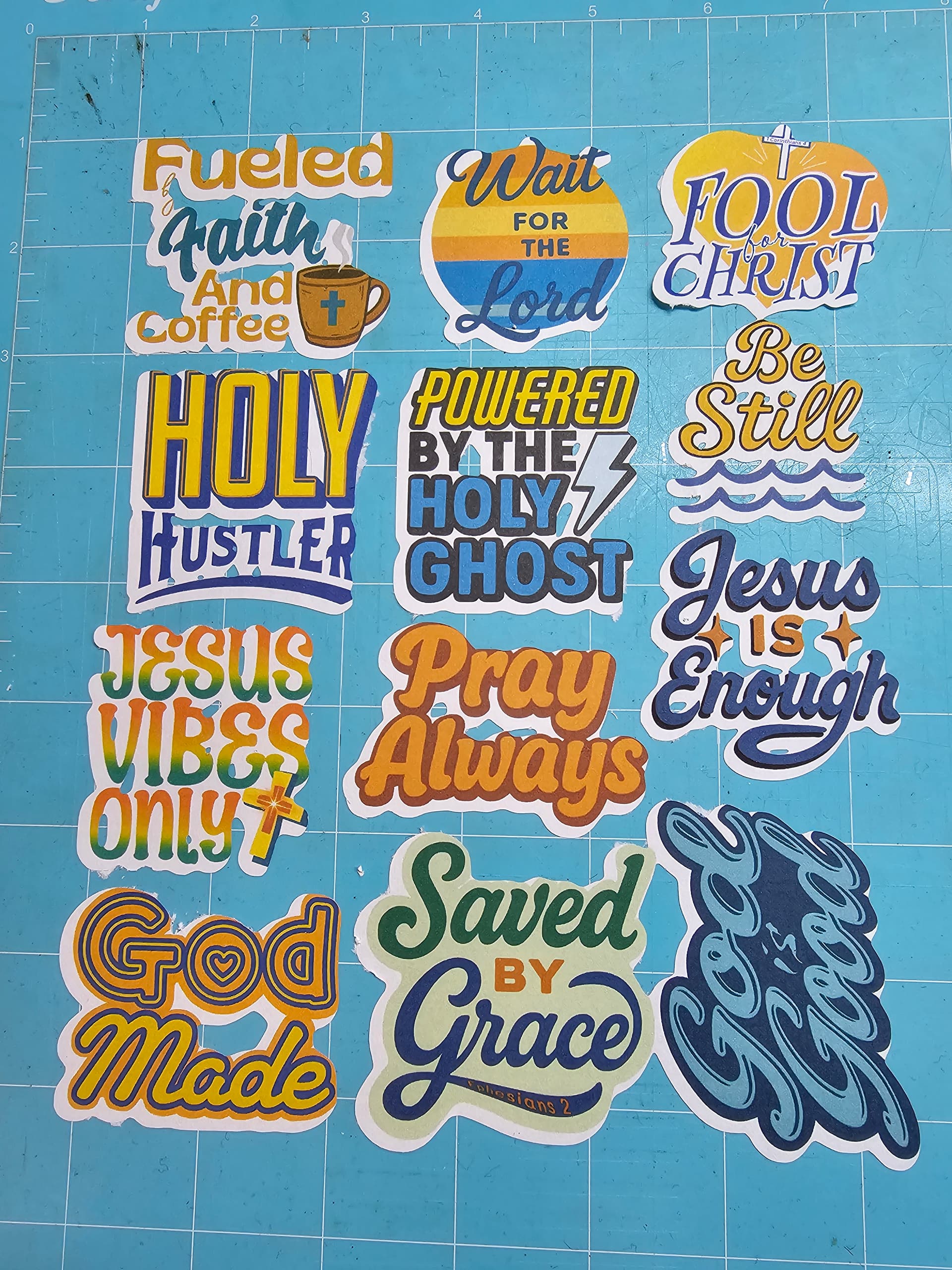
Ok, after a good night’s rest, I’m back and ready to try again. In regards to the Epson printing, I have more options when printing directly from the Epson software/mobile app. But when it comes to printing from other applications, it only gives me a small selection of paper type settings with 2 selection, plain paper and glossy photo paper. I’m trying, right now, to do a PTC on the stickers I did last night. I notice that I can expand the offset after uploading the sheet to the IS, so it doesn’t try to contour all of the letters, but rather go around the artwork. I just left the offset alone, yesterday. After expanding it a few times, it looks like it may cut better. However, I think I might have better luck if I upload each design separately and add it to the canvas that way, rather than uploading a whole sheet, as it seems to want to cut multiple designs as one, instead of individually. Maybe if I remove one of the designs and space them further apart, that may help, as well.
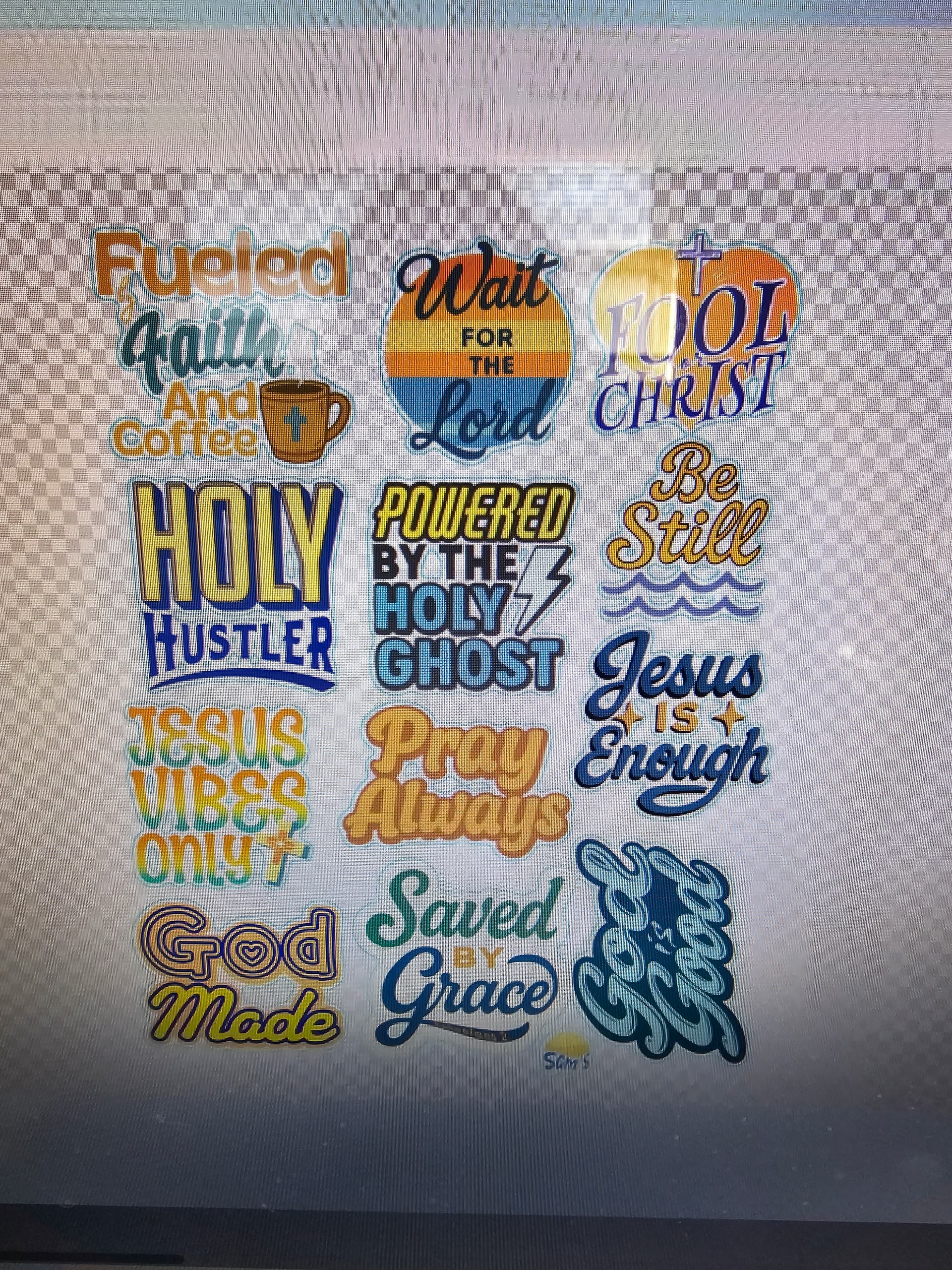
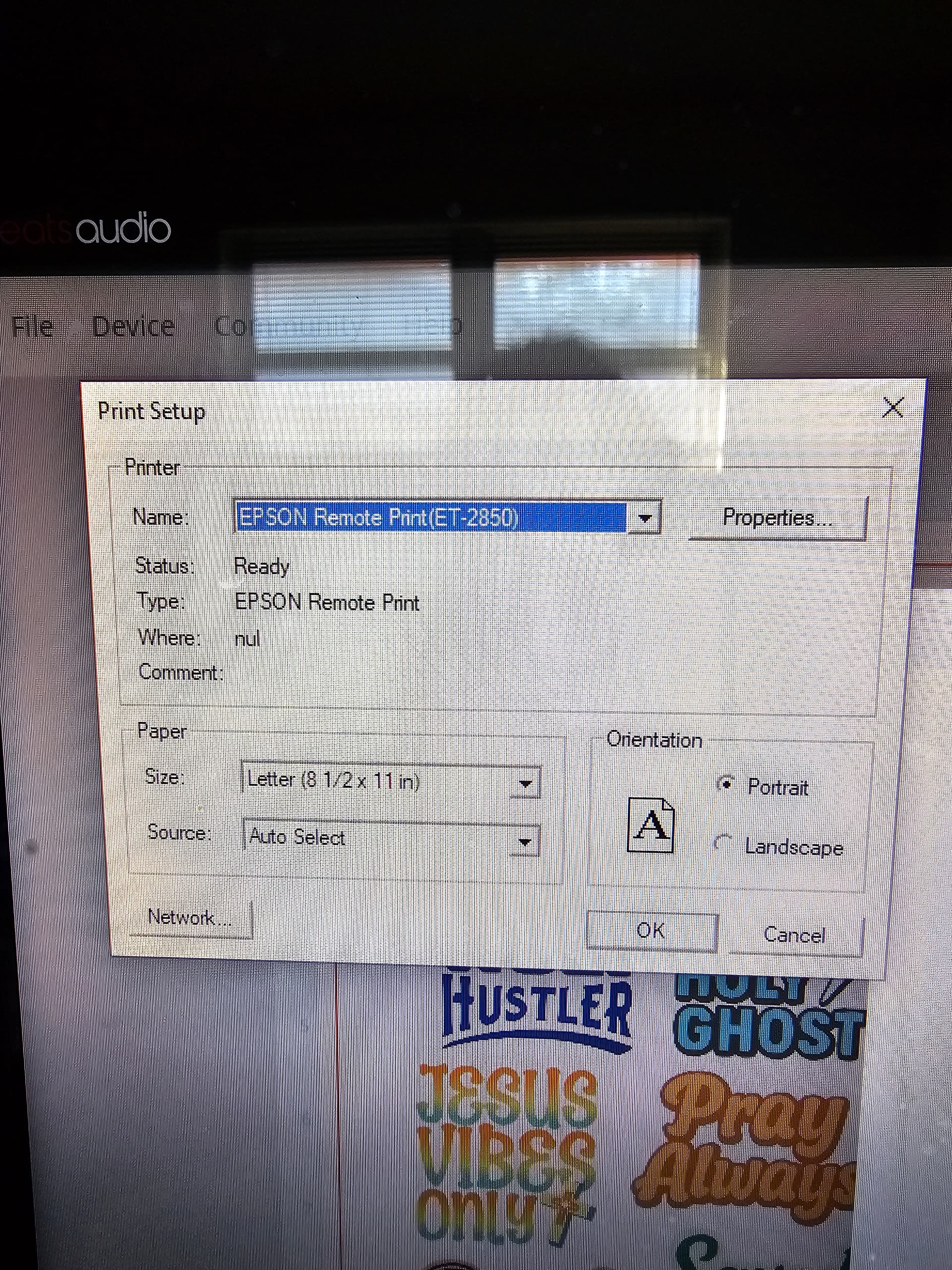
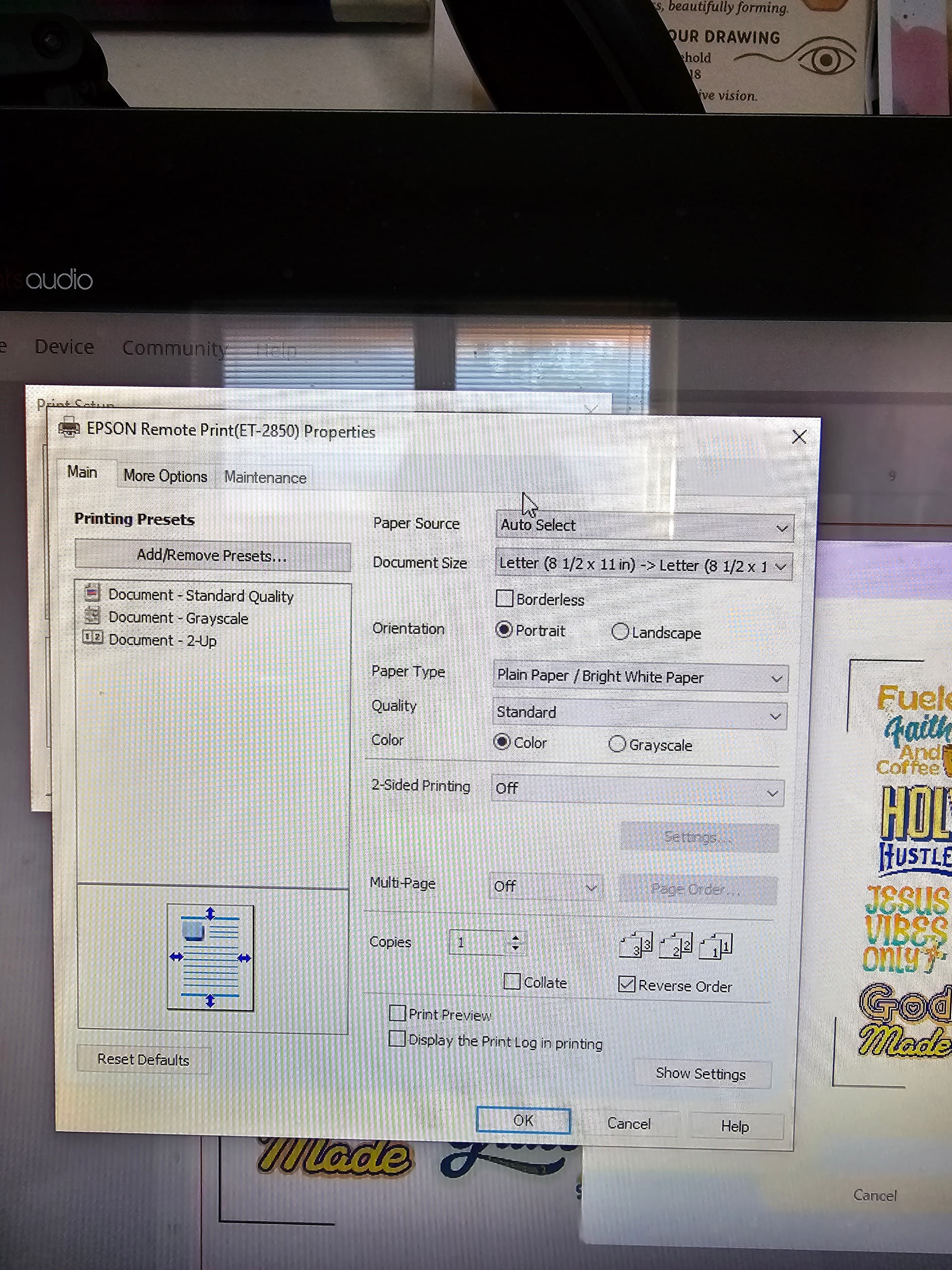
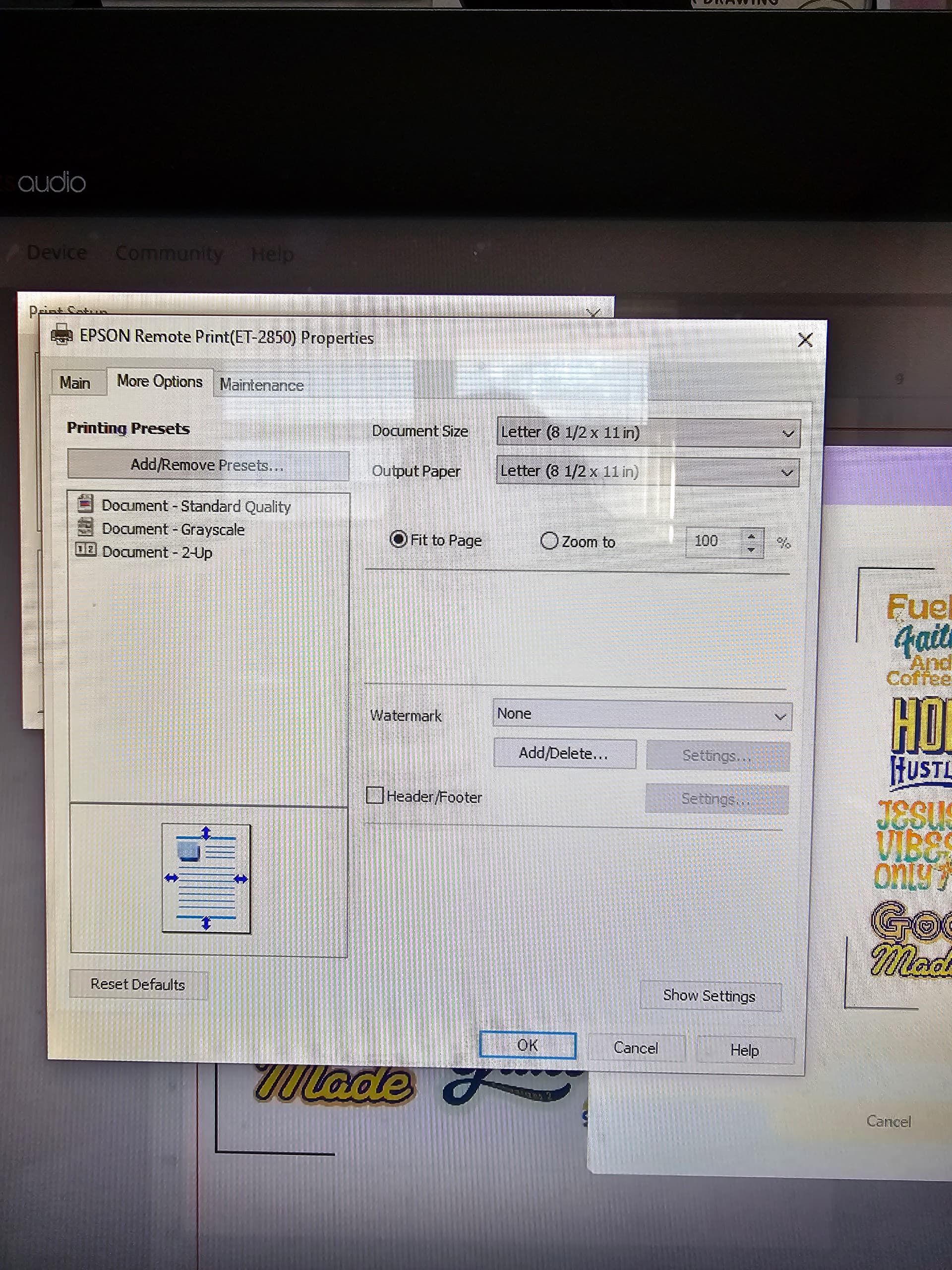
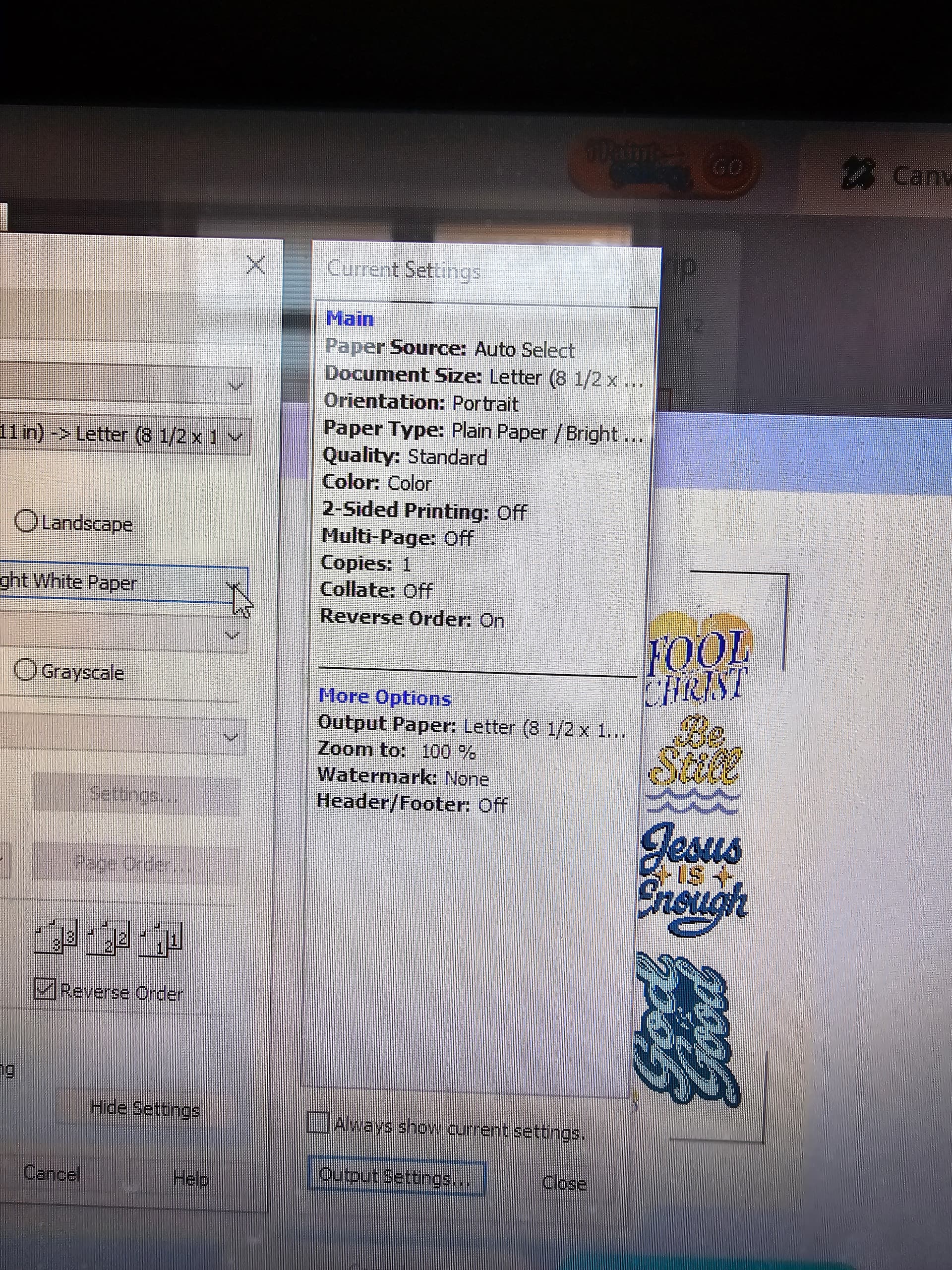
Well, after 3 tries, it finally read the registration marks. However, the alignment is still off. And I guess, I need to up the force to 9, if I want a clean cut.
1 Like
Please, tell us about the designs… is it vector, or raster? If it is vector, aAe the layers clean and organized or they could be hidding undesired cutting shapes? If raster, how are you preping the cuts? Or that wasna problem before and you’ve realized now that it was making cuts because there were shapes there… always check what shapes we’re selecting to cut.
3 trials to get a mark reading seems too much, is the machine under good light conditions?
Having 3 problems at a time doesn’t seem the best way to find the problems. I insist you may save ink and discard unnecesary factors making the PTC with very simple shapes like an array / grid of squares.
The offset you get still seems a problem of sizes and scales. I guess you’re checking again material size in Idea Studio.
The Jesus Vibes Only sticker pack was done using Canva fonts and some of my drawings from a digital art app. The other designs, with the mushrooms, spiders, cat, moon, etc., some were drawn in a digital art app, and were vectors. The cat and spider were hand drawn and scanned with my phone, and the moon was a photo I took with my Nikon, but I also placed them on a sheet in Canva and downloaded them from there. So, I’m assuming that makes them all raster layers. They are downloaded as PNGs. As for the layers, you can see in the image it has the whole sheet as one layer, then, it has the offsets as the other layer. The lighting is good in my room. I’ve tried dimming the lights. My machine is set right under a window with natural light. I did see @BellethehowtoGuru mention to close the top of my machine. I didn’t see that reply until after I made my last cut. What’s strange is that it only has a problem with reading the marks when I use my desktop or laptop. It reads them first go when I use my phone, so I don’t think it’s the lighting. As I said before, I used a sharpie, once, to darken the lines, and it still wouldn’t read the marks. I’m going to make a sheet with the squares in a little while and see how that goes. Maybe, I’ll add some designs straight from the IS library and see if they cut better, as well. And, yes, I’ve made sure that the material is set to US Letter. I haven’t tried setting it to A4, yet.

2 Likes
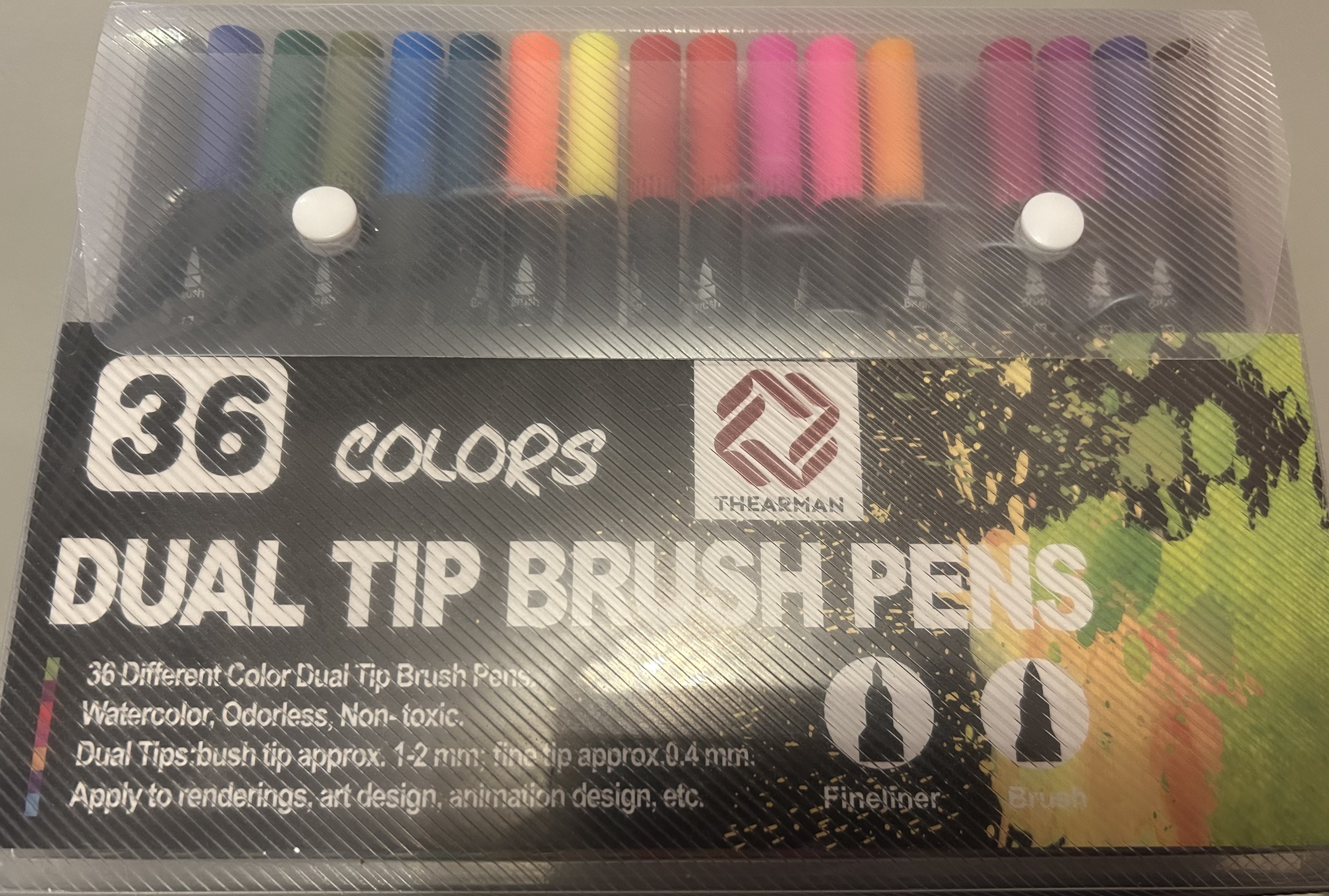
I have these pens that fit perfectly. They’re exactly the same size as the LOKLiK pen that came with the Crafter. It even has that reassuring ’click!’
I’m only wanting the adapters to use Sharpies, etc.
I’m sure if you search in reviews for similar items on Amazon US, you’ll find someone that’s tried them. I believe that any pens that fit that other company’s Explore/Maker (but not Joy) should also work.
4 Likes
I think your topic has well and truly derailed, in about 7 different directions! 
2 Likes
Awesome! I’ll see if I can find them on Amazon. Thanks for sharing.  And yeah, eventually, I’m going to order the adapters, because I too would like to use my waterproof fine liners. I also like to paint with watercolors, and would love to just have my machine draw the outlines for me, so I can spend more time painting. Even though I love to draw, it’s very time consuming to have to draw in pencil, then line with the pens, then paint. It would be cool to do all my drawing digitally, then let the Loklik draw it so I can paint it.
2 Likes
Yeah, I think that’s my fault…  Sorry.
2 Likes
I really want to try some designs with sublimation pens. I think it would be pretty amazing to have coloured line drawings on a tee shirt/tote, etc.
2 Likes
Yessss!! Same! I have a Joy machine, and can use sublimation pens with it, but you know, it’s so little. I could do mug wraps. But yeah, it be really cool to do drawings on a shirt.
2 Likes
I like this crowded home , but as you opened a new topic, let’s link it here
2 Likes
Awesome! Thank you for linking it.
Try printing at 100% instead of full scale as that can make the difference in printing scale and full isn’t always the actual size of whatever it is you’re printing (I’m in the US so I get it lol).
2 Likes
@JazzyxNe Yeah, I print at 100% every time. I gave up on PTC with my Crafter lol. I refuse to waste anymore paper on trying. I’ve tried everything. The only thing I’ve achieved is getting angry, and I try to stay away from things that make me angry. I’d rather tediously cut my stickers with scissors. I appreciate the suggestion, though.
1 Like
I feel you! It seems like this will be a lost cause for those of us in the States. And I might just go for a more expensive Cricut because I need something that will work AND is easily adaptable for the States. The iCraft is not favorable to users in the US.
1 Like
Yeah, I’ve been debating on whether or not to buy the iCraft or go for the other brand. However, I prefer the IdeaStudio over Design Space, and I don’t want to pay for a subscription to use their assets. Does the iCraft have the same issue? Is this only an issue for US users? That’s really the only problem I’ve had with my Crafter.
1 Like
It’s been 3 week since I’ve been trying to calibrate my loklik crafter machine and I’ve used my iPad, my laptop and my phone, I’ve done it many times and still not reading the registration marks.
2 Likes