Hello, fellow Crafters!
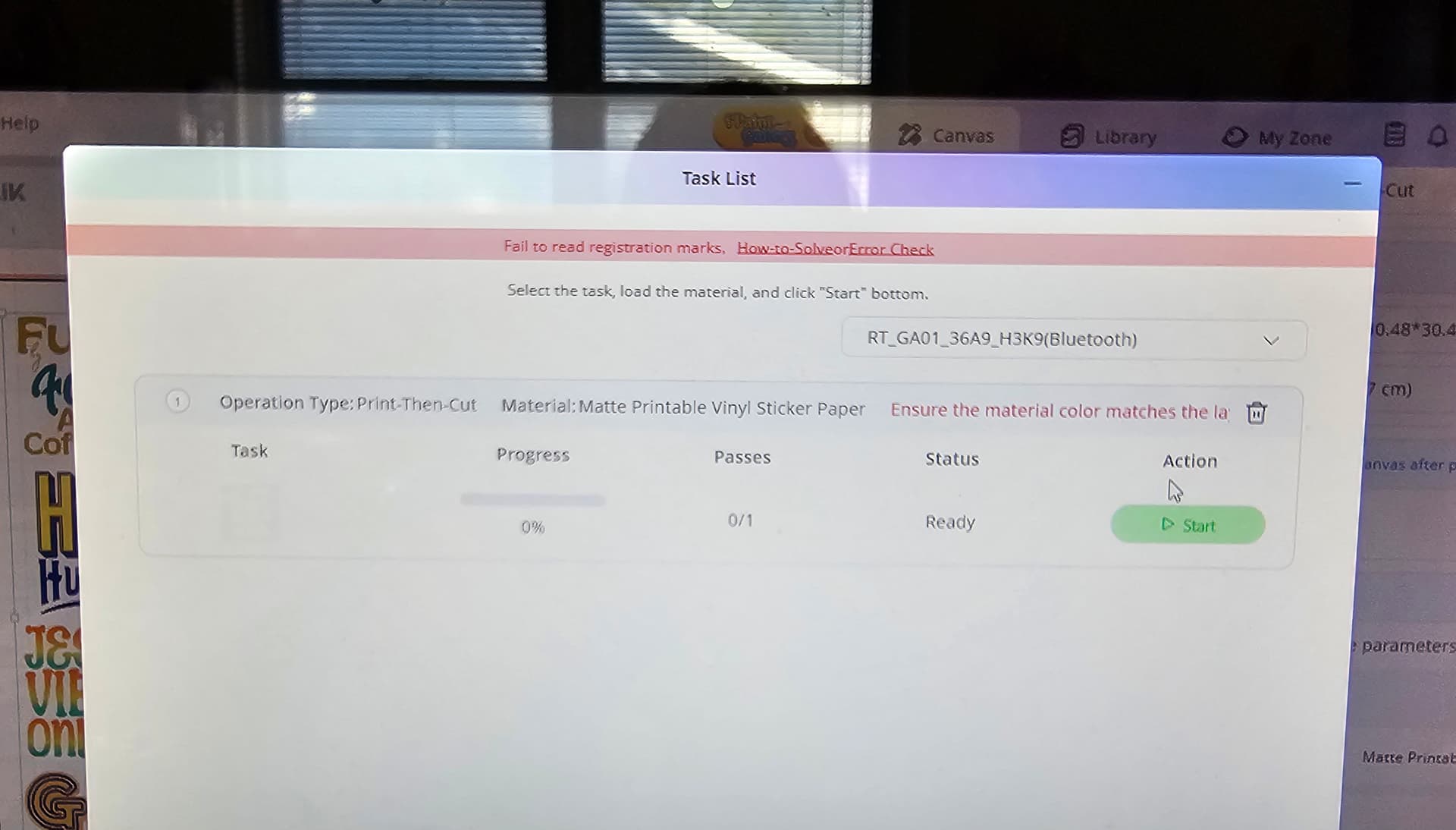
Today, I want to talk about the Print Then Cut feature for the Crafter. I’ve had my machine for 2 years, now, and have never been able to make a perfect cut. For the longest, I couldn’t get the machine to read the registration marks. I even tried making them darker with a Sharpie marker, as the “How to Fix” guide suggested. I adjusted my lighting, did all the things the guide suggested, nothing worked. I tried for the first time, yesterday, with my phone app, and it read the registration marks on the first try, however, the alignment was off. I had used my laptop and my desktop, prior to using the mobile app, and neither worked. My firmware is up to date and so are all of the apps across mobile and PCs.
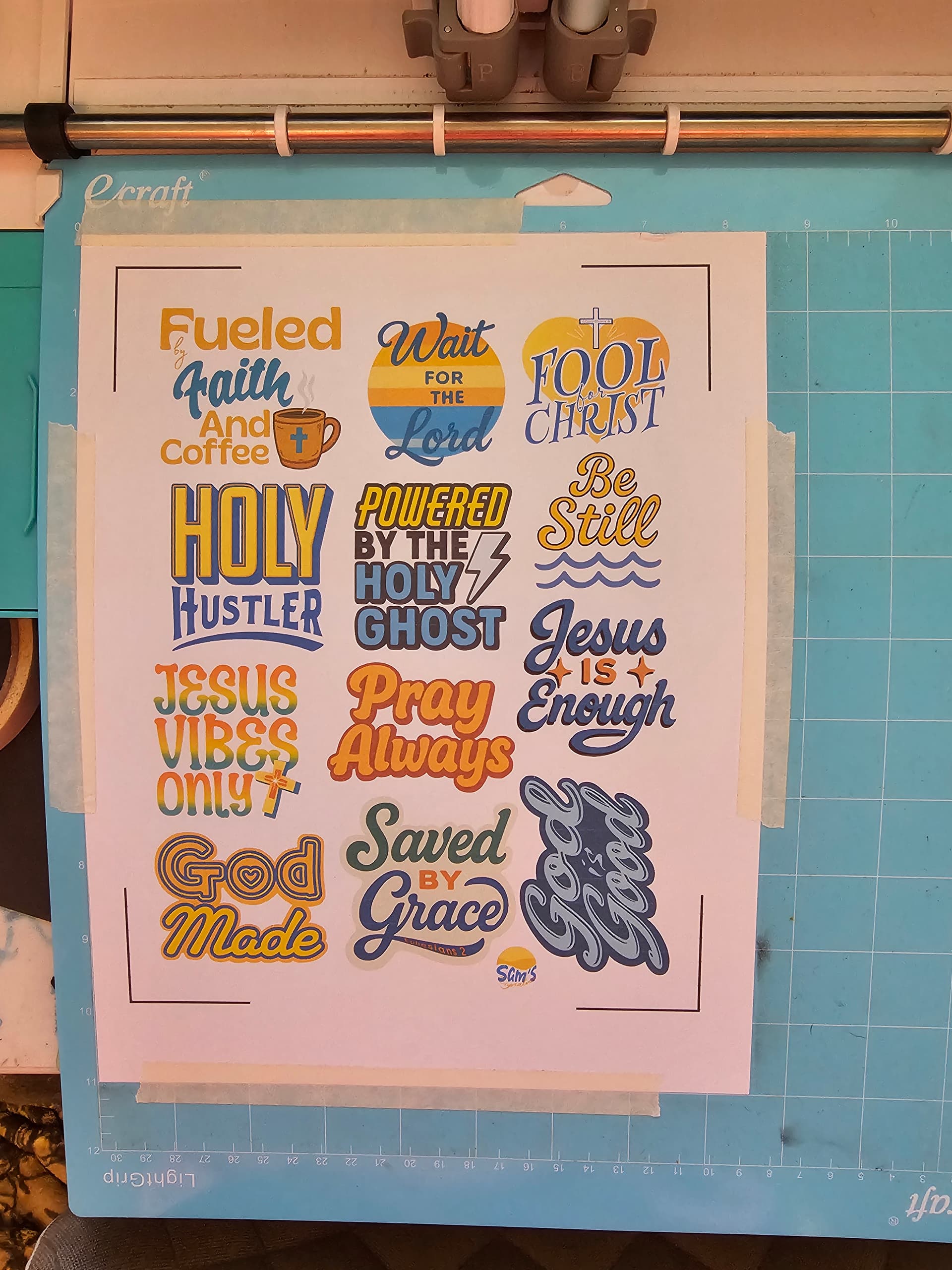
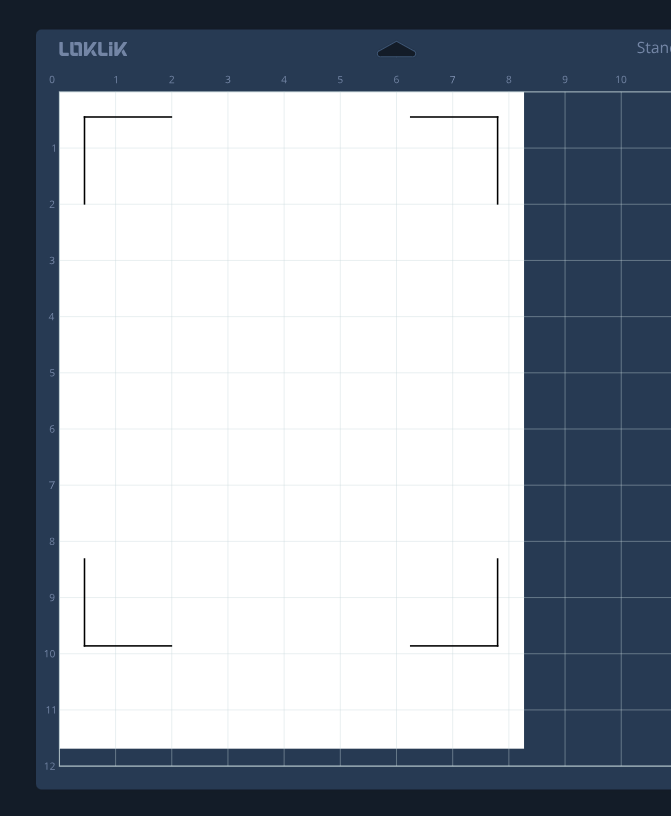
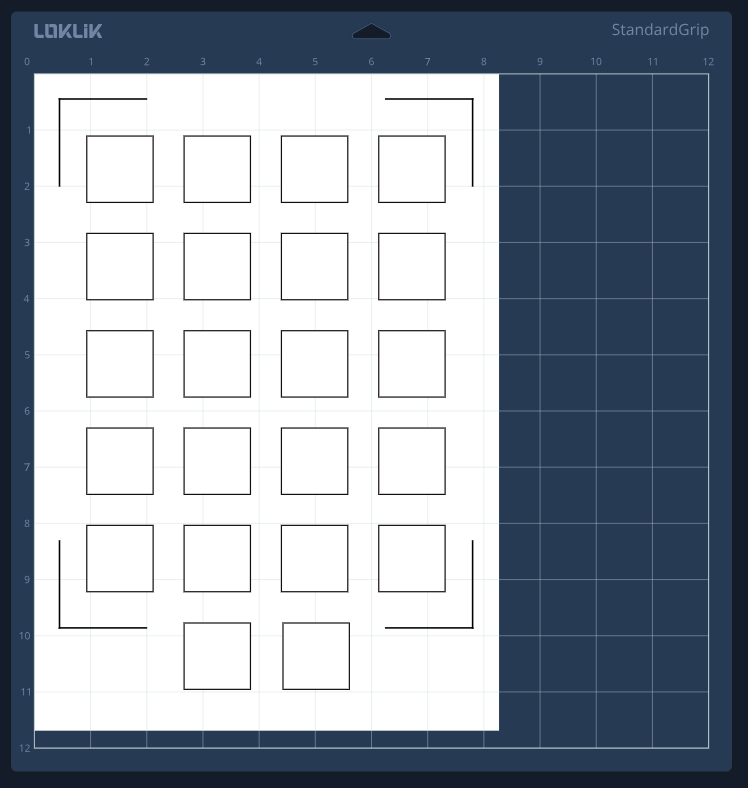
Another issue I had been having was with the calibration. Whenever I did the calibration, it also had trouble reading the registration marks, but eventually, it read them, one time. That one time I got it to run the calibration, it didn’t actually make the slits on the page. It went over each line but never made a single cut. Yesterday, after doing some troubleshooting with @redhada and @BellethehowtoGuru, I got it to do the calibration, and I was able to get the machine to actually make the cuts in the calibration sheet, but the alignment was still off. I was able to get it to cut with my computer, however, I have to hit the start button multiple times in order for it to read the registration marks. I expanded the offset after uploading the sticker sheet to IS, made sure I have the material size set to the size of my paper, which is US Letter 8.5x11. I’m printing at 100%, high quality. I don’t move the sheet once I click make. I still don’t know what I’m doing wrong.
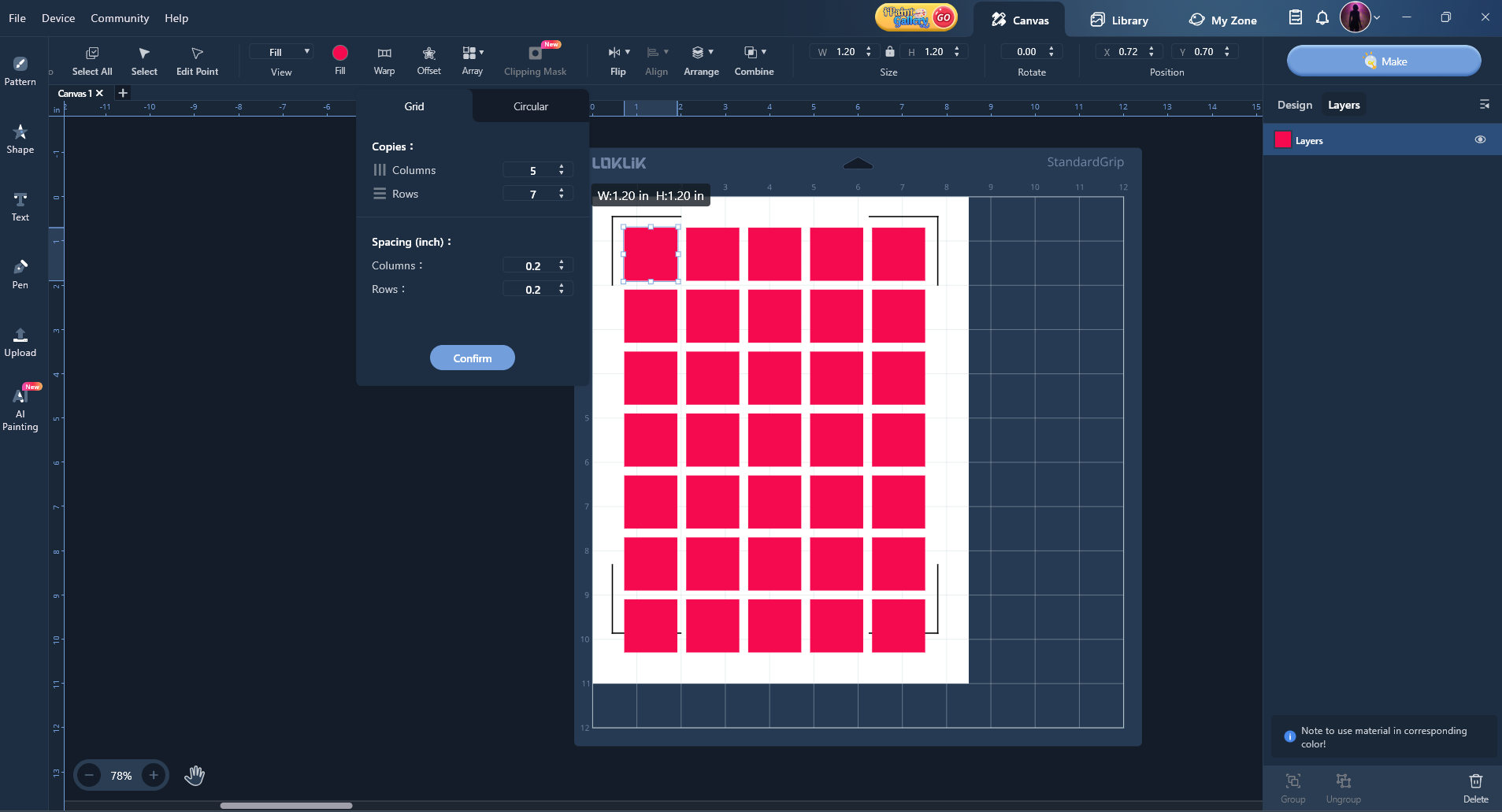
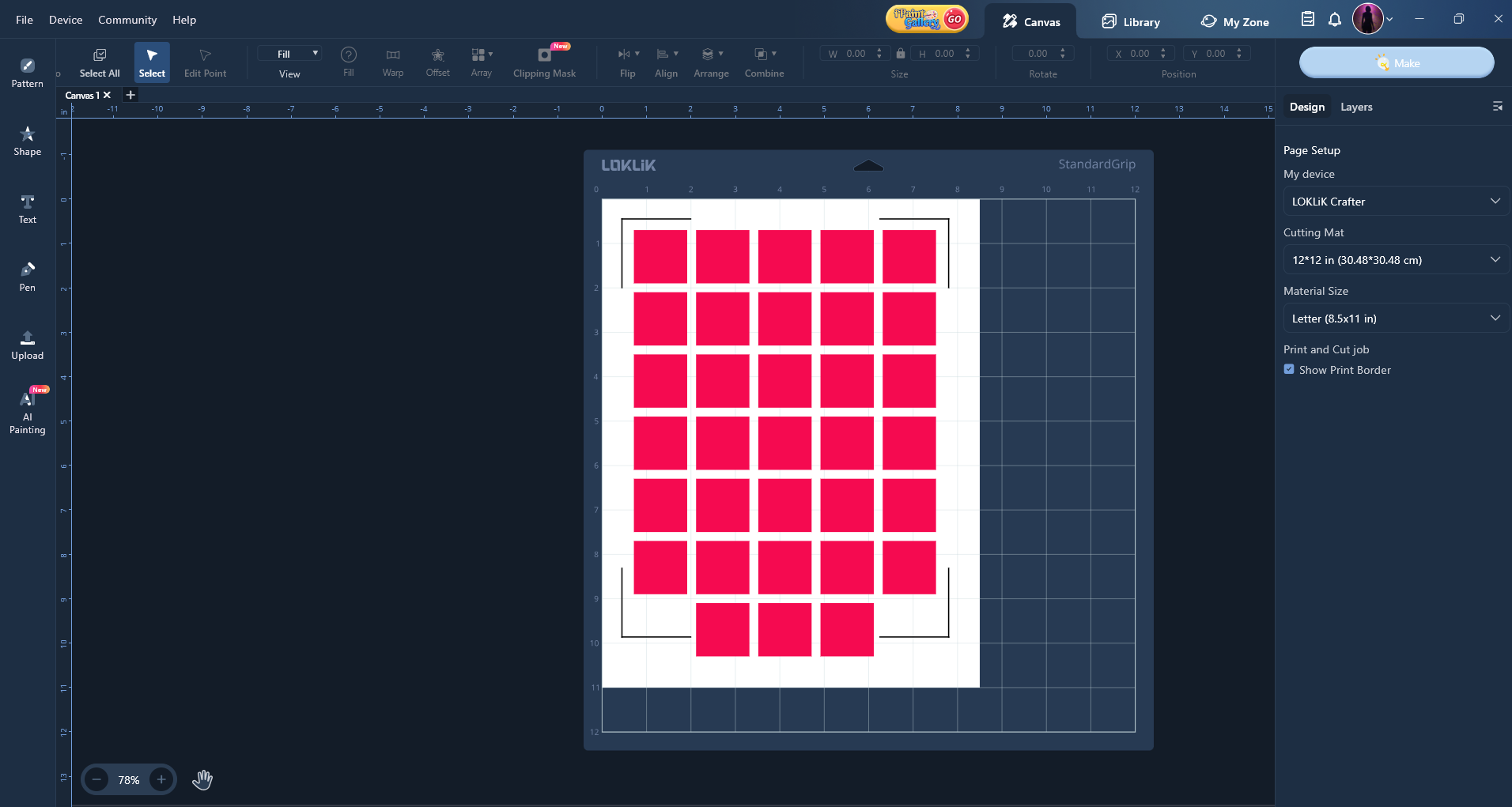
I’ve used a few different sticker sheets that I made in Canva. I made them either by using the Canva fonts and elements, or I made them in a digital art app (Clip Studio Paint, ibisPaintX), then, uploaded them to a sheet in Canva, then downloaded as a PNG file. All 3 sheets are PNG files that I upload to the IS. In the layers panel, it shows 2 layers: 1. the artwork (full sheet with my designs) and 2. the white offsets where the cuts would go.
As far as I can tell, I’ve done everything I’m supposed to do, but I’m still not getting that perfect cut. Has anyone else had this issue? If so, do you still have this problem? Or did you manage to find a fix? If you did, may I ask you to share with me what you did to achieve the perfect PTC? I appreciate any and all suggestions that you may have. 
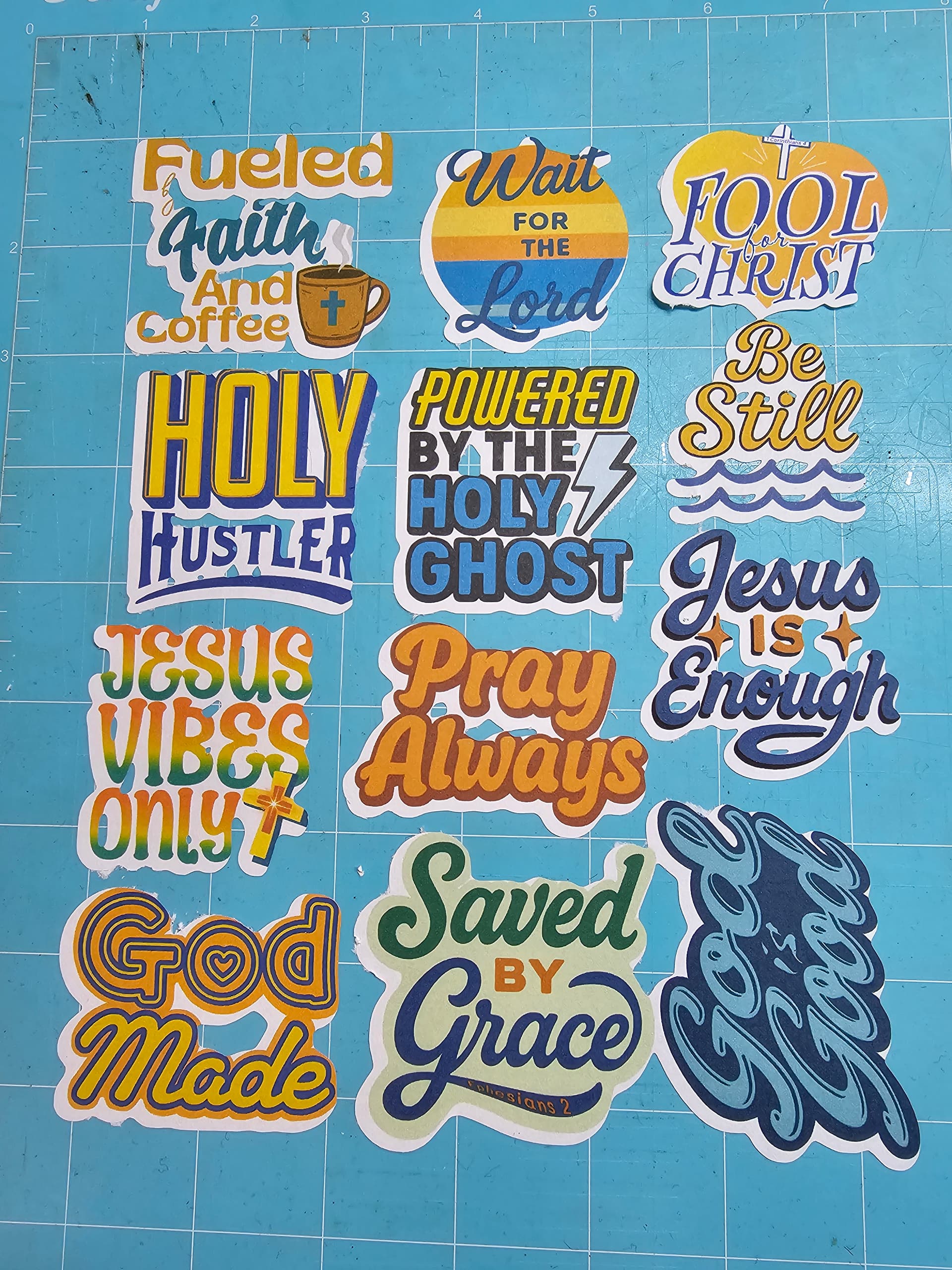
UPDATE I figured out how to get my machine to read the registration marks! I have to close the lid, and either hug it  , or place a sheet of paper or cardstock in front of the opening to cast a shadow over the marks. I lay the paper on top of the lid, and tilt it downward, so as to cast the shadow onto the mat. The machine will read the marks! I thought it needed more light, but it needs less! Now, I just have to get it to calibrate and cut accurately.
Update 3/30/26 I have been successful at doing Print Then Cut with the Loklik Cutting Machine 2. You can check out my process here: How to Achieve a Perfect Print Then Cut with Your iCraft.

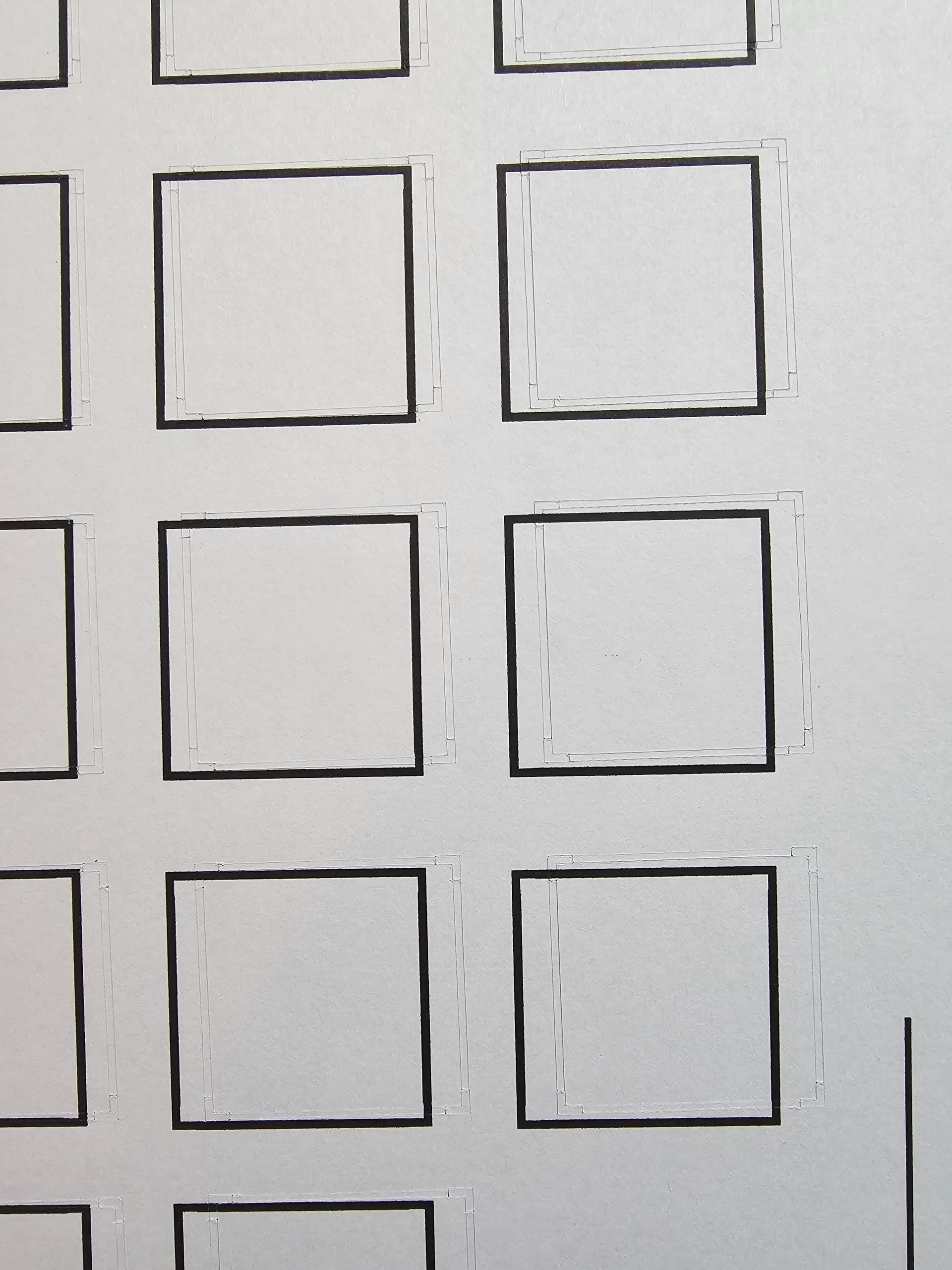
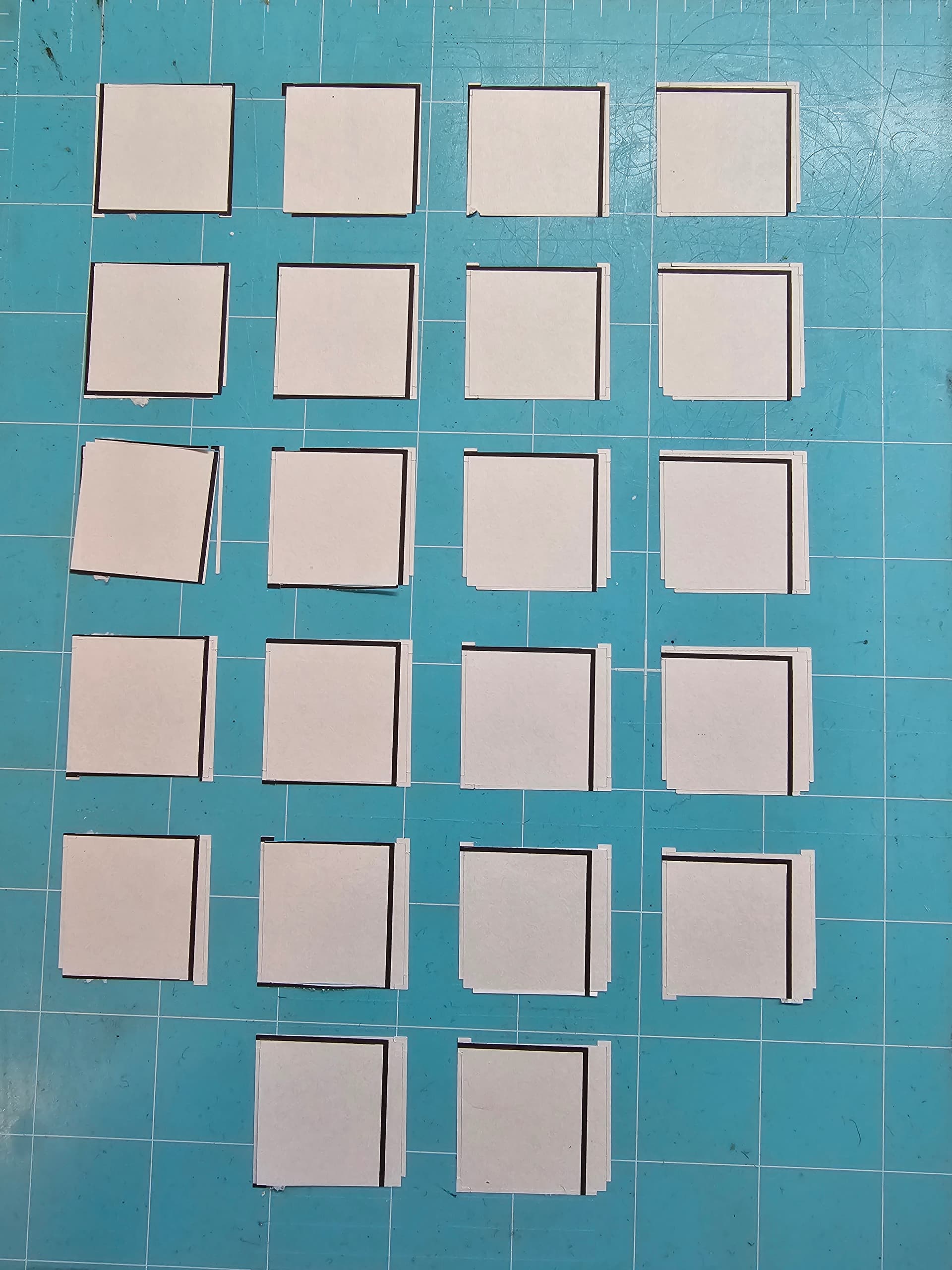
 On it, we need to see where it is cutting in the whole sheet context.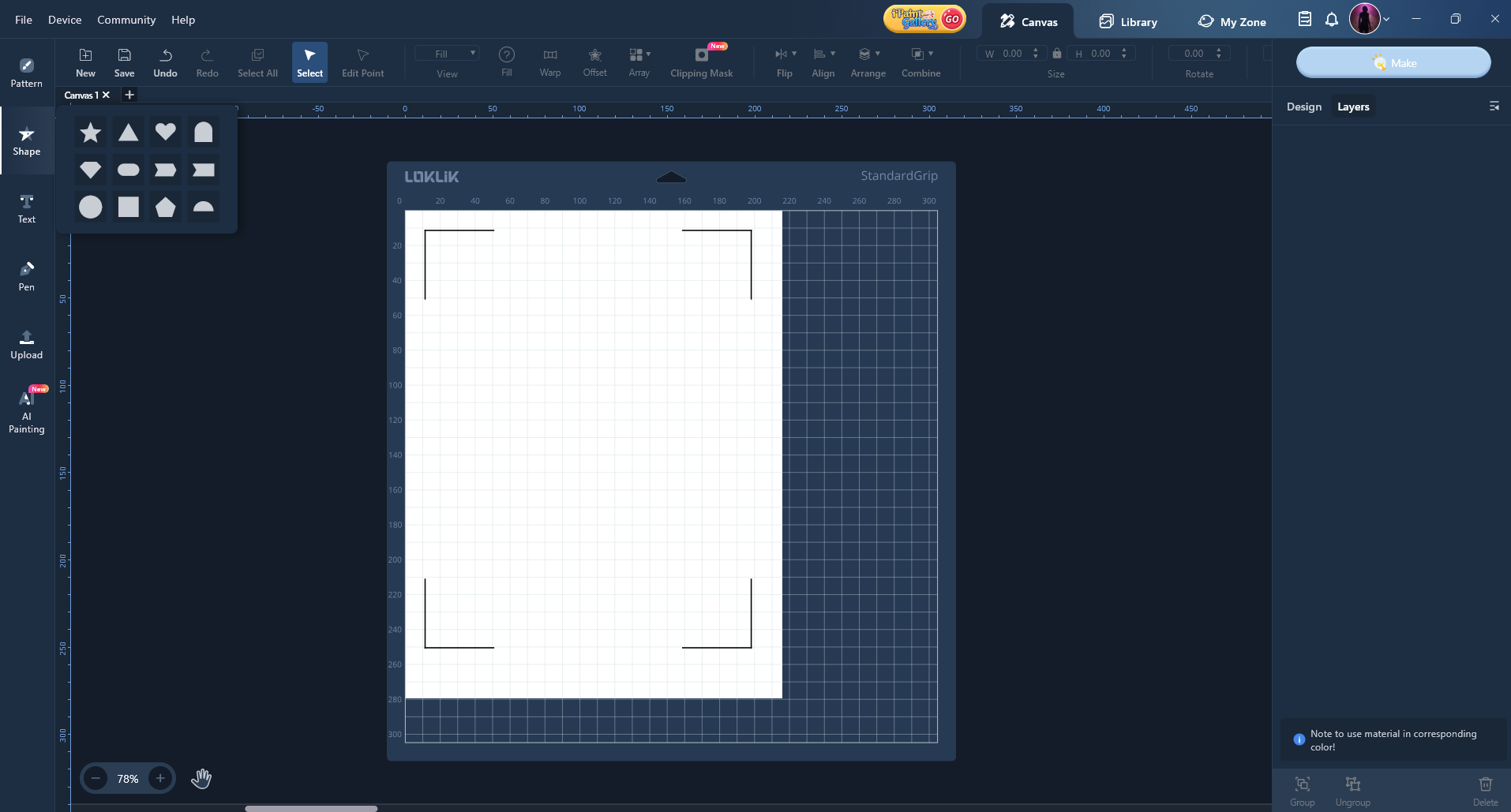

 . I’ll try purchasing the adapters, and yes, if they don’t work, I’ll send them back.
 Reading this back… Of course