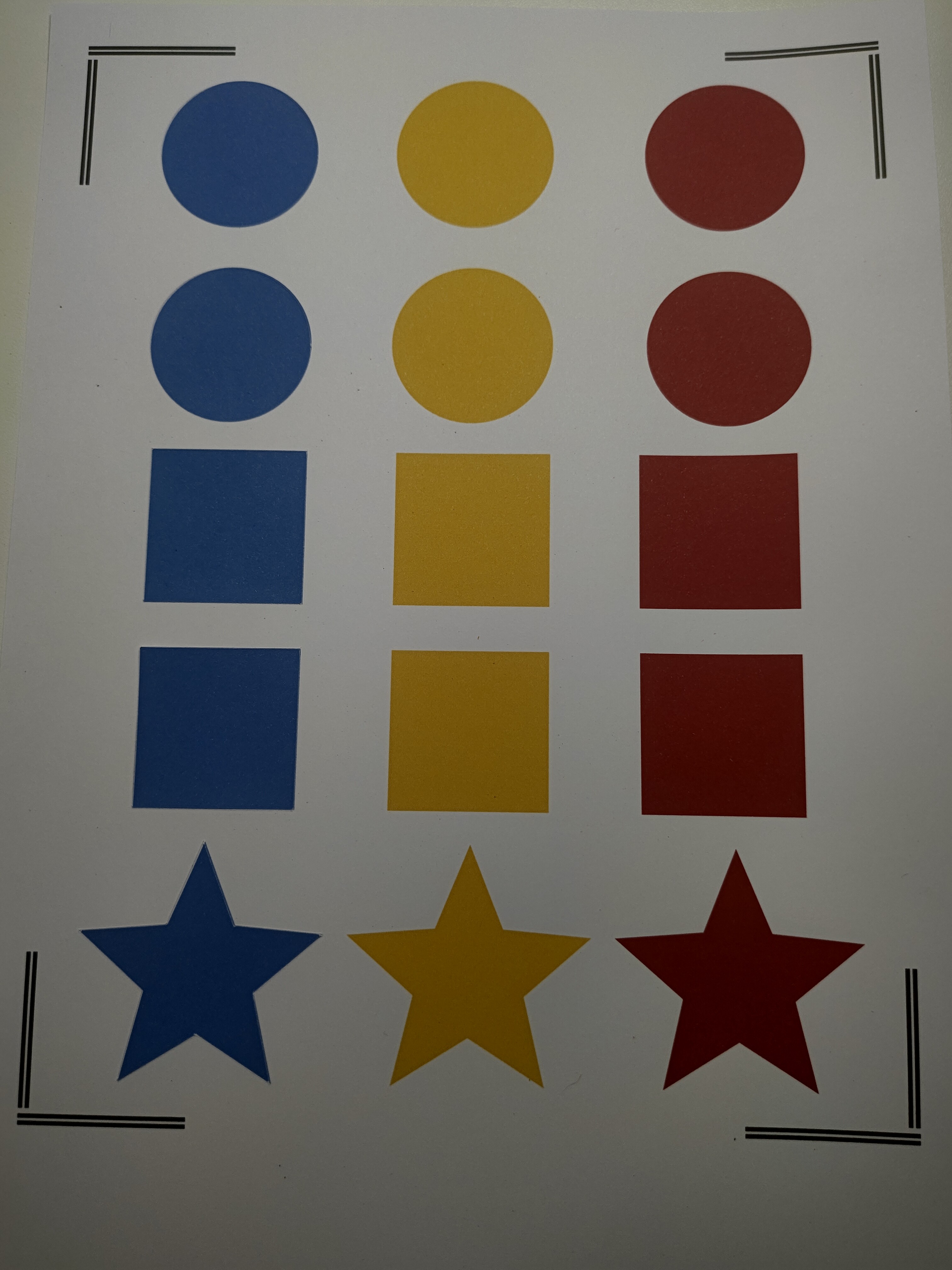
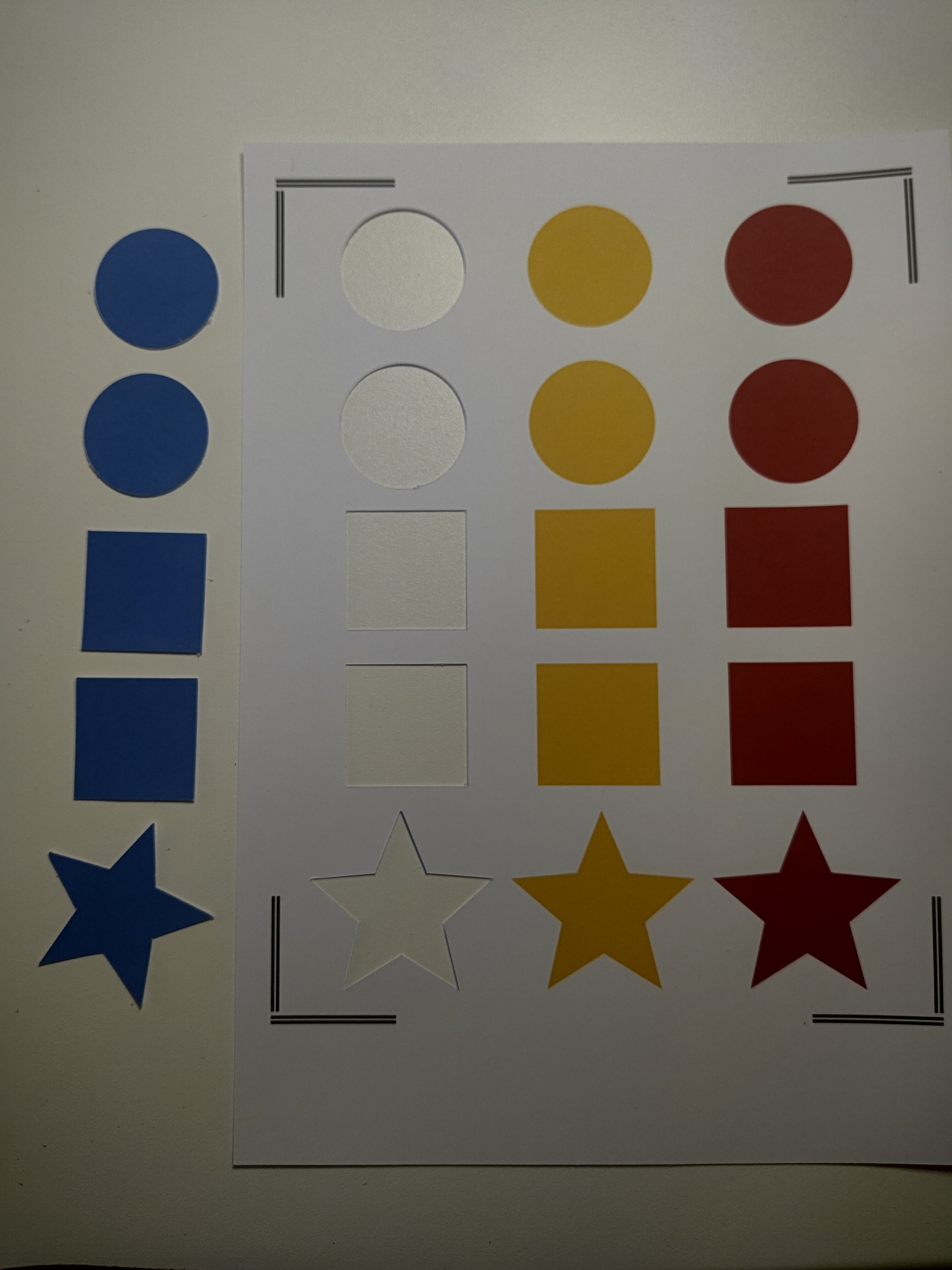
I used this new calibration sheet while calibrating Print Then Cut. The updated sheet lets you complete three separate calibrations on a single page, and each section is marked with its own colour. I matched those same colours on my test sheet so everything stays consistent.
Once you’ve finished adjusting the number values for the blue section, you can immediately test that calibration by cutting the blue shapes. Just click Make, print your test sheet, and then select the blue group to run your test cut.
Thanks, it worked really good. The print then cut is separated by material now, so if you use a different material like going from matte to glossy you will need to do a calibration for the glossy material. That’s at least what I have found with testing so far. So I thought it would be good to create a test sheet for everyone to use. Still testing it but it seems to working now.
Oh, wow! That’s nice to know. My iCraft should be here on Saturday. Hopefully, I’ll be able to PTC with no issues. I haven’t tried with my Crafter in a few months, as I know it’s pointless lol. I know I’m going to have to learn new features when it gets here, and your videos will be very helpful for me.
If you ever get stuck, just send me a message lovely So excited for you to get your cutting machine 2 (formally known as the iCraft) Only found out about the name change today hahaha
I most certainly will. So, have they changed the name in the software since yesterday? When I bought it, it said iCraft, and it still showed iCraft in the connection screen yesterday. I know when it first came out it was called Cutting Machine 2, but then in the software it said iCraft. Where did the name change happen?
Just got the chance to update today and it worked! Well the accuracy is still not perfect but way much better than the old firmware. Guess the firmware is well calibrated now with the new calibration form. Thanks for reminding by the way!
Wait… what?! I tried it now with my imported character stickers and seems like it’s not accurate again at all. When I did a test cut, I used images inside the ideastudio and it went fine but now that I have imported other images, it is no longer aligned, the cuts were inaccurate
I’m sorry you’re dealing with this. After uploading your images, did you set their operation to Print then Cut? After selecting Print then Cut, were you happy were the contour lines were? Another thing to check is whether you used the same type of paper—matte or glossy—as the one you calibrated with. In my testing, I’ve needed separate calibrations for matte and glossy materials. If I mixed them, the cuts were off, but when I switched back to the paper type I calibrated with, the cuts were perfect again.
Yes, I’ve set it to print then cut and the vector outlines were fine. I guess you’re right, probably it’s with the material I used. I’ve just added a photo top or cold laminating film though. I may have to sacrifice valuables again for another calibration.
Before using the valuable material. You could try using the same material you did the print then cut calibration and print out the image you are trying to print and see how that cuts. If that’s fine, you may need to do a glossy calibration like I had to.



 So excited for you to get your cutting machine 2 (formally known as the iCraft)
  Where did the name change happen?